One platform for every
complaint and every visitor.
Enclave is an app and web based complaint management system with visitor access management, from the moment a citizen files a complaint to the moment a visitor signs out. Built for government offices, enterprises, and large facilities, with IoT-ready access control.
Complaints, visitor access, and IoT-connected gates, in one system of record
Operations overview
Region: North · 4 campuses · 1,208 units
One system in place of a fragmented stack
Two systems, one platform
The front office runs on two things. Enclave is both.
Complaint management and visitor access are usually two disconnected tools. Enclave runs them as one, so a ticket, a visitor, and the gate that let them in all share the same record.
Complaint Management
Capture every complaint on web, app, kiosk, or desk, route it to the right team, and drive it to resolution against a clock the whole office can see.
- Multi-channel intake with dynamic forms per category
- Auto-routing, SLA timers, and tiered escalation
- Work orders with labour, materials, and sign-off
- Status updates and a full, exportable audit trail
Visitor Access Management
Know who is coming, verify them at the gate or reception, and keep a clean log of everyone on site, with the hardware doing the checking for you.
- Pre-approvals, invites, and QR passes
- Gate and reception check-in with photo capture
- Watchlists, deliveries, vehicles, and parking
- IoT-linked barriers, readers, and cameras
Every channel
Complaints arrive from everywhere. Enclave takes them all.
A citizen at a counter, an officer on the move, and a caller on a helpline should not land in three different registers. Every channel feeds one queue, one ticket number, and one SLA clock.
Web portal
Public-facing grievance portal with status tracking by ticket number.
Mobile app
Android and iOS, with photo, location, and voice-note attachments.
WhatsApp & SMS
Lodge and track over chat, for citizens who never install an app.
Helpline & IVR
Call-centre agents log tickets against the same categories and SLAs.
Self-service kiosk
Touch kiosks in the lobby for walk-in complaints and visitor check-in.
QR code on site
Scan the code on a lift, pump, or corridor to raise a tagged complaint.
Walk-in counter
Desk staff record grievances directly, with a printed acknowledgement slip.
Email intake
A monitored inbox converts incoming mail into categorised tickets.
Duplicate detection matches the same issue arriving on two channels, so one problem never becomes three tickets.
End to end
Every complaint follows the same clock.
From the moment a grievance is lodged to the moment the citizen confirms it is fixed, each stage is timestamped, owned by someone, and visible to both sides.
Lodged
Filed on any channel, with photos, location, and category captured up front.
Acknowledged
A ticket number goes out instantly by SMS, email, or push notification.
Routed
Auto-assigned by category, location, and skill to the right department.
In progress
The SLA clock runs. Breach the threshold and it escalates a level automatically.
Resolved
Closure needs proof: work notes, photos of the fix, and a digital sign-off.
Closed
The citizen rates the outcome, and can reopen within a configurable window.
Tiered escalation
Supervisor, head of department, then leadership, each on its own timer.
Satisfaction rating
Post-closure feedback rolls into department and officer scorecards.
Reopen & appeal
An unsatisfied citizen reopens the same ticket instead of filing a new one.
The platform around them
Complaints and visitors, backed by a full operations platform.
The two core systems do not stand alone. Every request, asset, and person is connected, so a complaint becomes a work order, a work order draws on inventory, and an asset carries its own maintenance history. Nothing lives in a silo.
Organization & people management
A configurable hierarchy from region to room, plus complete records for everyone who uses the facility.
- Multi-organization tenancy and branding
- Region, campus, building, unit hierarchy
- Citizens, staff, vendors and SLAs
Requests & work orders
Capture the right detail per category, catch duplicates, and carry a request through to a signed-off job.
- Dynamic forms per complaint category
- Duplicate detection, merge and split
- Labour, materials, cost and sign-off
Assets & maintenance
Every asset carries its own history, schedule, and parts, so maintenance runs ahead of failure, not behind it.
- QR registry with warranty and AMC
- Preventive schedules and checklists
- Inventory and spare-part consumption
Security, visitors & access
Control who enters and where they park, from pre-approved guests to daily deliveries and service crews.
- Pre-approved, frequent and blacklisted lists
- Passes, photo archive and expiry
- Vehicle and parking allocation
Configure without code
Administrators shape workflows, rules, and dashboards to match each site, with no engineering ticket required.
- Visual workflow and SLA designers
- Business rules and escalation engine
- Dashboard builder and config masters
Everything connected
Notifications, documents, audit trail, and analytics run underneath all five layers, so the whole platform moves as one.
The product
From the control room to the phone in their hand.
Supervisors run the whole facility from a full web console. Officers, guards, and citizens carry the same platform in their pocket, so a complaint raised on a phone lands on the board in real time.
Work order board
Central Office Complex · this week
Good morning, Anita
Every action on the app syncs to the web console in real time, with offline drafts when signal drops.
Built for every role
Four people, four views, one record.
A citizen should never see the internal notes. A guard should never edit an SLA. Role-based access gives each person exactly the screen they need and nothing beyond it.
Citizen & visitor
Raise a grievance, track it by ticket number, and request a visit without calling anyone.
- Lodge and track complaints
- Request a visitor pass
- Rate the resolution
Field officer
Pick up assigned jobs, work them on site, and close them with evidence from the phone.
- Job queue with SLA countdown
- Log labour, parts, and photos
- Works offline, syncs later
Security & gate
Verify arrivals, scan passes, and log every entry and exit without a paper register.
- Scan QR passes and IDs
- Watchlist and blacklist alerts
- Panic alert to control room
Administrator
Shape the system, watch every site, and answer to auditors with a full trail.
- Configure workflows and SLAs
- Department and officer scorecards
- Full audit and export
Granular permissions down to the field level, with custom roles, delegation during leave, and maker-checker approval on sensitive actions.
No-code control
Your rules, not our defaults.
Two campuses rarely run the same way. Enclave lets administrators reshape the platform without touching code, so a municipal office and a corporate campus can share one system while following their own playbooks.
Workflow designer
Map states from open to closed, with inspection and reopen steps your teams actually use.
SLA rule engine
Set response and resolution targets by priority and category, with automatic escalation.
Business rules
Trigger actions from conditions, like auto-escalating a priority grievance to a senior officer.
IoT integrations
Connect the hardware at the gate and the desk.
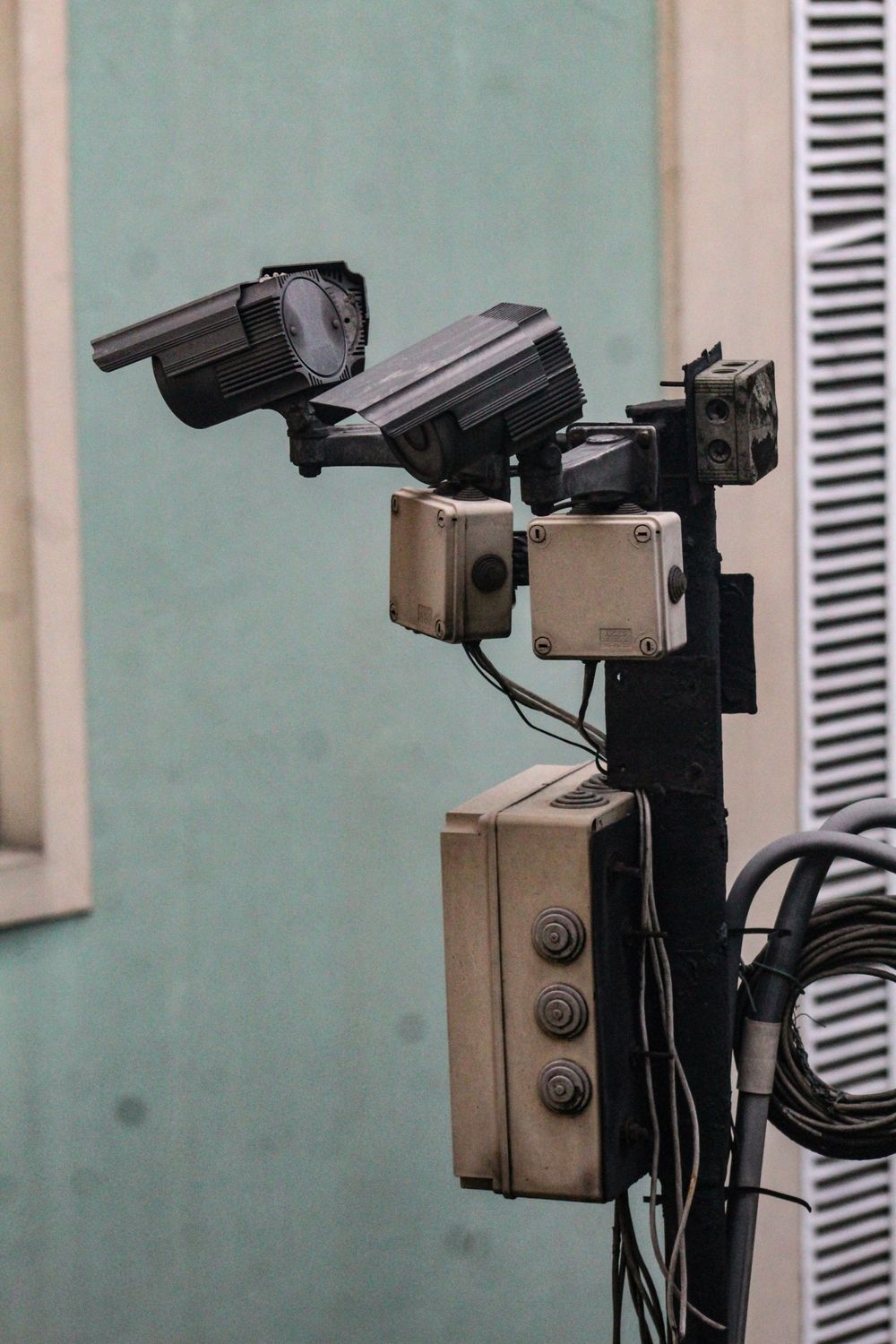
Enclave talks to the physical layer, so access events and sensor alerts land in the same platform as complaints and visitors. The barrier that opens, the reader that verifies, and the sensor that trips can all trigger the right action automatically.
Access hardware
Boom barriers, turnstiles, biometric and RFID readers, and ANPR cameras.
Sensors
Occupancy, water leak, smoke, temperature, and energy meters feeding live data in.
Event automations
A leak sensor auto-raises a complaint. A flagged plate holds the barrier and alerts security.
Open connectivity
MQTT, webhooks, and REST, with a live device registry and health status.
Integrations
Fits the stack you already run.
Enclave is designed to sit inside an existing environment rather than replace it. Directory, messaging, finance, and field hardware all connect through documented interfaces.
SSO & directory
SAML and OAuth single sign-on against Active Directory or LDAP.
SMS & email gateways
Plug in your own provider for acknowledgements and escalation alerts.
WhatsApp Business
Two-way chat for lodging complaints and pushing status updates.
Payment gateway
Collect chargeable service fees and reconcile against work orders.
ERP & HRMS
Sync staff master data, departments, cost centres, and inventory.
Biometric & RFID
Readers and access cards drive check-in and attendance events.
CCTV, ANPR & barriers
Plate recognition and barrier control tied to the visitor record.
Open APIs
REST endpoints, webhooks, and OpenAPI docs for anything custom.
Specific third-party systems and device models are confirmed during scoping, since availability varies by deployment.
In the real world
From the complaint counter to the front gate.
A citizen files a grievance at the desk. A visitor checks in at reception. A guard verifies them at the gate. Enclave runs all three from one platform, so nothing falls through the cracks between them.

Staff log a walk-in complaint at the desk while citizens raise their own on the web or app.
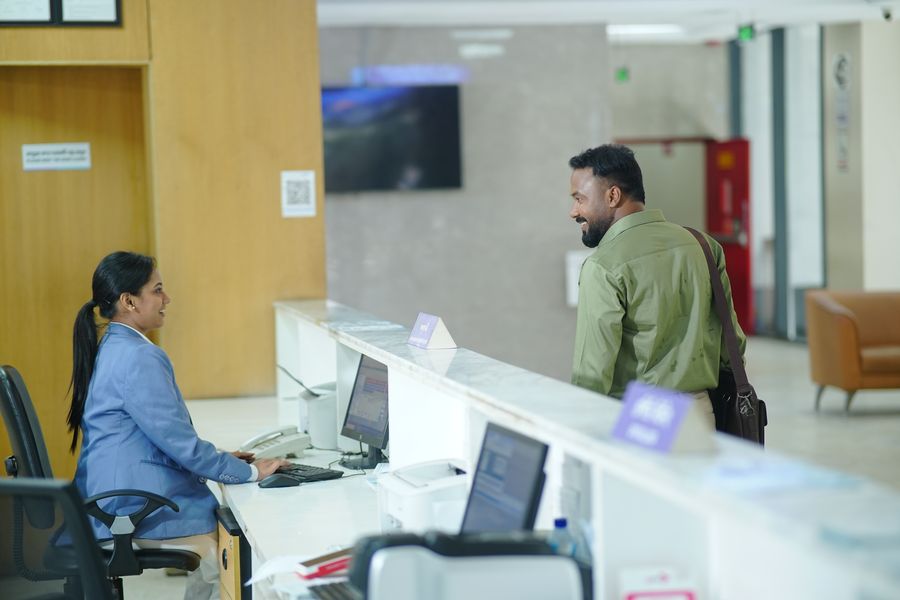
Reception verifies each visitor against their invite and issues a pass in seconds.
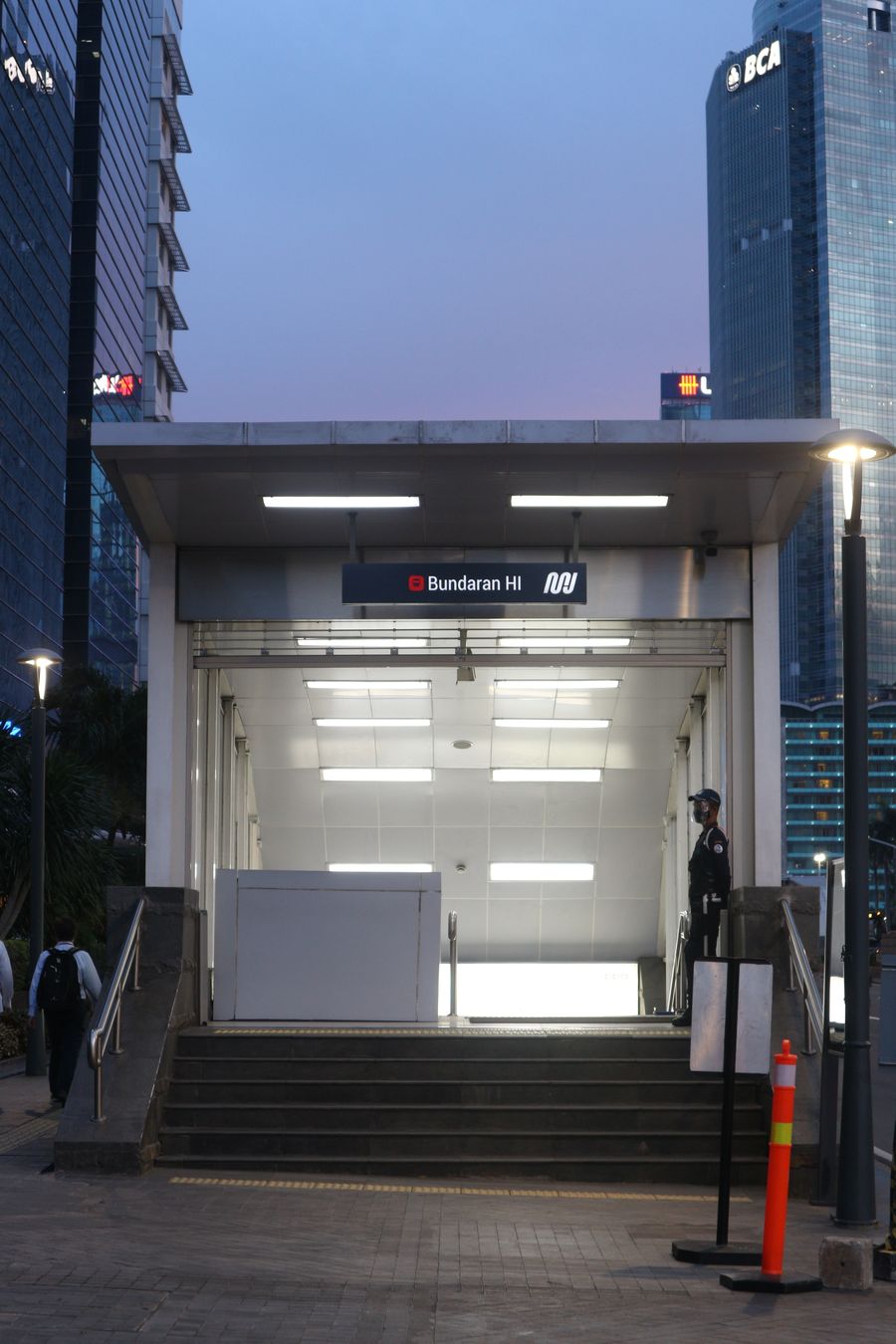
Gates and guards work from the same watchlists, passes, and IoT-linked barriers.
Built for the enterprise
Production-grade underneath every module.
The platform ships with the infrastructure serious operators expect: open APIs, a full audit trail, deep analytics, and hardened access controls, ready to hand to architects, developers, and DevOps teams.
API platform
REST APIs with OAuth and JWT, versioning, rate limiting, webhooks, and OpenAPI docs.
Notification framework
Templated, multi-language messaging with scheduling, retries, and delivery status.
Audit & activity trail
Before and after values, device and IP context, exportable logs and retention policies.
Analytics
Complaint heatmaps, technician productivity, handling time, and satisfaction index.
Document management
Versioned, categorized, searchable storage for complaints, staff, assets, and reports.
Mobile apps
Offline drafts, biometric login, background sync, localization, and accessibility.
Import & export
Bulk onboarding for staff, departments, buildings, and assets. Export to CSV, Excel, JSON, PDF.
Global search
One search across complaints, visitors, staff, assets, vehicles, and barcodes.
Security
MFA, device and session management, account lockout, encryption with key rotation, and IP restrictions, on SOC 2-aligned controls.
DevOps
CI/CD pipelines, blue/green deployment, monitoring and metrics, backup validation, and disaster-recovery drills.
Quality
WCAG-aligned accessibility, cross-browser support, performance and load testing, penetration testing, UAT, and knowledge transfer.
Deployment
Runs where your policy says it has to.
Public-sector procurement often dictates where data can live. Enclave ships in three deployment shapes from the same codebase, so the hosting decision does not change the product.
Managed cloud
We host, patch, monitor, and back up. Fastest to go live, with the least internal overhead.
Private cloud
Deployed into your own tenancy or an empanelled government cloud, under your controls.
On-premise
Installed in your own data centre, including restricted and air-gapped environments.
Multilingual interface
Regional language packs across web, app, SMS templates, and printed slips.
Accessible by design
WCAG-aligned contrast, keyboard navigation, and screen-reader labelling.
Low bandwidth ready
Offline drafts and lightweight payloads for sites with patchy connectivity.
Engineered for scale
A scope built to hand straight to your delivery team.
Who it's for
One platform, many kinds of facility.

Government & public offices
Municipal and department offices handling citizen complaints and heavy daily visitor footfall.

Enterprise & corporate
Corporate offices managing helpdesk tickets, vendors, and staff and visitor access at scale.

Campuses & institutions
Universities and hospitals coordinating complaints, work orders, and gated campus access.
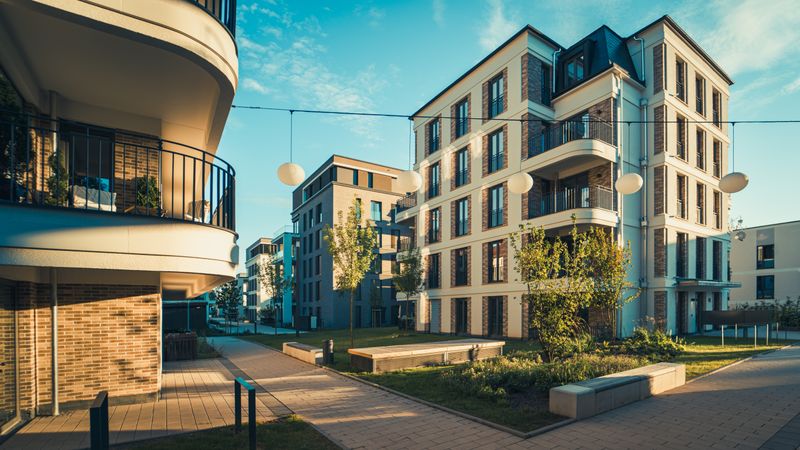
Residential communities
Townships and gated communities managing resident complaints and visitor entry.
Questions
What buyers usually ask first.
Can it run on our own servers?
Yes. The same build deploys as managed cloud, into your private or government cloud tenancy, or fully on-premise in your data centre, including restricted and air-gapped setups. Hosting choice does not remove any features.
How do citizens track a complaint without the app?
Every complaint returns a ticket number by SMS or email at the moment it is lodged. That number works on the public web portal, over WhatsApp, and with the helpline, so nobody is forced to install anything.
Will it work with our existing gates, readers, and cameras?
The IoT layer connects over MQTT, webhooks, and REST, which covers most controllers, biometric and RFID readers, ANPR cameras, and barrier hardware. Exact device models are confirmed during scoping, since availability differs by site.
Can we change SLAs and workflows ourselves?
Yes. Administrators configure complaint categories, workflow states, SLA targets, escalation tiers, and business rules from the admin console. No code changes and no redeployment are involved.
What does the audit trail actually capture?
Every action is logged with the user, timestamp, before and after values, IP address, and device. Logs are exportable and follow the retention policy you set, which is usually what auditors and RTI-style requests need.
How is it licensed and priced?
Pricing is scoped to your deployment, module selection, number of sites, and user volume, and can be structured for phased rollouts. Our team prepares a written commercial proposal after a scoping call.
- Contact Us
Let's Talk About Your Product
What happens next?
- We review your requirements
- Strategy call with experts
- Clear roadmap & estimate
- NDA Protected
- Enterprise Grade Delivery
- Global Clients