Cloud fuel management platform

Every gallon accounted for, at every site you run.

Reservo brings fuel inventory, dispensing authorization, transactions, alarms and compliance reporting into one cloud console. It talks to the island controllers, tank gauges and dispensers already in the ground, so nothing has to come out.

  • Runs on your existing hardware
  • Keeps recording when the link drops
  • Brings your transaction history with it
Hardware integration

Keep the hardware. Replace the software around it.

Reservo connects to the fuel equipment you already own, using native protocols wherever they exist and keeping third-party middleware out of the path. Dispensers, gauges and field equipment stay where they are.

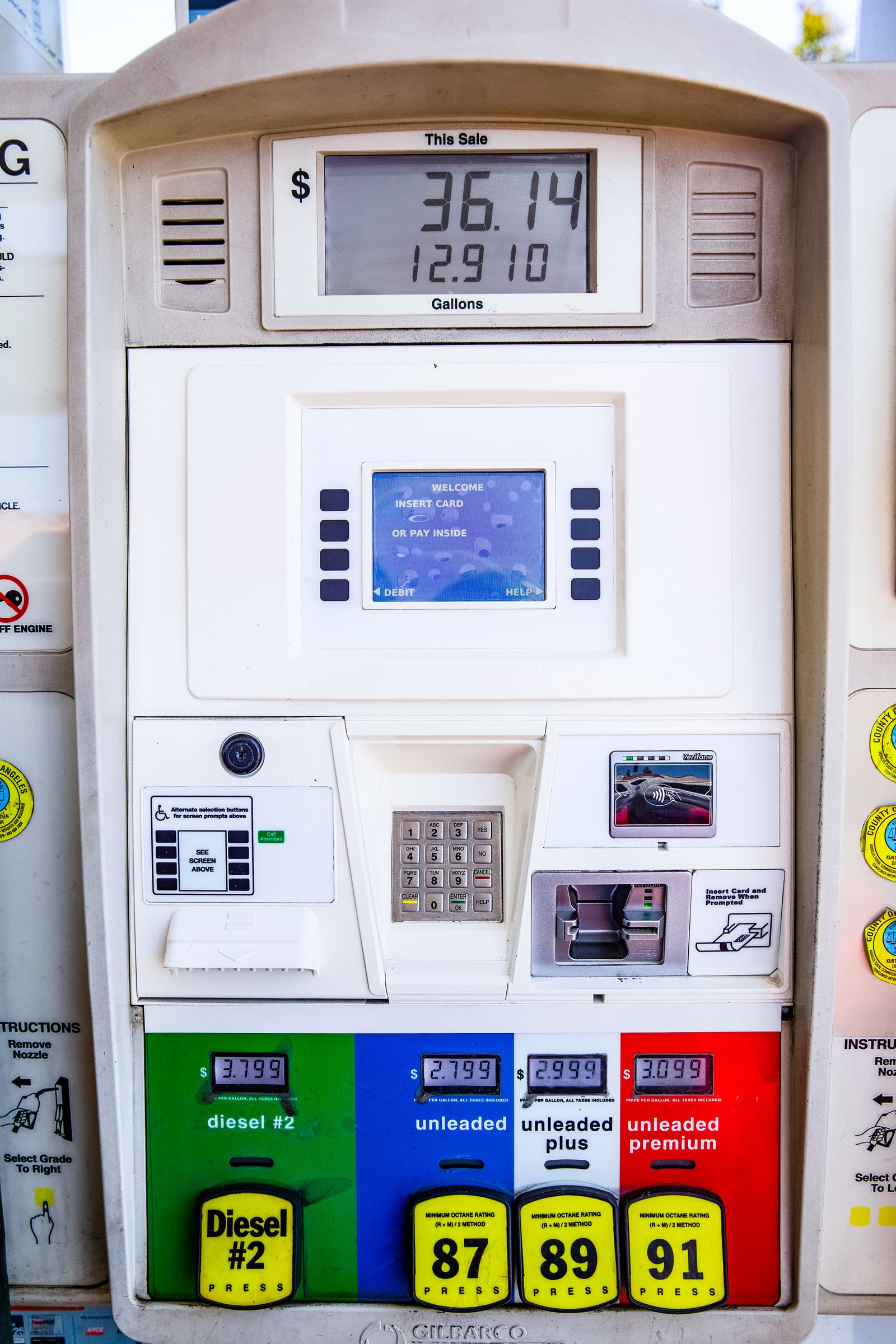
Retail forecourt under a lit canopy with a row of multi-grade fuel dispensers.

A forecourt already produces every number Reservo needs. The equipment is not the problem, the fact that the data stops at the site is.

Fuel island controllers

Authorization rules, pump enable and transaction capture read straight off the controller.

Automatic tank gauges

Product level, water level, temperature and ullage polled on a schedule you set.

Dispensers

Pump status, meter totals and per-hose volumes tied back to each transaction.

Card readers

Cardholder, vehicle and driver identification carried through to the audit record.

Site controllers

Existing site logic stays intact. Reservo reads from it rather than replacing it.

Diesel and petrol dispenser nozzles seated in their boots on a fuel island pump.

Protocols, not middleware

Every hose, meter and reader at the island already produces the data you need. The gap is that it stops at the site. Reservo reads those outputs at source and carries them to one record, rather than stacking another translation layer on top of equipment that is working fine.

Native protocol support Site survey before commitment

Scope note: replacement of physical fuel dispensers, tank gauges or other field equipment is not included unless separately contracted.

Console

One console for every site, laid out the way each team works.

The dashboard is built from widgets your users arrange themselves. A regional manager watches consumption and delivery variance. A site manager watches tank levels and open alarms. Same data, different desks.

Dashboard · Region: Midwest Drag to rearrange
On hand
184,206 gallons across 12 sites
Dispensed 24h
21,480 612 transactions
Open alarms
3 1 critical, 2 warning
Tank levels
12 tanks · 2 below reorder point
Active alarms
Leak sensor · Site 07 T2
Low level · Site 04 T3
Gateway offline · Site 11
Reconciliation cleared · Site 02
Consumption trend · 14 days
Actual against prior period
Equipment
Dispensers 46/48
Gauges 12/12
Gateways 11/12

Widgets on the board

  • Fuel inventory by product, site and region, with reorder points.
  • Tank level monitoring pulled live from the gauge, including water and temperature.
  • Active alarms with severity, age and acknowledgement state.
  • Recent transactions streaming as pumps report in.
  • Equipment status across dispensers, gauges, readers and gateways.
  • Consumption trends against prior periods and budget.
  • Custom widgets saved per user and per role.
Drag and drop layout Works on a phone in the yard
Multi-site management

Twelve sites or two hundred. Same view.

Group facilities by region, contract, division or however your organization is actually structured. Roll numbers up, drill numbers down, and give each site manager exactly the sites they are responsible for.
  • Unlimited facilities on one tenant
  • Facility grouping and regional rollups
  • Centralized monitoring with a site health overview
  • Site-specific permissions, enforced everywhere
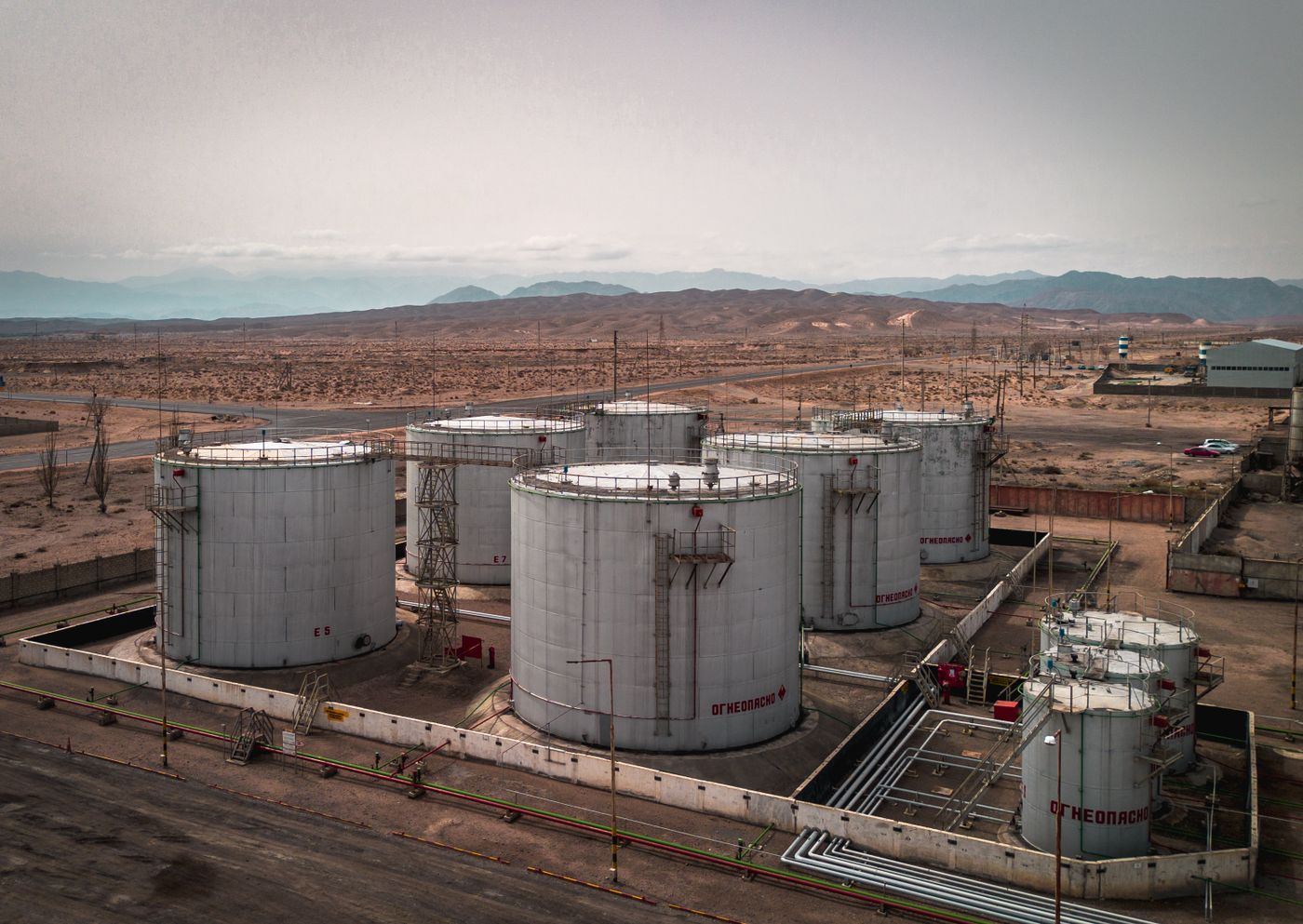
Aerial view of a bulk fuel storage tank farm with bunded containment and pipework.
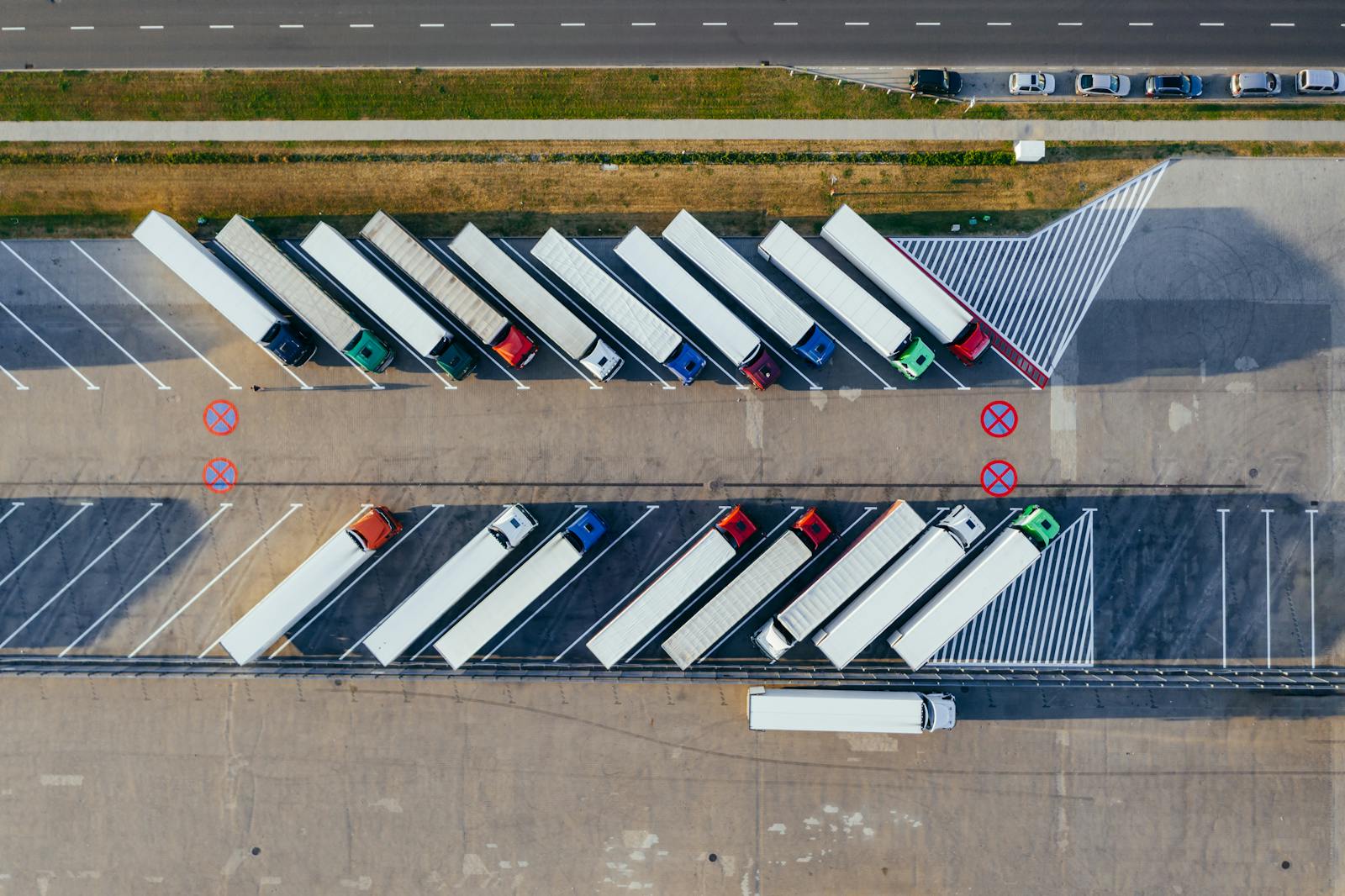
Aerial view of a fleet yard with vehicles lined up along the loading aprons of a distribution facility.

Facilities can be grouped by region, contract or division. The rollup follows your org chart rather than the vendor's.

SiteGroupTanksOn handGatewayLast syncAlarms
04 · North YardMidwest424,094 gal Online12s1 low
07 · River DepotMidwest318,760 gal Online8s1 leak
11 · Airfield EastSoutheast231,402 gal Buffering41mClear
02 · Central GarageMidwest315,880 gal Online6sClear
19 · Transit BarnNorthwest540,118 gal Online15sClear

Site 11 is running on cellular backup and buffering locally. Nothing is lost. Records sync in order once the primary link returns.

Architecture

The gateway holds the line when the network does not.

A small edge gateway sits between your field equipment and the cloud. It speaks the hardware's protocol, buffers everything locally, and pushes to the platform over an encrypted channel. Losing connectivity is an inconvenience, not a data gap.

Field equipment

  • Island controllers
  • Automatic tank gauges
  • Dispensers and hoses
  • Card readers

Edge gateway

  • Protocol translation
  • Local buffering
  • Offline transaction capture
  • Remote diagnostics

Reservo cloud

  • High availability hosting
  • Automatic platform updates
  • Reconciliation and analytics
  • Immutable audit store

Your people

  • Responsive web console
  • Administrative portal
  • Scheduled report delivery
  • Email, SMS and in-app alerts

Ethernet and Wi-Fi first

Primary connectivity uses the network you already run at the site, with cellular available as backup and automatic failover between them.

Buffered, not dropped

During an outage the gateway keeps recording transactions, gauge readings and audit events to local storage in full detail.

Resync is automatic

When the link returns, buffered records upload in sequence and reconcile against the cloud. No one has to press anything.

Technician in high visibility clothing inspecting heavy plant equipment during a commissioning check.

Commissioned on site, verified against live readings

A gateway is not signed off because it powered on. Each one is checked against the physical gauge and a metered draw at the pump, so the first number you see in the console is a number you can defend. Sites go live one at a time, on a sequence agreed in the deployment schedule.

Gauge reading matched Metered draw verified Remote diagnostics enabled
Fuel operations

From authorization at the pump to reconciliation at month end.

Reservo covers the full loop: who is allowed to draw fuel, what actually came out of the tank, what was delivered back in, and whether those three numbers agree.

Operator lifting a nozzle from a retail dispenser to begin a fuelling transaction.

The record starts the moment the nozzle leaves the boot and closes when the meter stops.

  • Dispensing authorization by card, vehicle, driver, product and site.
  • Inventory monitoring against reorder points and safe fill levels.
  • Tank reconciliation comparing gauge readings to metered throughput.
  • Fuel receipts and deliveries logged against the bill of lading.
  • Consumption monitoring by vehicle, department and cost center.
  • Vehicle fueling history with odometer and burn rate.
  • Driver activity across every site they touch.
  • Card management including issue, block and reassign.
Transaction TX-4471902 Reconciled
Date and time2026-08-06 09:41:22
Site04 · North Yard
Pump / hosePump 3 · Hose A
ProductDiesel · Tank T1
VehicleUnit 118 · Odo 84,302
DriverD-2209 · Verified
AuthenticationCard 6612 · PIN
Quantity42.6 gal

Every transaction keeps its full field set for the life of the record, searchable and exportable without a support ticket.
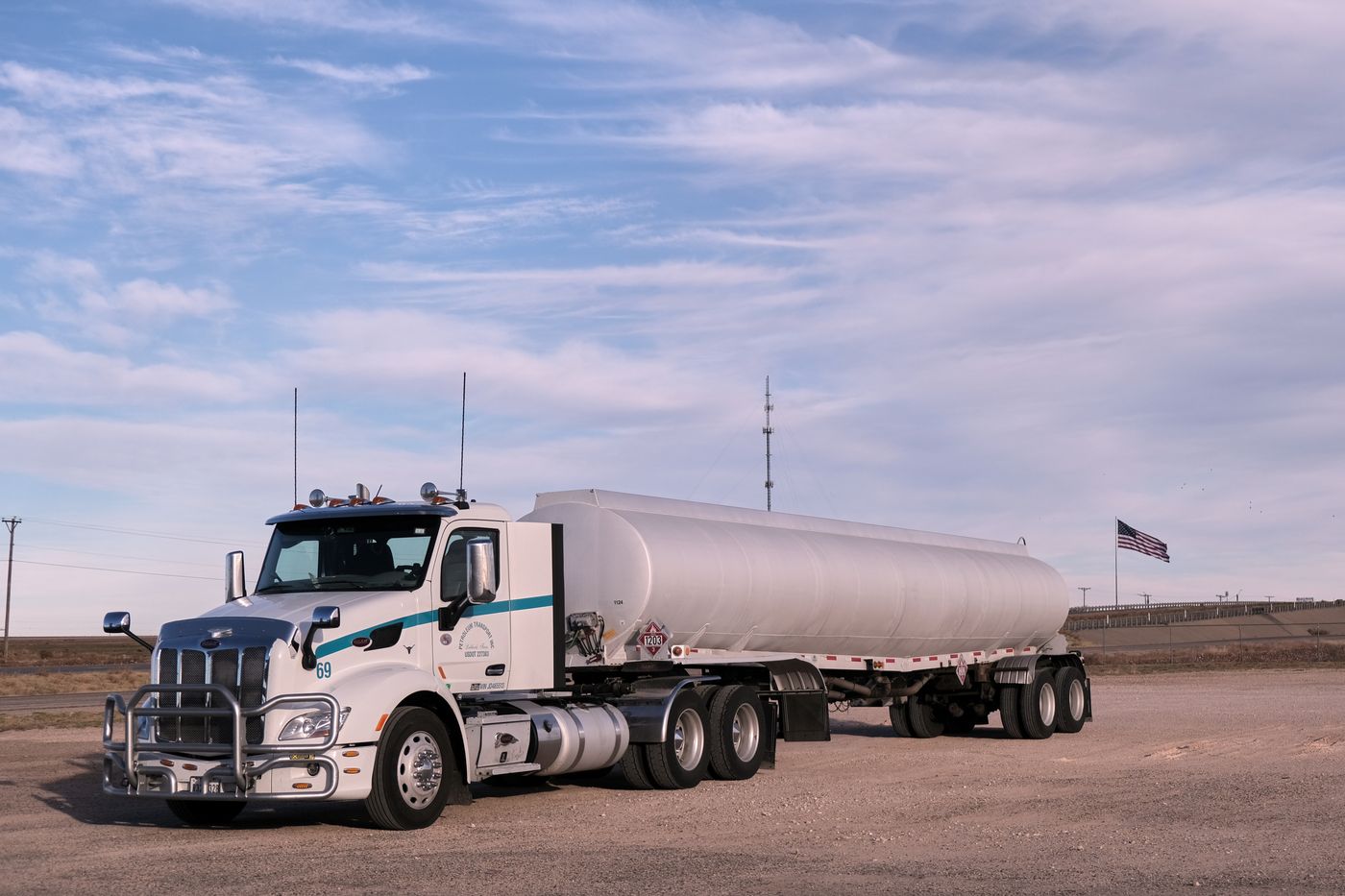
Tanker truck parked at a bulk fuel delivery site.

Deliveries that close the loop

A delivery is logged against the tank it filled, the gauge reading before and after, and the quantity on the bill of lading. Reservo flags the variance instead of waiting for someone to notice it in a spreadsheet three weeks later.

Bill of lading capture Delivered vs gauged variance Delivery history by supplier
Monitoring and alerts

The system tells you. You do not go looking.

Reservo watches inventory, equipment and behaviour continuously, and raises the ones that matter through the channel that will actually reach the person on shift.

Fuel inventory Tank levels Leak detection Equipment status Communication status Fuel shortages Abnormal consumption Operational anomalies
Escalation rule · Leak detectionEditable
Immediate In-app to site manager and on-call operator
If unacknowledged SMS to regional manager
If still open Email to compliance distribution list
On acknowledgement Recorded to the audit log with user and time
Site supervisor in a safety vest reviewing operational data on a tablet in the field.

The alert follows the person, not the desk

Whoever holds the shift gets the notification on whatever they are carrying. Acknowledgement is captured with the user and the time, so an alarm that went quiet has a name attached to why.

Email SMS In-app
Audit and compliance

An audit trail that cannot be edited after the fact.

Logins, administrative actions, inventory adjustments, configuration changes, permission updates and alarm acknowledgements are written to an append-only record. Every entry carries the before value and the after value.

TimestampUserActionPreviousUpdatedSite
2026-08-06 09:12:04m.okonkwoInventory adjustment · T32,240 gal2,180 gal04
2026-08-06 08:47:51systemGateway state changeOnlineBuffering11
2026-08-06 08:20:19r.delacruzRole assignmentOperatorSite Manager02
2026-08-06 07:30:02j.whitfieldAlarm acknowledgedOpenAcknowledged02
2026-08-06 06:58:44a.krishnanReorder point changed20%25%07

Append only

Entries cannot be modified or removed through the application, by any role, including system administrators.

Searchable by anything

Filter by user, site, action type, date range or the value that changed, then export the result set.

Built for the auditor

A read-only auditor role can review the full trail without the ability to touch operational configuration.

Reporting and analytics

Standard reports on day one. Custom reports by the end of the week.

Eight report families ship configured. Everything else is built in the report builder by the people who need it, then scheduled and mailed out on its own.

Fuel consumption

By vehicle, driver, department, product and period.

Inventory status

On hand, ullage and reorder exposure across sites.

Fuel deliveries

Receipts, suppliers and delivered against gauged variance.

Transaction summaries

Rolled by site, pump, product or cost center.

Equipment utilization

Pump throughput, uptime and service exposure.

User activity

Logins, actions and access review evidence.

Compliance reports

Reconciliation, leak test history and adjustment records.

Alarm history

Raised, acknowledged, cleared, with time to response.

Report builderDraft
  • Filter by site, product, date range, vehicle or driver
  • Group and subtotal on any captured field
  • Schedule daily, weekly, monthly or on a cron of your own
  • Distribute automatically to a mailing list
  • Save as a shared template for the whole region
PDF CSV TXT Excel
Identity and access

Permissions by module, by location, by function.

Roles are configurable rather than fixed. Start from the six below, then set what each one can see and do at the level of an individual module, site or action.

Multi-factor authentication

Enforced by role or globally, with recovery handled by administrators.

Single sign-on

Connect your existing identity provider so joiners and leavers flow through automatically.

Password policy

Length, complexity, rotation, reuse history and lockout thresholds set centrally.

Session management

Idle timeout, concurrent session limits and remote revocation of an active session.

RoleDashboardsFuel operationsConfigurationUser adminAudit logScope
System administratorAll sites
Regional managerAssigned region
Site managerAssigned sites
OperatorSingle site
AuditorAll sites, read only
Read-only userAs assigned

Filled circle: full access. Outlined: limited or read only. Dashed: no access. Every cell is configurable.

User administration

  • Create, deactivate and reinstate users
  • Password reset and forced rotation
  • Role and site assignment, individually or by group
  • Group management for regions, contractors and departments
  • Periodic access reviews with exportable evidence

Platform posture

  • Encrypted communications in transit and at rest
  • High availability hosting with automatic platform updates
  • Tenant isolation across customer environments
  • Security patching handled as part of the support agreement

Reservo is built to SOC 2-aligned and ISO 27001-aligned control practices. Certification status and hosting region are confirmed in writing during procurement.

Migration and rollout

Your history comes with you.

Reservo is not a fresh start. Inventory records, users, vehicles, drivers, cardholders, historical transactions, configuration and reporting history are migrated with integrity checks at every step, on a cutover plan that keeps fuel flowing.

Fuel inventory records User accounts Vehicle information Driver information Cardholder information Historical transactions Configuration settings Reporting history
Fuel processing infrastructure with distillation columns, access gantries and product pipework.

Migration runs as a rehearsed pass with reconciliation reports before cutover, so record counts and totals are matched before anything is committed.

PHASE 01

Plan

Site survey, hardware inventory and protocol confirmation. We agree the cutover sequence before anyone touches a gateway.

Implementation planDeployment scheduleRisk register
PHASE 02

Deploy and integrate

Cloud tenant stood up, edge gateways configured and commissioned site by site, hardware integration verified against live readings.

Cloud platform deploymentGateway configurationHardware integration
PHASE 03

Migrate and provision

Data migrated in a rehearsed pass with reconciliation reports, then users provisioned into roles and site assignments.

Data migrationIntegrity validationUser provisioning
PHASE 04

Document and train

Administrator and end-user training delivered remotely or on site, backed by documentation your team keeps.

System administration guideUser manualInstallation and configuration docsAPI documentationRecorded sessions
PHASE 05

Go live and hypercare

Production cutover, validation testing and acceptance support, followed by a hypercare window with the implementation team still on the call.

Production environmentValidation testingAcceptance supportPost go-live hypercare

Training that sticks to the job

Sessions are built around the roles you actually staff, not a generic product tour. Delivered remotely or on site, and recorded on request so the next hire gets the same version.

  • Administrator training
  • End-user training by role
  • System configuration training
  • Reporting and report builder training
  • Documentation walkthrough and handover

Support with targets attached

Incidents are tracked against defined response and resolution targets agreed in the service schedule, covering the software and the connectivity path between your site and the platform.

  • Helpdesk and incident management
  • Software and connectivity troubleshooting
  • End-user assistance
  • Platform maintenance and software updates
  • Security updates applied on the platform's schedule
Questions we get first

Before you scope it.

Do we have to replace our dispensers or tank gauges?

No. That is the point of the platform. Reservo reads from the island controllers, automatic tank gauges, dispensers, card readers and site controllers you already have, using native protocols wherever they exist. Replacing field equipment is a separate scope and is not required to go live.

What happens at a site when the internet goes down?

The edge gateway keeps running. It continues to authorize and record transactions, keeps polling gauge readings, and preserves audit history to local storage. When connectivity returns it uploads everything in sequence and reconciles automatically. There is no manual synchronization step and no window where fueling has to stop.

How much of our history can we bring across?

Inventory records, user accounts, vehicles, drivers, cardholders, historical transactions, configuration and reporting history. Migration runs as a rehearsed pass with reconciliation reports before cutover, so you can see record counts and totals matched before you commit.

Can we restrict what a contractor or a site manager can see?

Yes. Permissions are configurable by module, location and function, on top of six starting roles. A site manager sees only their assigned sites, an auditor sees everything read only, and a contractor can be scoped to a single facility and a single product.

How does this handle multiple regions or divisions?

Facilities can be grouped however your organization is structured, with rollups at group and regional level and drilldown to a single pump. There is no cap on the number of facilities on a tenant.

What does the platform cost?

Pricing is custom and scoped against your site count, tank count, integration complexity, data migration volume and support tier. We put a written scope and commercial schedule in front of you before any commitment.

Let’s Talk About Your Product

Get expert guidance on scope, architecture, timelines, and delivery approach so you can move forward with confidence.

What happens next?