Before You Create an Odoo User
This guide covers adding an internal user and checking their first sign-in. You need an administrator account with permission to manage users. Menu labels can differ by Odoo version and installed applications.
If the person already has an account, use the Odoo user management and access rights guide instead of creating another one.
How to Add a New User in Odoo
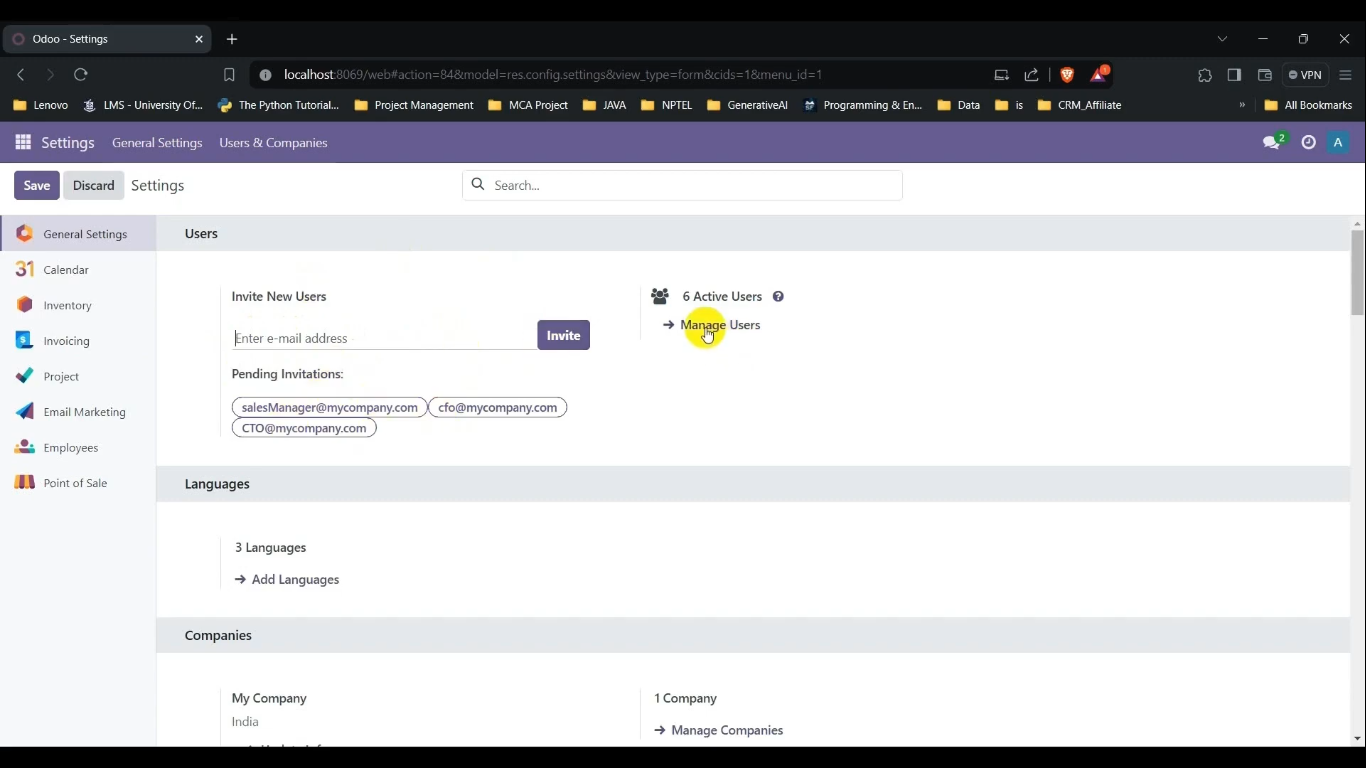
1. Open the users list
In Settings, open Manage Users, or Users & Companies > Users where available. Search for the person’s name and email first to avoid creating a duplicate account.
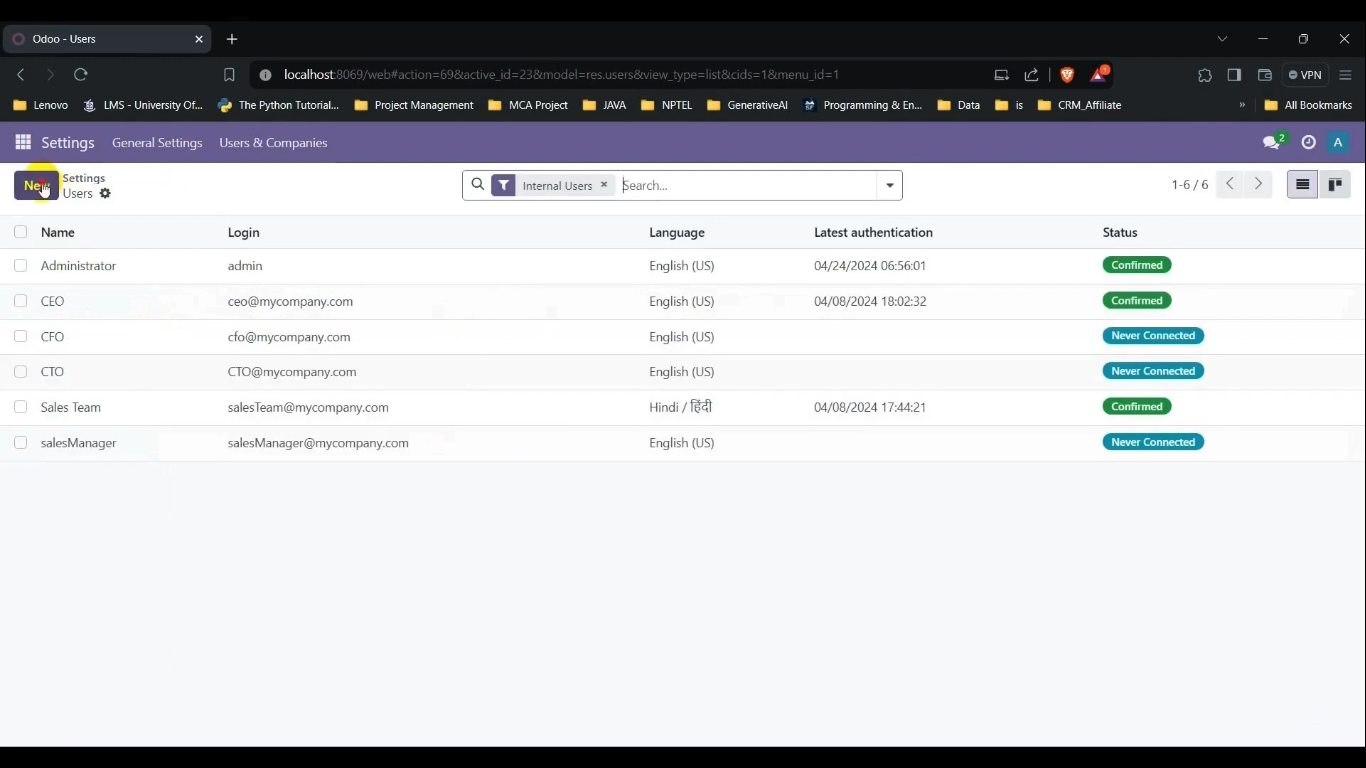
2. Create the account
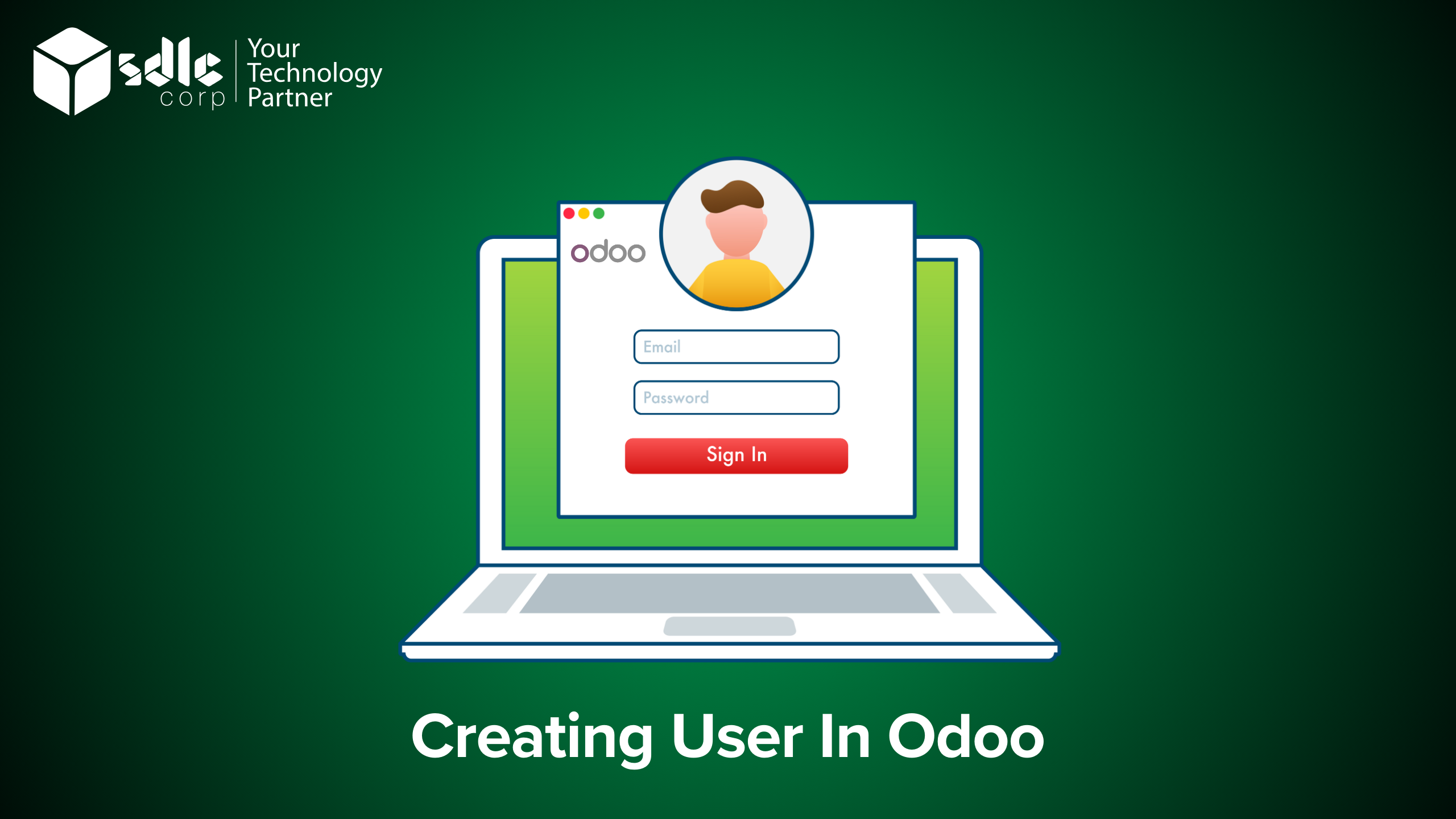
Choose New or Create from the users list. Enter the person’s name and work email carefully. Check that you are working in the intended database before saving.
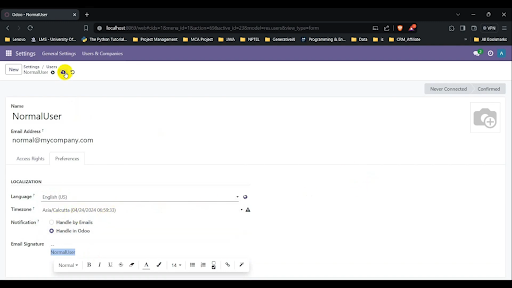
3. Review access and save
Set the application access needed for the person’s job. Check company access if your database contains multiple companies. Avoid giving administrator access simply to make a missing menu appear. Save the record and check the invitation status.
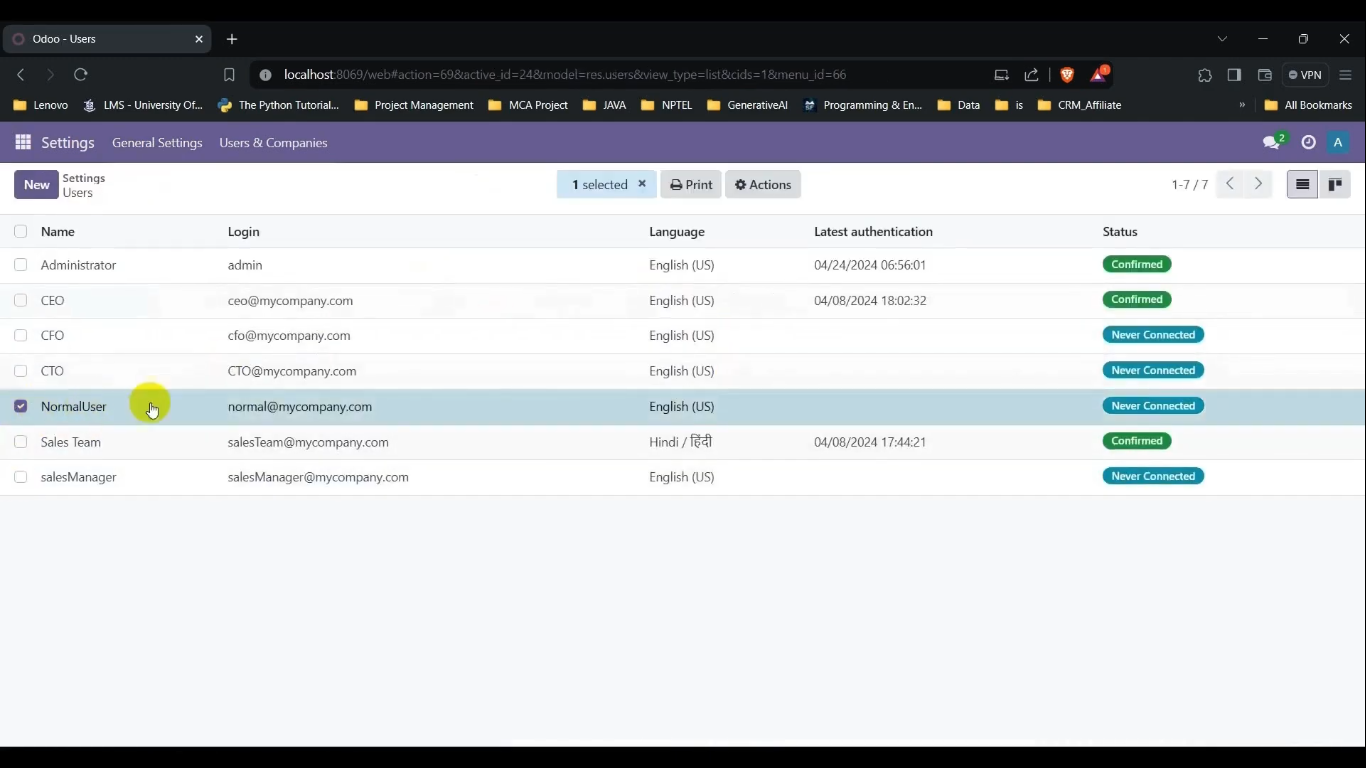
4. Check the invitation and first sign-in
Ask the user to open the invitation email and complete account setup. If it has not arrived, check the email address, spam folder and outgoing mail configuration before sending another invitation. Confirm the user can sign in to the correct database and open the applications required for their work.
Checks After Creating an Odoo User
- The account belongs to the intended person and uses the correct email.
- Required applications are available without unnecessary administrative access.
- Company access matches the person’s responsibilities.
- The invitation and first sign-in have been checked.
Customers who only need access to shared documents may need portal access rather than an internal account. Confirm the appropriate user type and subscription terms before adding users.
See Odoo’s user documentation for version-specific controls.
Need Help Setting This Up in Odoo?
If you want this configured for your team or adapted to the way you work, our Odoo consultants can set it up, train your users and support you after go-live.