Introduction
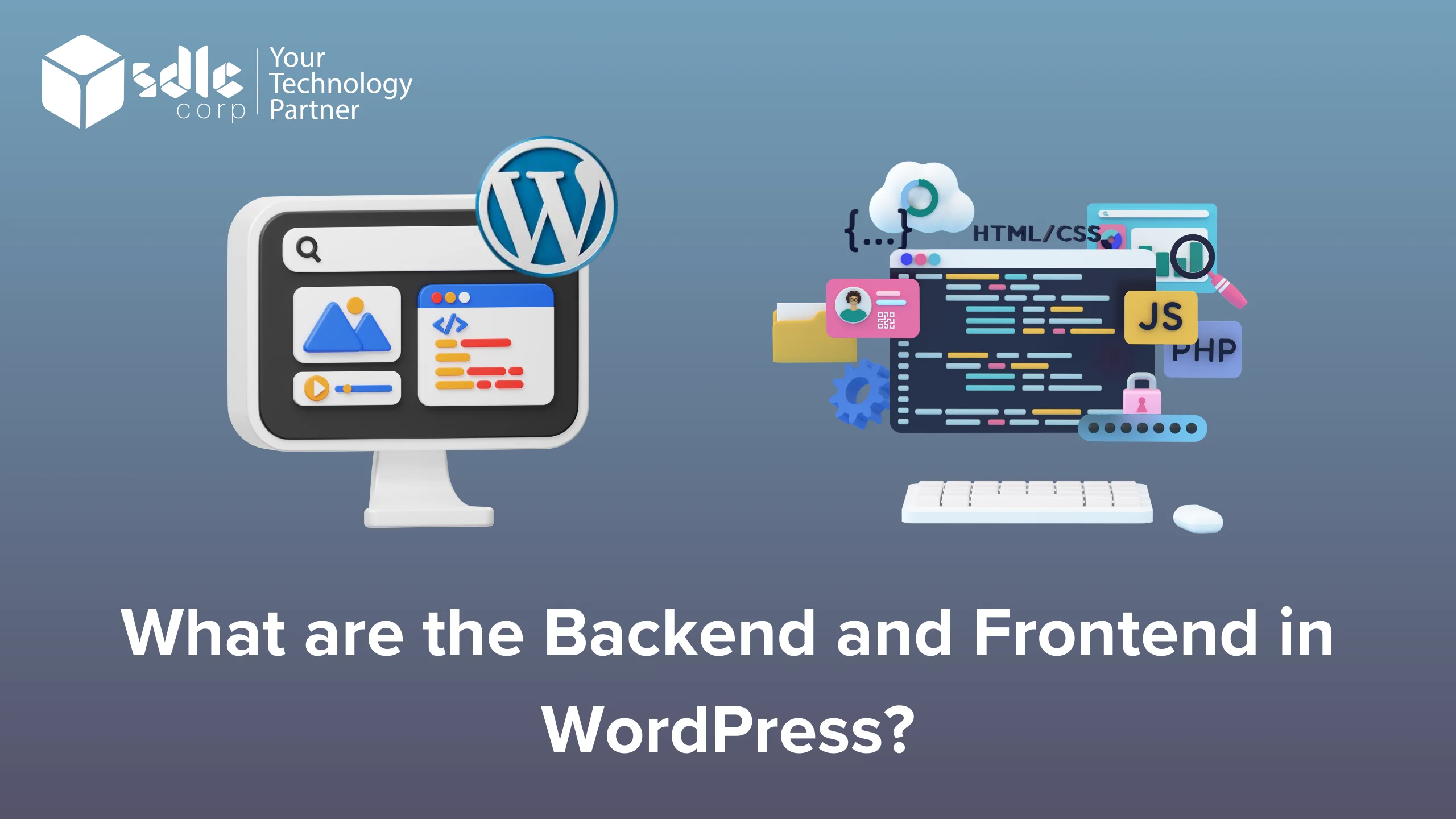
When it comes to building a website with WordPress, understanding the difference between the backend and frontend is crucial. The backend is where all the administrative tasks take place, such as content management, theme settings, and plugin configurations. The frontend, on the other hand, is what visitors see when they access the site, including the layout, design, and overall user experience. Whether you’re working with a WordPress development company or handling it yourself, knowing how both the backend and frontend function can help create a better, more efficient website.
Frontend Backend in WordPress
The frontend in WordPress is what users see and interact with, including the design, content, and navigation, managed by themes and plugins. The backend is the admin area where site owners control content, settings, and features through the dashboard, ensuring the site functions correctly for visitors. Both work together to create a seamless website experience.
1. Click on the Blog Button
- When you’re visiting a WordPress site as a visitor, you’ll often find a “Blog” button or link on the main menu. This will take you to the blog section of the website, where all the posts are displayed. This is part of the frontend because it’s the part of the website that everyone can access.
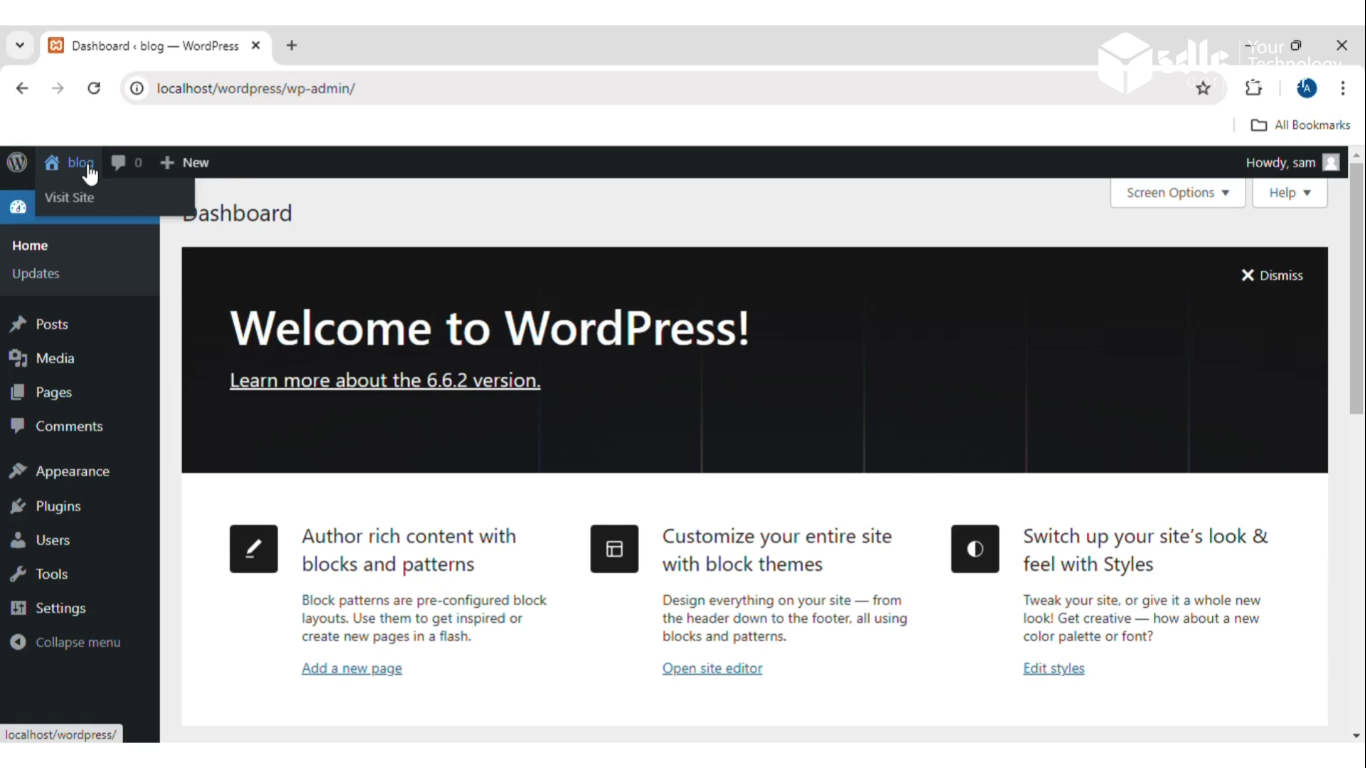
Get a closer look – Here’s the feature at work.
2. Open the Frontend
- After clicking the blog button, WordPress generates a page that displays all blog posts (usually in reverse chronological order). It renders this page using a combination of HTML, CSS, and JavaScript, along with data from WordPress’s MySQL database. The frontend is typically managed through themes that define how this content is styled and displayed to users.
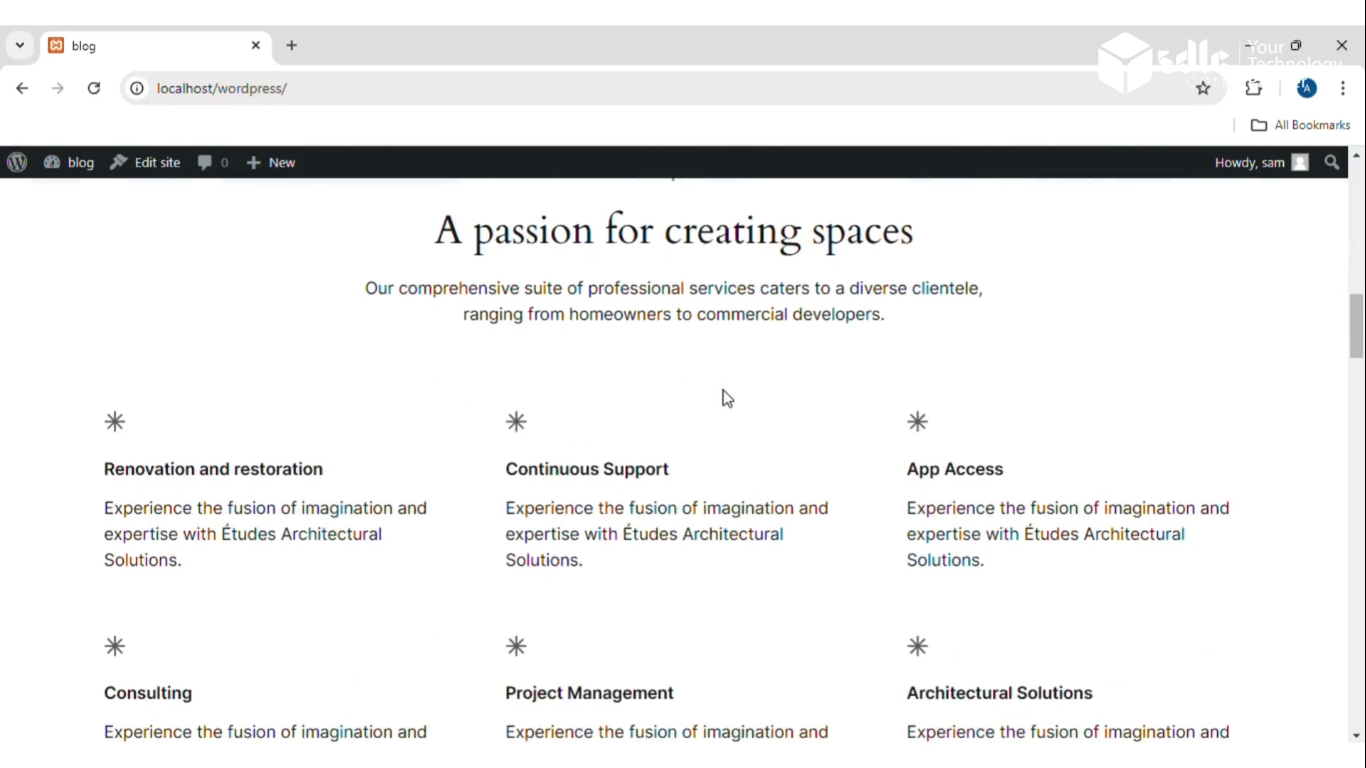
Get a closer look – Here’s the feature at work.
3. Click on the Blog Button
- When logged into WordPress as an admin, you can manage the blog and other content from the backend. The admin interface can be accessed by adding `/wp-admin` to the site’s URL. You’ll find a Posts option in the WordPress dashboard (backend). This section allows you to add new posts, edit, or manage your blog content.
Get a closer look – Here’s the feature at work.
4. Open the Backend
- The backend is the control center for your WordPress site. It allows you to manage plugins, themes, users, posts, and pages, as well as customize settings. From the backend, you can create, edit, and delete blog posts, modify categories, and manage media.

Get a closer look – Here’s the feature at work.
Conclusion
Private posts in WordPress provide an essential layer of control over your content, ensuring only designated users have access. Whether you need this feature for internal communications or exclusive content, setting it up is simple.