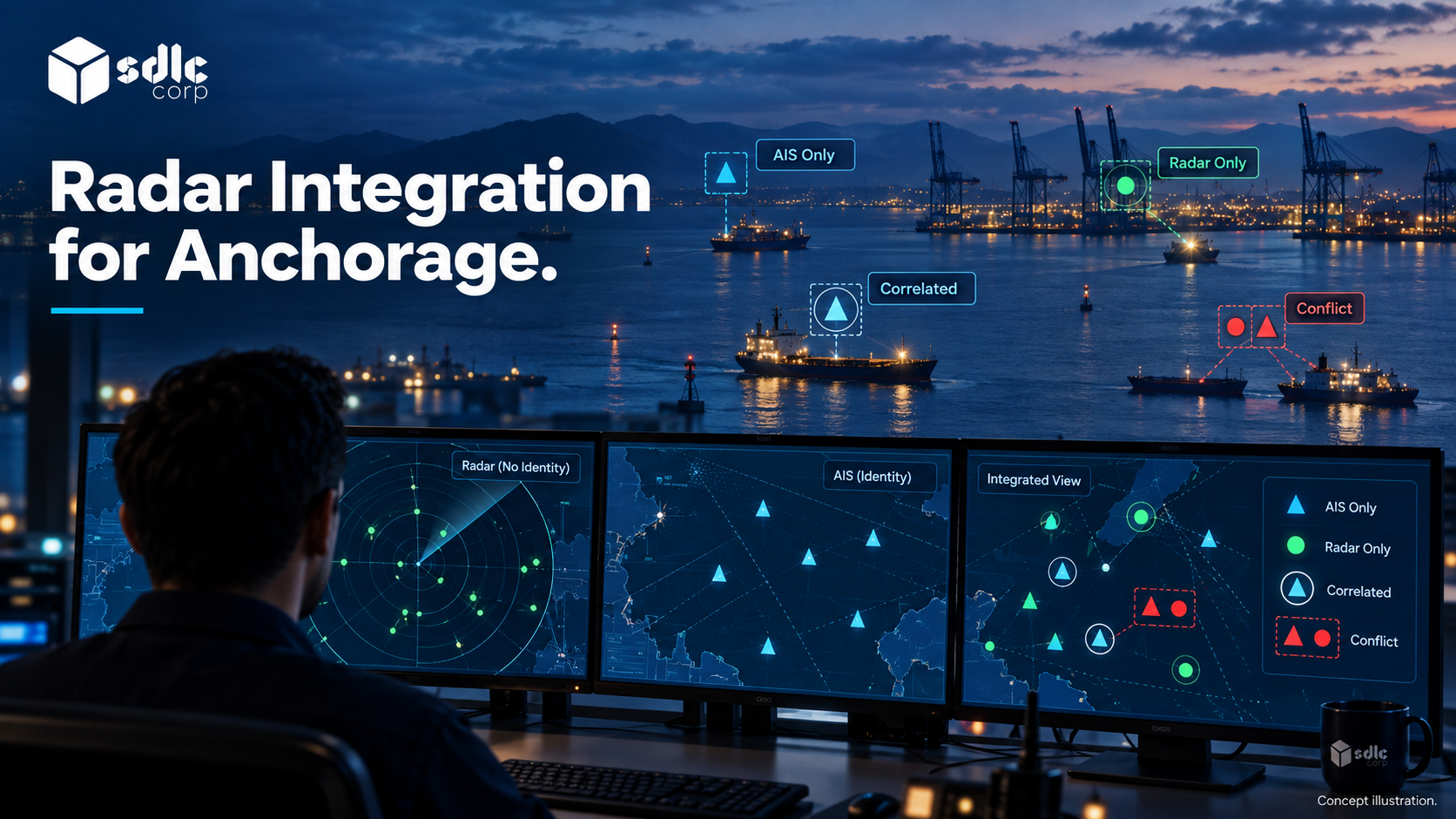
Radar integration for an anchorage management system begins with the track output the installed equipment can provide and the application is permitted to receive. The software must interpret track identifiers, positions, times and lifecycle changes correctly.
The rule in short: consume structured tracks, key each one by sensor, tracker session and track number, keep stale and deleted states separate, and never treat a radar track as a confirmed vessel identity.
That matters most when a track disappears, restarts or is associated with an Automatic Identification System (AIS) report. Source history and freshness must survive those changes so the operator can understand what the screen shows.
Radar Video vs Structured Tracks: Two Different Integration Scopes
Separate an Existing Track Feed from Image Processing
Two different things are commonly called radar integration. Radar video represents radar returns, whether raw, processed or rendered for display.
A radar track feed is structured data: target number, position, course, speed, quality indicators and update time. Structured tracks are the more direct input for zone, alarm and history functions.
Radar video can support display, recording or further processing, but deriving tracks from it is a separate processing scope with its own cost and risk.
Know the Track Format Before Writing Requirements
Most shore radars and trackers output one of a few recognized formats. EUROCONTROL's ASTERIX standard is common in vessel traffic installations: Category 010 carries monosensor target reports, Category 062 carries system tracks and Category 240 carries radar video.
Radars that follow the NMEA 0183 standard can instead report tracked targets through TTM (tracked target message) and TLL (target latitude and longitude) sentences.
Ask the radar owner which format and version the installed system actually outputs, and write application programming interface (API) requirements against that documentation rather than a general assumption about radar systems.
Trace the Radar Integration Path and Support Boundary
For structured tracks, a conceptual path runs from radar equipment to tracker, permitted track interface, application adapter and source-aware operator view. Some installed systems combine several of these components.
Obtain the actual arrangement and identify who supports each interface before assuming the application can connect directly to the radar.
Ask for a representative target record and lifecycle examples: detection, update, temporary loss and deletion. Confirm whether identifiers can be reused after a restart, and how a consumer tells a new track from an old one with the same number.
Preserve sensor and tracker provenance through normalization, because these details drive historical replay and identity association even when the live map looks correct. Record the radar owner, tracker documentation and test access before scoping the connection.
What Can Radar Support During an AIS Gap?
Write down the tasks that must survive an AIS gap before discussing interfaces. Monitoring zone occupancy, confirming that an allocated vessel arrived and spotting an unexpected target in a restricted area each tolerate uncertainty differently.
| Operational Task | Works with Radar Alone? | Qualification |
|---|---|---|
| Detecting presence in a zone | Potentially, for detectable targets | Detection depends on site and conditions |
| Confirming which vessel is present | No | Identity needs correlation or operator confirmation |
| Maintaining a queue position | Partly | The record stays; the automatic position update may not |
| Auditing what the operator saw | Yes | Provided source and confidence are recorded |
Make clear which system owns detection, which owns identity and which owns the operational decision. Integrating VTMIS With An Anchorage Application shows how those roles fit together. The application does not take over the vessel traffic service's navigational role.
A Structured Track with No Vessel Identity
Illustrative example
The payload represents already processed tracker output, not raw radar video or a standard manufacturer schema. Coordinates are local test coordinates with an explicit reference.
{
  "sensor_id": "R-1",
  "tracker_session": "boot-22",
  "track_id": "T-104",
  "state": "confirmed",
  "observed_at": "2026-09-18T10:00:00Z",
  "position": {
    "x_m": 1200,
    "y_m": 850,
    "frame": "test-local-1"
  },
  "velocity": {
    "x_mps": 1.2,
    "y_mps": 0.1
  },
  "vessel_identity": null
}
Lifecycle and Freshness on the Screen
The 30-second stale window below is a sandbox test setting, not a radar performance requirement.
| Time | Tracker Message | Application Result |
|---|---|---|
| 10:00:00 | T-104 confirmed in boot-22 | Display radar-only target; identity unknown |
| 10:00:10 | Position update | Retain same track key and new observation |
| 10:00:41 | No update for 31 seconds | Mark stale; preserve last position and age |
| 10:01:00 | Explicit track deletion | End active display under agreed history policy |
| 10:02:00 | T-104 reused after boot-23 | Create a new track identity; do not inherit the old match |
If the available interface supplies only video, this payload cannot be assumed. A supported tracker or a separately scoped extraction process must produce structured observations first.
Track Update, Stale View and Deletion Records
The following messages continue track T-104 in session boot-22. The source identity is the sensor, tracker session and track identifier together.
{
  "sensor_id": "R-1",
  "tracker_session": "boot-22",
  "track_id": "T-104",
  "event": "update",
  "observed_at": "2026-09-18T10:00:10Z",
  "position": {
    "x_m": 1212,
    "y_m": 851,
    "frame": "test-local-1"
  }
}
{
"track_key": "R-1:boot-22:T-104",
"viewed_at": "2026-09-18T10:00:41Z",
"last_observed_at": "2026-09-18T10:00:10Z",
"observation_age_seconds": 31,
"freshness": "stale",
"identity_status": "unconfirmed"
}{
"sensor_id": "R-1",
"tracker_session": "boot-22",
"track_id": "T-104",
"event": "delete",
"issued_at": "2026-09-18T10:01:00Z"
}Deletion ends that active source track but keeps its observations and associations in history. A delayed update from boot-22 must never reactivate a boot-23 track that happens to reuse T-104.
The tracker supplies confirmed, update and delete events. The application derives its stale state separately, from observation age and the configured freshness rule.
Keep those fields apart: an application timeout must not be reported as a source deletion, and a reused identifier is matched through the tracker session, never assumed to be the same vessel.
Align Time and Coordinates Before Anything Else
Radar tracks and AIS reports arrive on different clocks, at different rates and sometimes in different reference frames. Agree a single time base and coordinate reference, and record the offset applied to each source.
Radars report range and bearing from the antenna, which must be converted to latitude and longitude with a known antenna position and projection. Without that alignment, one vessel appears as two targets a short distance apart.
Specify update rates and acceptable age for each source. An antenna's rotation period sets the minimum sensible freshness window, and an aged position shown as current is worse than a visible gap.
Real-Time Vessel Tracking System for Ports covers what the map should show when a position passes its freshness threshold, and how to keep radar observations and track lifecycle distinct in the record model.
Show Provenance, Not Just Position
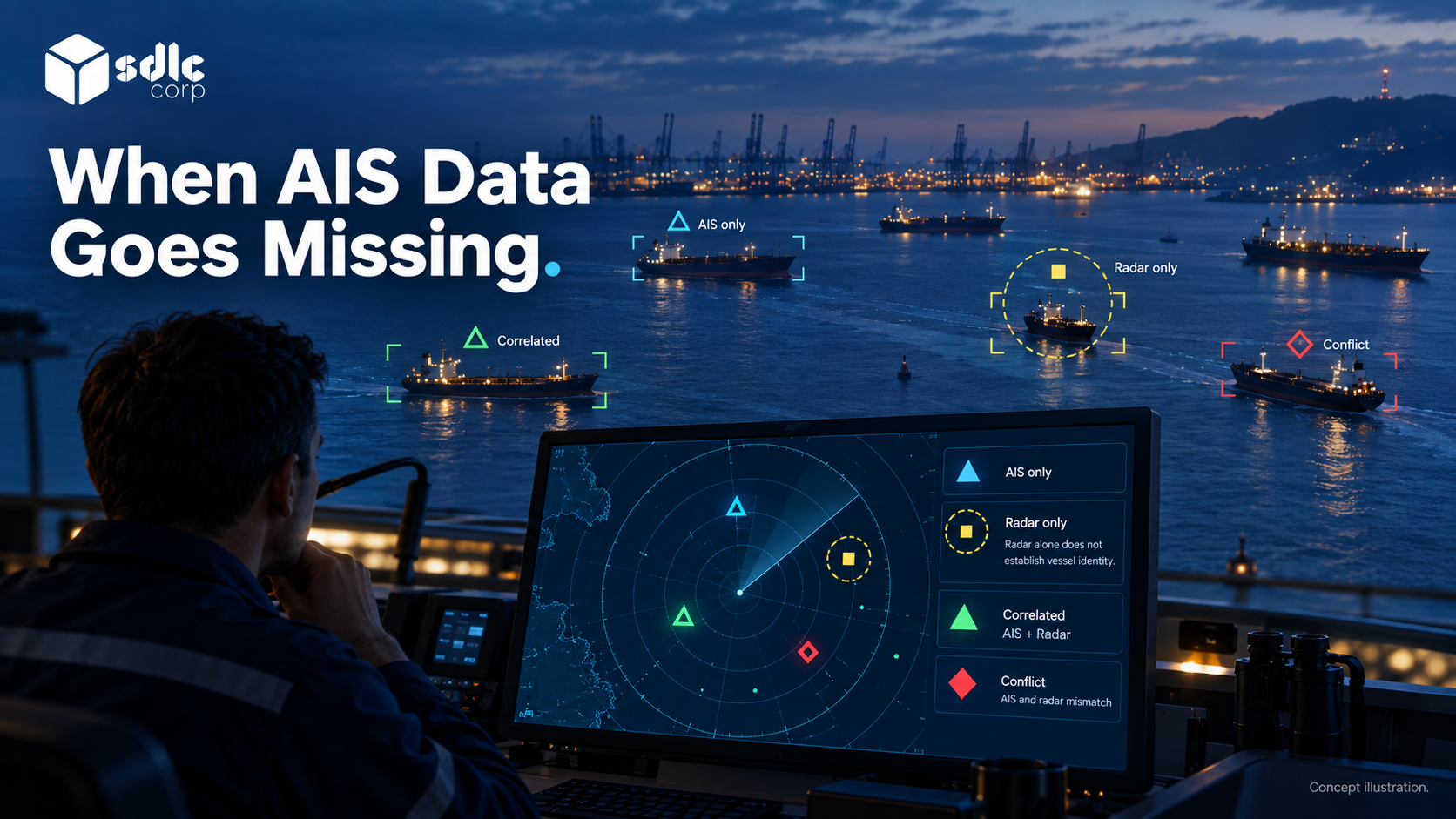
Every target on the operator map should carry where it came from. The minimum useful states are AIS only, radar only, correlated and conflicting.
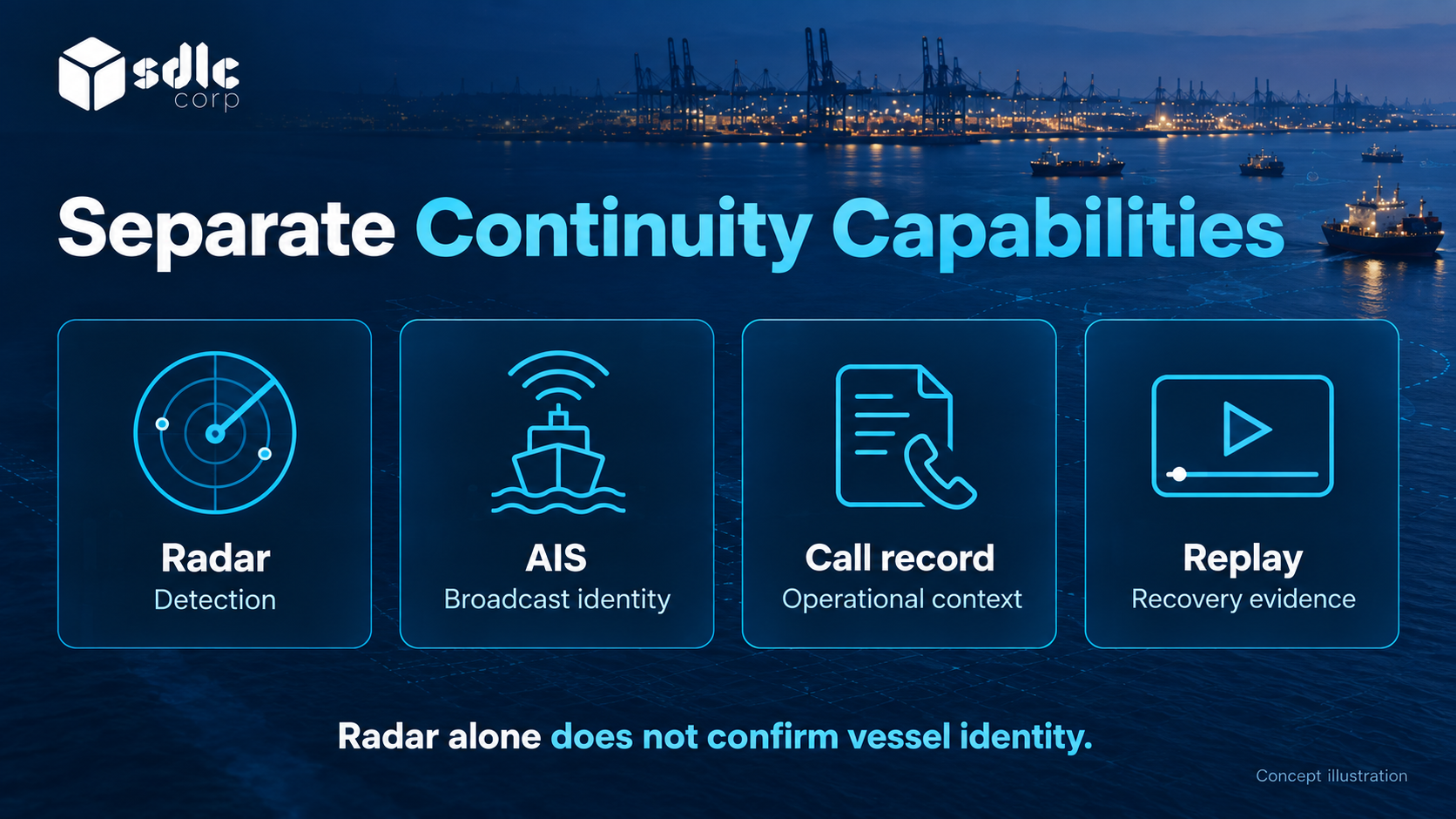
A radar-only target has position and movement history but no reliable identity until something else supplies it. That can be a correlated AIS report, a voyage or call record, a very high frequency (VHF) radio exchange, or a recorded operator decision.
AIS identity can also be wrong or absent, as How To Integrate An AIS Feed Into Anchorage Software explains, so the radar path must not inherit an assumption of correctness either. Where the tracker supplies quality indicators, show them rather than hiding them.
When defining these boundaries in a specification, use the IALA Guideline G1111-1 on core VTS system requirements and the IMO vessel traffic services overview.
Expose Adapter Health and Track Lifecycle Changes
At the adapter boundary, distinguish a disconnected feed, rejected records and a track that has stopped updating. Give each a diagnostic state and a support owner, so the application follows its approved procedure instead of guessing from an empty map.
Keep interface recovery separate from downstream recovery, and test that restored track records carry the right source and lifecycle identifiers.
AIS Failure and Radar Fallback for Vessel Tracking covers the operator procedure. Radar and AIS Sensor Fusion for Port Operations covers identity matching after source data returns.
Validate Radar Coverage Against Site and Target Conditions
Radar coverage is a site property, not a product property. Antenna placement, clutter, sea state, weather, target size and equipment configuration all change what is detectable.
A vendor who offers a single range or accuracy figure without stating conditions has not answered the question. Ask for the assumptions behind any coverage statement and the acceptance tests that would demonstrate it at your site.
Record history and replay from the start. Reconstructing what the system displayed, from which source and at what moment, is what makes a degraded-mode decision defensible afterwards.
Document the radar-to-tracker-to-application network path, with authentication, segmentation and monitoring at each boundary. A working radar does not guarantee its track feed reaches the application.
Test connection loss and restoration separately from simulated AIS loss. Confirm the actual input with sample data, and give each procurement acceptance result a named owner.
Conclusion
Successful radar integration for an anchorage management system follows one track from first observation through updates, deletion and source restart. Confirm that stale tracks look stale and that a reused number never inherits the previous target's identity.
Assess local coverage and supported output separately from adapter behavior. Accept the connection only when its data contract and the limits of the displayed picture are both understood.
Review Radar Interface Scope with SDLC Corp
Talk to SDLC Corp about the radar connection for our Anchorage Management Software, delivered through our Software Integration Services. Bring the sensor inventory, permitted track format and site evidence.
We will scope a clear separation of source lifecycle, application freshness and vessel identity, with coverage limits, restart handling and recovery tests agreed before any continuity claim is accepted.
Frequently Asked Questions
What Radar Output Does the Application Need?
Confirm the installed system's supported and permitted output first. For structured tracks, define identifiers, coordinate reference, timestamps, update and deletion states, and source provenance in the interface contract.
What Is ASTERIX Radar Data?
ASTERIX is a EUROCONTROL standard for exchanging surveillance data. In vessel traffic systems, Category 010 carries target reports, Category 062 carries system tracks and Category 240 carries radar video.
Can Radar Alone Establish a Vessel's Identity?
No. A track provides observations of a target. Attach a vessel identity only when the association has supporting evidence, and keep unidentified targets distinguishable from confirmed identities.
Why Do Radar Track Numbers Get Reused?
Trackers often restart numbering after a reboot or reuse numbers from deleted tracks. Keying each track by sensor, tracker session and track number stops a new target inheriting an old identity.
What Should a Track Deletion Do?
Apply the lifecycle change to the correct source and track instance while preserving required history. A later track using the same number should not receive the deleted track's identity or call association.
Is a Stale Track the Same as a Deleted Track?
No. The tracker issues a deletion; the application marks a track stale when no update arrives within its freshness window. Keep the two states separate so operators know which one they are seeing.