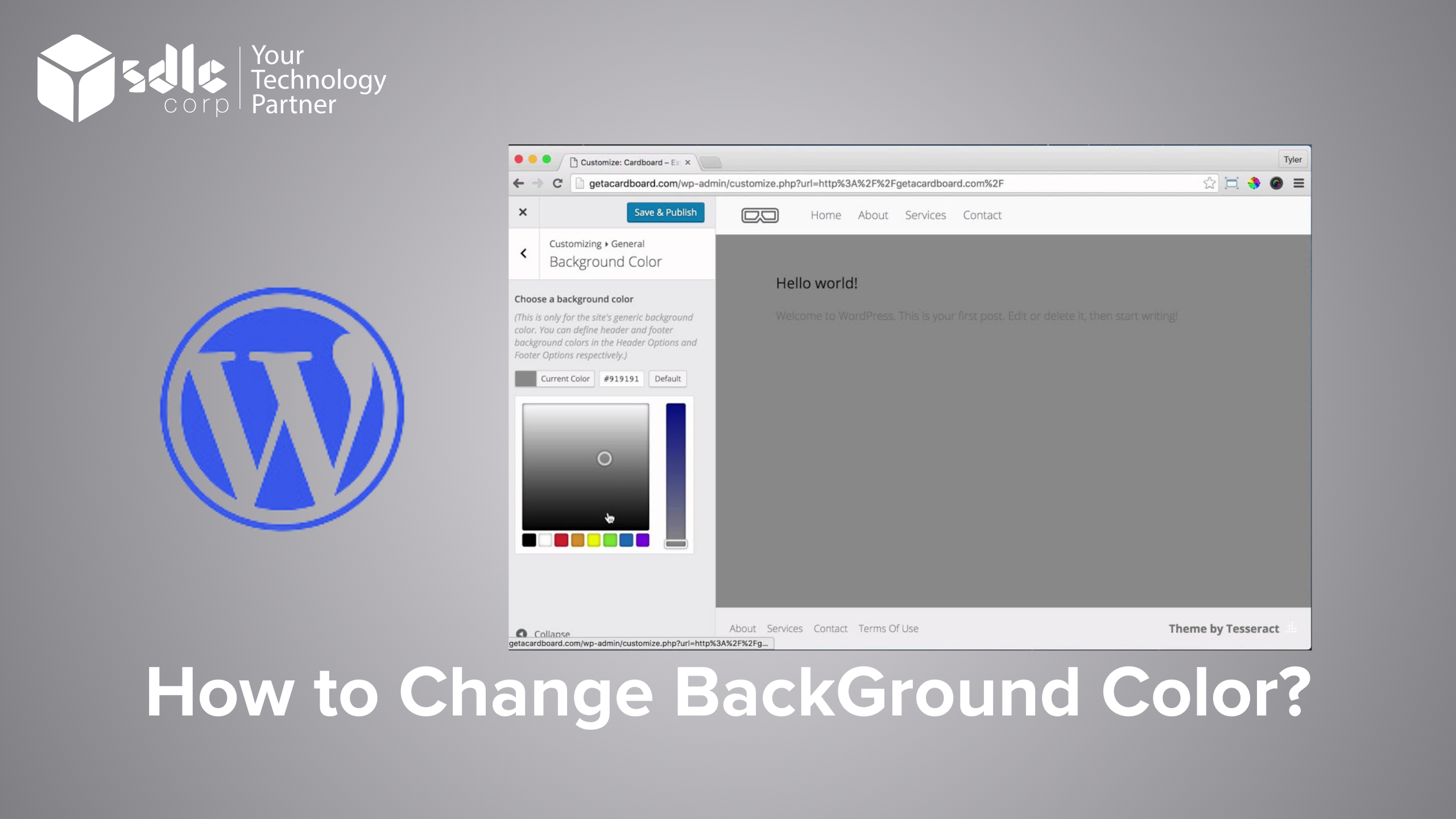
Introduction
Changing the background color can significantly enhance the visual appeal of your webpage, presentation, or application. Whether you’re designing a website or working on a document, knowing how to customize the background can help align the visuals with the theme or mood you want to convey. Follow the simple steps below to set or change the background color.
Steps to Change or Set the Background Color
1. Click on the Style Button
Start by locating and clicking the Style button in the interface. This option provides design customization tools.
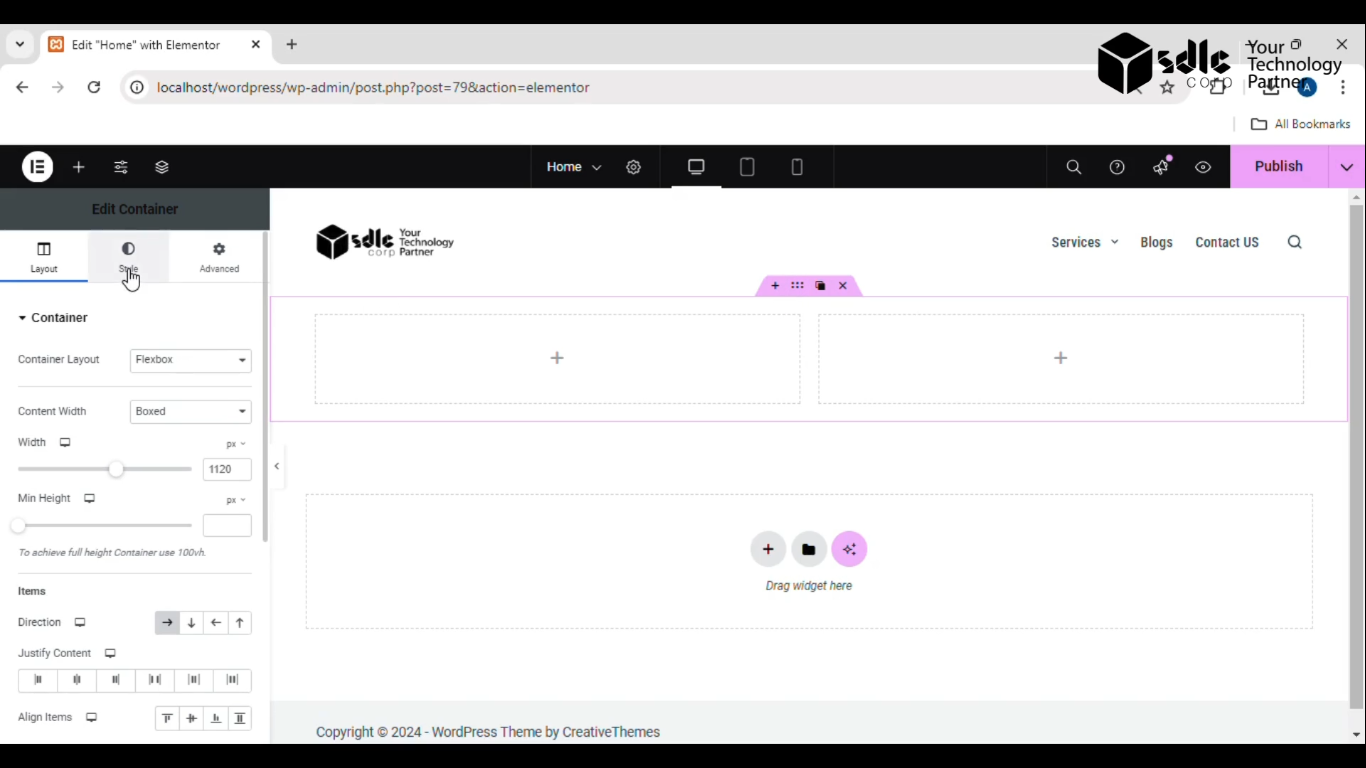
Get a closer look – Here’s the feature at work.
2. Click on Background Type > Classic
Under the Style options, find the Background Type setting and choose Classic. This will give you access to basic background customization options like color selection.
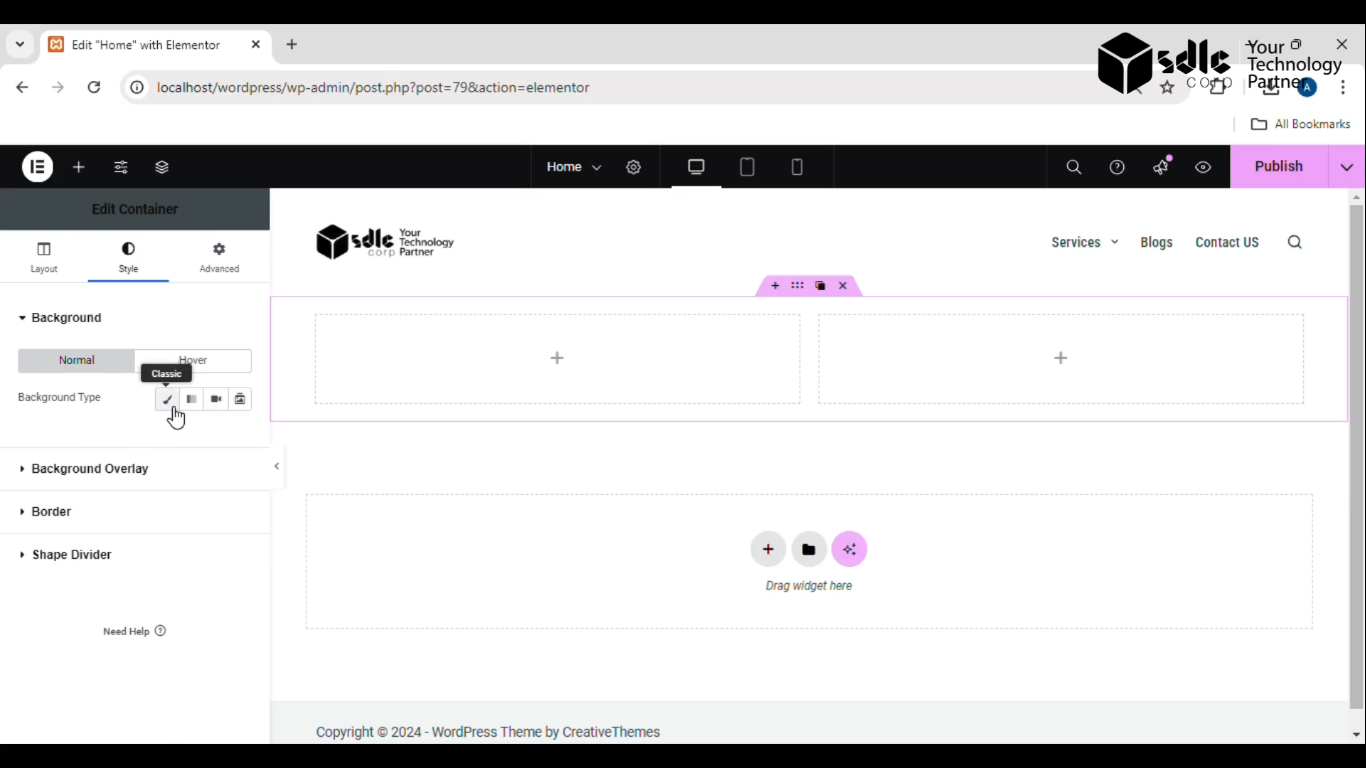
Get a closer look – Here’s the feature at work.
3. Click on the Color
Look for the Color Picker or Color option and click on it to open the palette where you can explore color options
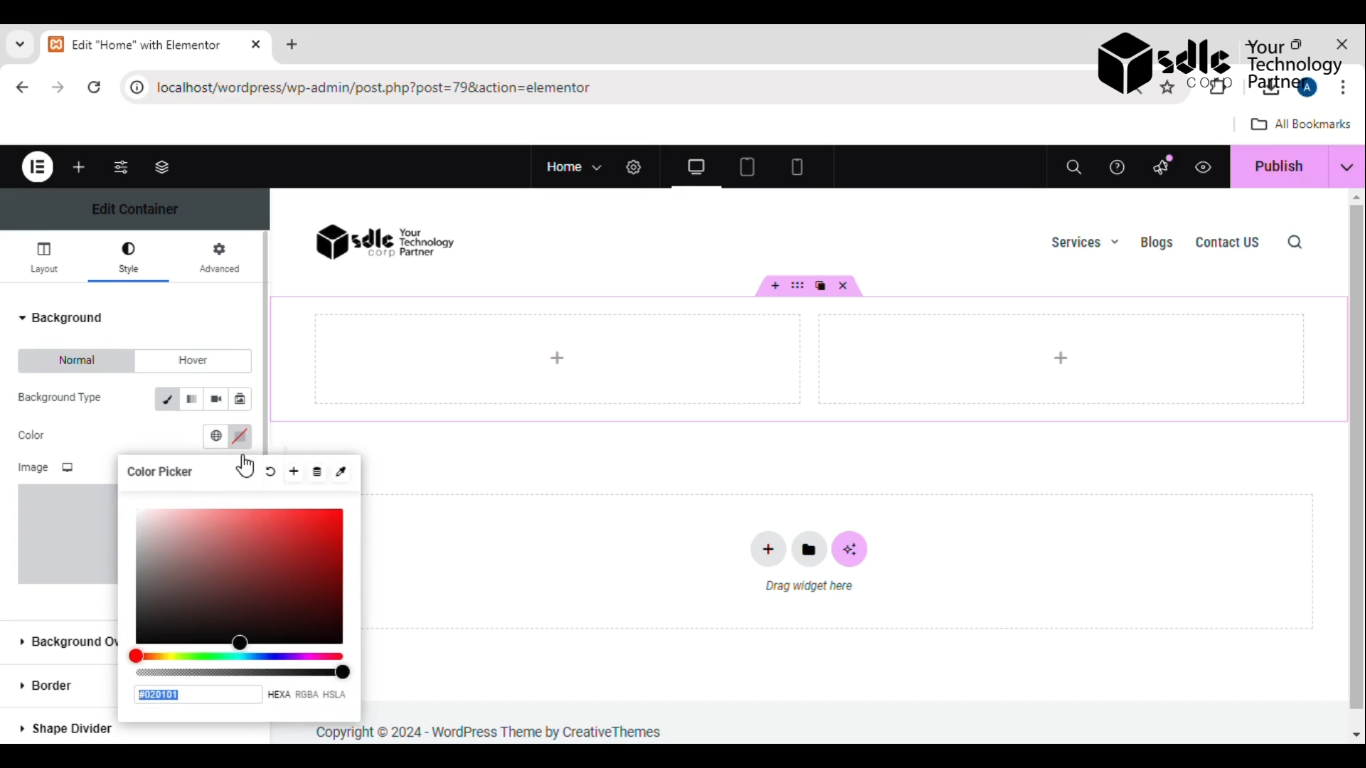
Get a closer look – Here’s the feature at work.
4. Change the Color
Choose a new color from the palette or enter a specific color code (like a Hex or RGB value) to match your desired background theme.
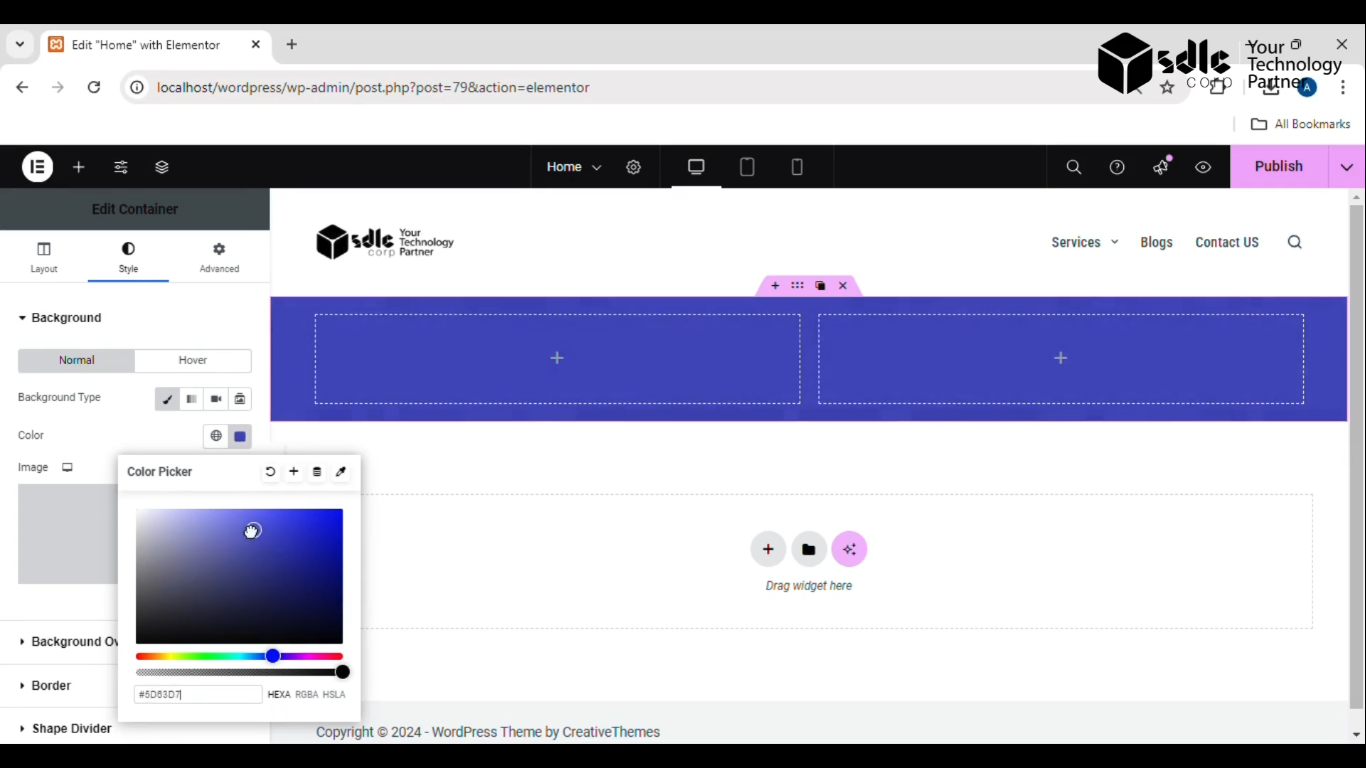
Get a closer look – Here’s the feature at work.
5. Click on the Publish Button
Once satisfied with your color choice, click the Publish or Apply button to save your changes.
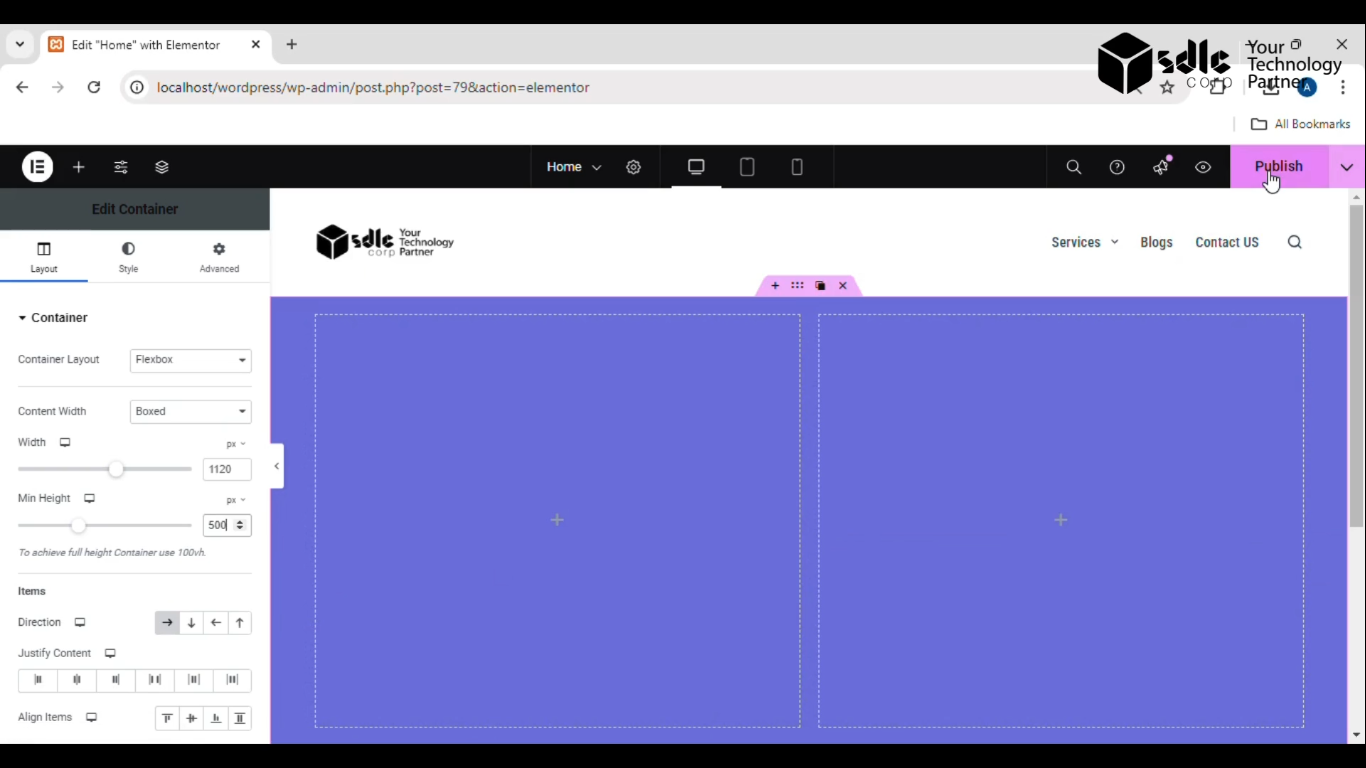
Get a closer look – Here’s the feature at work.
6. See the Background Color Change
After publishing, you will notice the background color instantly change, reflecting the new design. Make sure to preview it to confirm everything looks as intended.
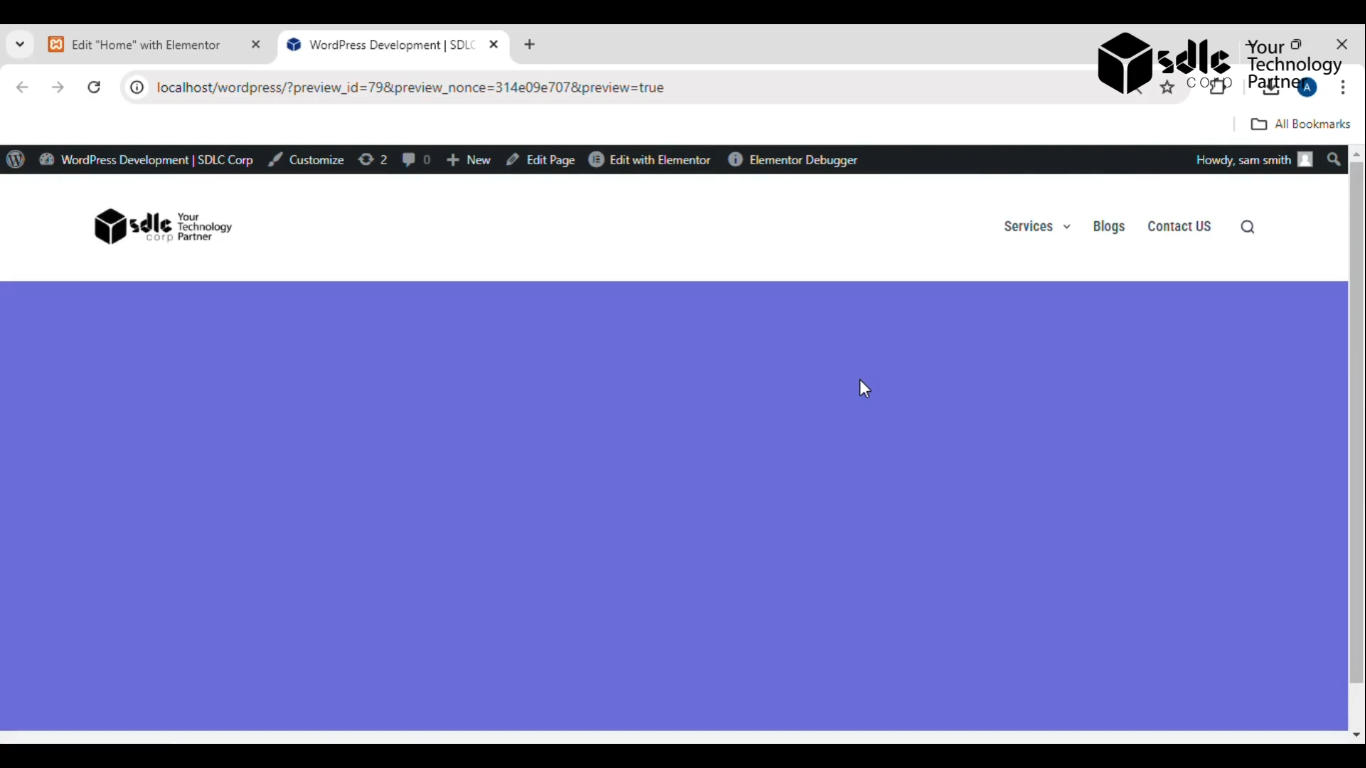
Get a closer look – Here’s the feature at work.