
United States:
2457 Kane Lane, Batavia, Illinois
60510

SDLC Corp helps businesses adapt Odoo to real operations. We build custom modules, approval flows, dashboards, reports, portals, and version-safe ERP extensions across finance, inventory, sales, manufacturing, and HR workflows. Our team focuses on reviewed code, staging testing, documentation, and admin handover.










SDLC Corp helps businesses customize, extend, and scale Odoo with clean modules, tested workflows, sprint-based delivery, and documented handover.
Technical support for Odoo modules, workflows, custom apps, reporting, automation, and version upgrades.
We build version-safe Python modules, clean extensions, dashboards, portals, and admin-ready workflows.
Our team supports issue checks, fixes, workflow changes, patches, and upgrade assistance after launch.

If any of these match your situation, custom Odoo development is the right path.
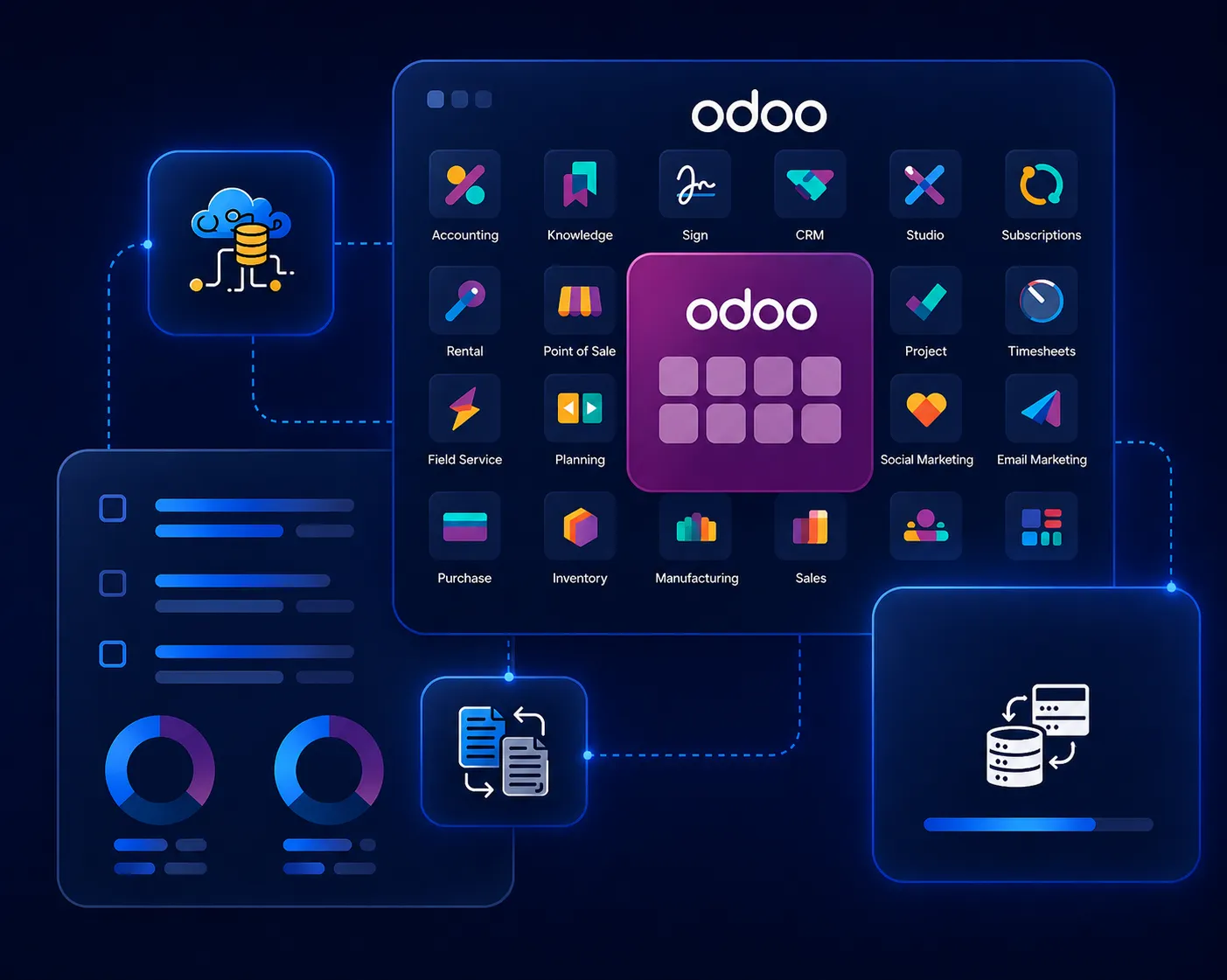
Your team uses Odoo, but the default workflow does not match your process.
You need approval flows, validations, reports, or dashboards that Odoo does not provide out of the box.
You need custom modules instead of risky manual workarounds.
You need API hooks or data sync logic inside a custom Odoo workflow.
You need version-safe extensions that your team can maintain later.
Explore how SDLC Corp's Odoo development team built custom modules, third-party integrations, and bespoke ERP features that solved complex business challenges and delivered measurable performance gains.
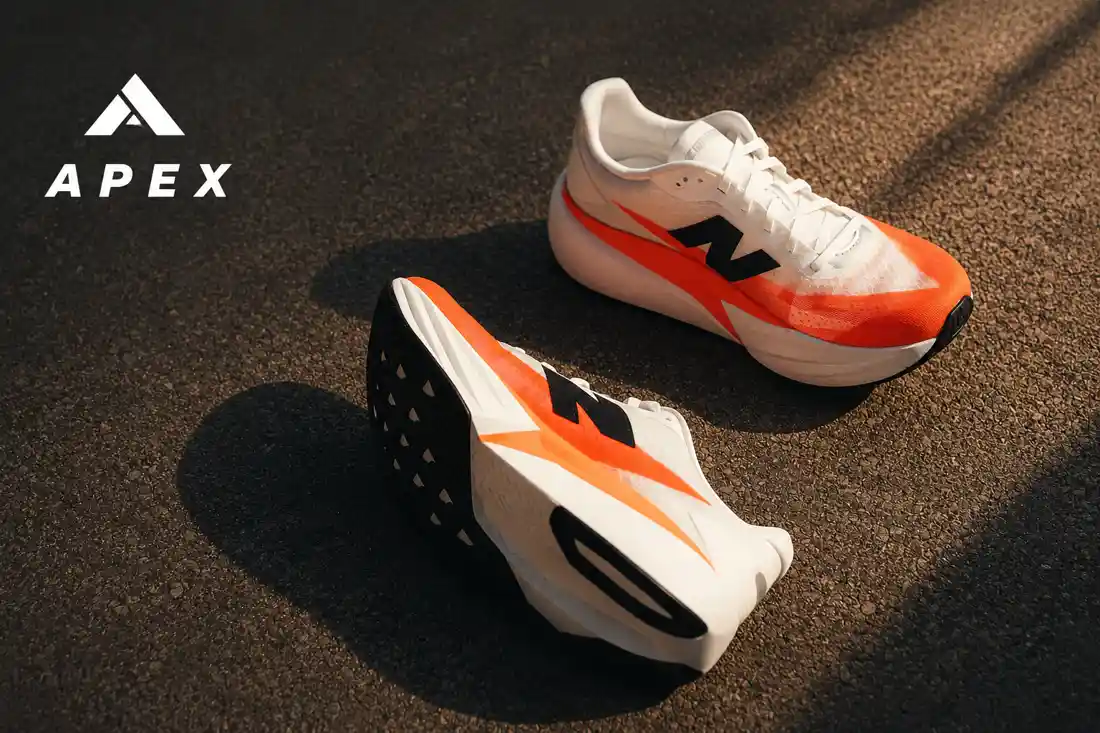
Developed bespoke MRP, BOM, and quality-check modules tailored to footwear production stages, with custom reporting dashboards and role-based access controls.
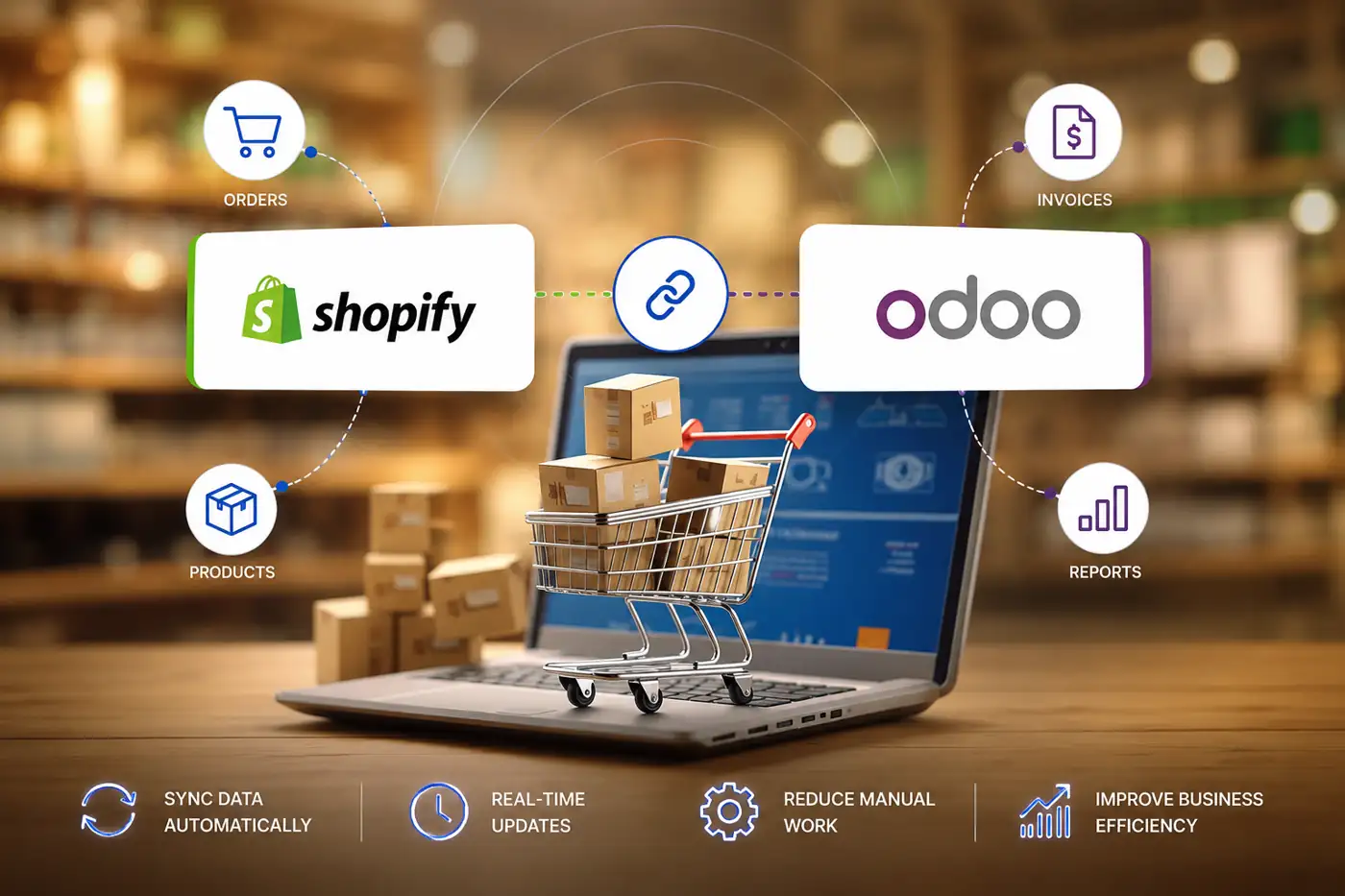
Built a custom bi-directional connector with REST APIs, webhook listeners, and conflict-resolution logic to sync orders, inventory, and customer data in real time.
Engineered custom shipment-tracking modules, automated invoicing workflows, and a unified reporting layer connecting dispatch, finance, and customer service teams.
Share your Odoo workflows, module requirements, integration needs, and customization goals. Our team will help define the right development scope for your business operations.
Discuss Your Odoo Project

United States:
2457 Kane Lane, Batavia, Illinois
60510

United Kingdom:
30 Charter Avenue, Coventry
CV4 8GE Post code: CV4 8GF United Kingdom

United Arab Emirates:
Unit No: 729, DMCC Business Centre Level No 1, Jewellery & Gemplex 3 Dubai, United Arab Emirates

India:
715, Astralis, Supernova, Sector 94 Noida, Delhi NCR India. 201301

Qatar:
B-ring road zone 25, Bin Dirham Plaza building 113, Street 220, 5th floor office 510 Doha, Qatar