Top 10 Salesforce Agentforce Use Cases
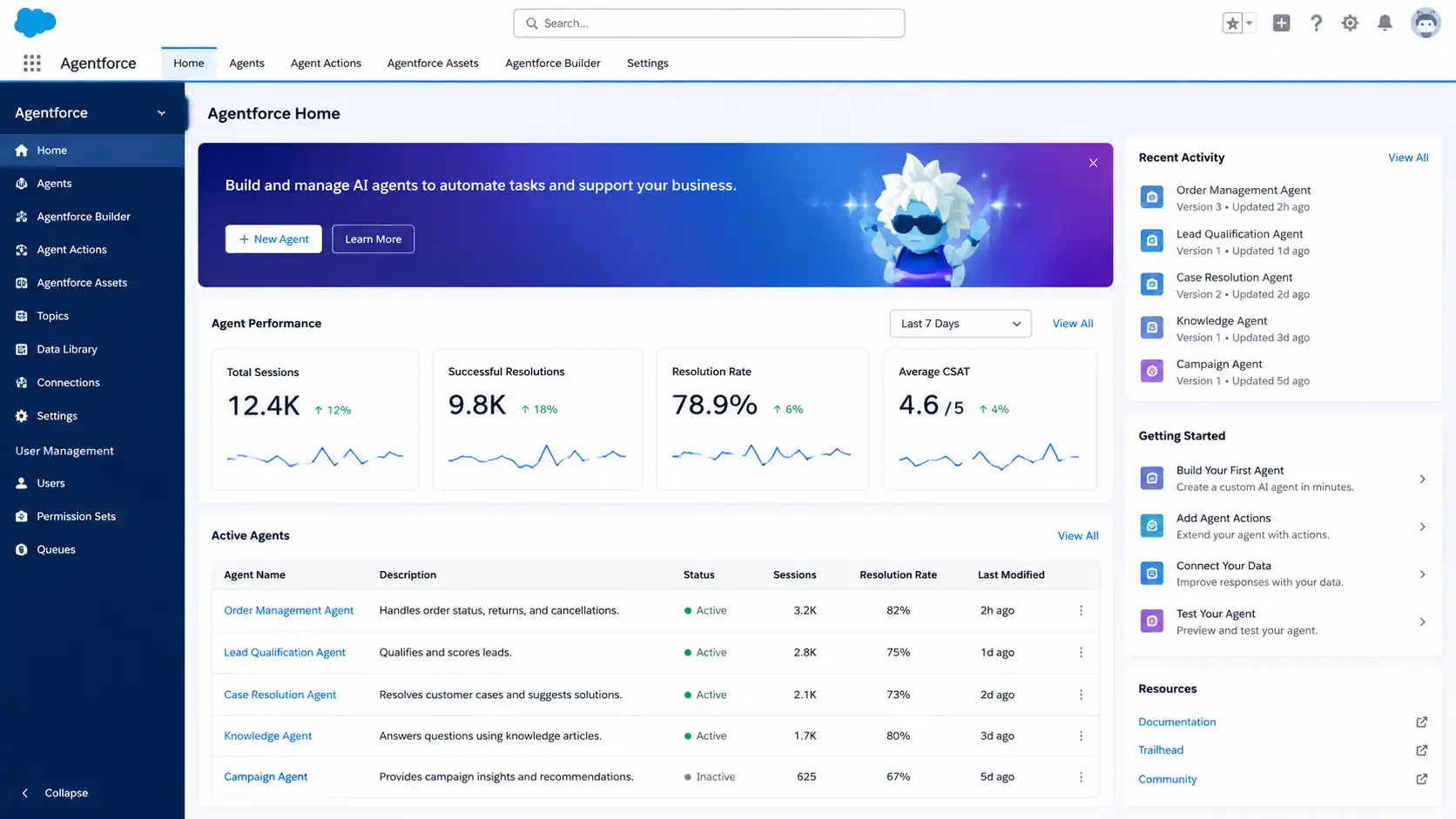
Each use case covers what triggers the agent, what it does, which systems it needs, a concrete workflow example, and measurable KPIs. Use the summary table to scan first, then expand any card.
| Use case | Department | Category | Complexity | Best first step |
|---|---|---|---|---|
| 1. Customer Service Case Resolution | Service | Customer-facing | LowMedium | Service Agent pilot on Service Cloud |
| 2. Sales Lead Qualification | Sales | Revenue | Medium | SDR Agent on Sales Cloud |
| 3. Sales Coaching and Rep Enablement | Sales enablement | Revenue | Medium | Practice session pilot |
| 4. Marketing Campaign Optimisation | Marketing | Revenue | Medium | One campaign workflow |
| 5. Commerce Product Discovery | Commerce | Customer-facing | Medium | Single channel pilot |
| 6. IT Helpdesk and Employee Support | IT | Internal ops | MediumHigh | Custom Agent in sandbox |
| 7. HR and Employee Self-Service | HR | Internal ops | Medium | Onboarding workflow pilot |
| 8. Finance and Procurement Support | Finance | Internal ops | MediumHigh | Approval routing pilot |
| 9. Field Service Scheduling | Operations | Internal ops | High | Readiness assessment first |
| 10. Partner & B2B Portal Support | Partnerships | Customer-facing | MediumHigh | Deal registration pilot |
Customer-Facing Use Cases
Customer Service Case Resolution
Best for: Service Cloud teams · Contact centres · High-volume support
What the agent does
- Answers questions across web, chat, and messaging channels
- Retrieves account, order, and case history from Salesforce and Data 360
- Creates or updates cases and executes resolutions within approved limits
- Escalates complex cases to humans with full conversation context
Systems & data
- Service Cloud
- Data 360
- Knowledge base
- Messaging channels
KPIs to track
Sales Lead Qualification and Follow-Up
Best for: Sales Cloud teams · B2B inbound sales · SDR-heavy organisations
What the agent does
- Researches company size, industry, and prior interactions via Data 360
- Enriches lead records with firmographic and intent signals
- Drafts and sends personalised follow-up emails
- Schedules discovery calls and updates CRM opportunity fields
Systems & data
- Sales Cloud
- Data 360
- Email / Calendar
- Lead enrichment data
KPIs to track
Sales Coaching and Rep Enablement
Best for: Sales enablement teams · New rep onboarding · Revenue organisations
What the agent does
- Roleplays sales calls responding as a realistic prospect persona
- Scores conversation quality against defined criteria
- Provides objection-handling feedback and improvement suggestions
- Analyses live deal notes and suggests next-step actions
Systems & data
- Sales Cloud
- Conversation data
- Deal records
- Enablement content
KPIs to track
Marketing Campaign Optimisation
Best for: Marketing Cloud teams · Campaign managers · Demand generation
What the agent does
- Monitors open rates, click-through rates, and conversion trends
- Identifies underperforming audience segments and timing issues
- Recommends subject-line variants and resend window adjustments
- Proposes content changes based on historical engagement patterns
Systems & data
- Marketing Cloud
- Data 360
- Campaign analytics
- A/B testing data
KPIs to track
Commerce Product Discovery and Order Support
Best for: Commerce Cloud · B2C e-commerce · B2B self-service portals
What the agent does
- Recommends products based on browsing history and stated preferences
- Checks stock availability and answers detailed product questions
- Tracks orders, provides shipping updates, and initiates returns
- Handles post-purchase support queries
Systems & data
- Commerce Cloud
- Data 360
- ERP / fulfilment
- Product catalogue
KPIs to track
Internal Operations Use Cases
IT Helpdesk and Employee Support
Best for: Internal IT teams · Employee service desks · Large organisations
What the agent does
- Answers IT policy and software questions from a configured knowledge base
- Creates support tickets and routes hardware issues to the right queue
- Processes access requests by verifying role eligibility against HR data
- Triggers password resets via Salesforce Flow automation
Systems & data
- Salesforce platform
- HR system
- IT ticketing
- Active Directory / SSO
KPIs to track
HR and Employee Self-Service
Best for: HR operations teams · People experience · Employee onboarding
What the agent does
- Answers HR policy questions from a configured knowledge base
- Guides new employees through onboarding steps and document completion
- Routes leave, benefits, and payroll queries to the correct HR team
- Initiates HR workflows for common requests without manual processing
Systems & data
- Salesforce platform
- HR system
- Employee records
- Benefits data
KPIs to track
Finance and Procurement Workflow Support
Best for: Finance operations · Procurement teams · Shared services
What the agent does
- Routes purchase requests to the correct approver by category and value
- Checks approval status and identifies bottlenecks in the chain
- Answers vendor, payment, and contract status questions from CRM
- Validates completeness and routes via Salesforce REST API integration
Systems & data
- Salesforce platform
- ERP / finance system
- Procurement data
- Approval workflows
KPIs to track
Field Service Scheduling and Technician Support
Best for: Field Service teams · Utilities and telecom · Healthcare equipment · Manufacturing
What the agent does
- Checks service entitlement and full asset history before scheduling
- Reviews technician availability and dispatches by skill and location
- Prepares technicians with asset history and recommended next actions
- Updates service records and sends customer notifications on completion
Systems & data
- Field Service
- Service Cloud
- Asset management
- Technician scheduling
KPIs to track
Partner & B2B Use Cases
Partner, Vendor, and B2B Portal Support
Best for: Partner portals · Channel operations · Vendor management
What the agent does
- Answers deal registration and pipeline status questions from CRM
- Checks approval status and identifies missing fields causing delays
- Triggers approval reminders and updates partner records automatically
- Routes escalations when approvals are overdue or exceptions arise
Systems & data
- Experience Cloud
- Sales Cloud
- Partner portal
- CRM deal data
KPIs to track
Common Mistakes When Choosing Agentforce Use Cases
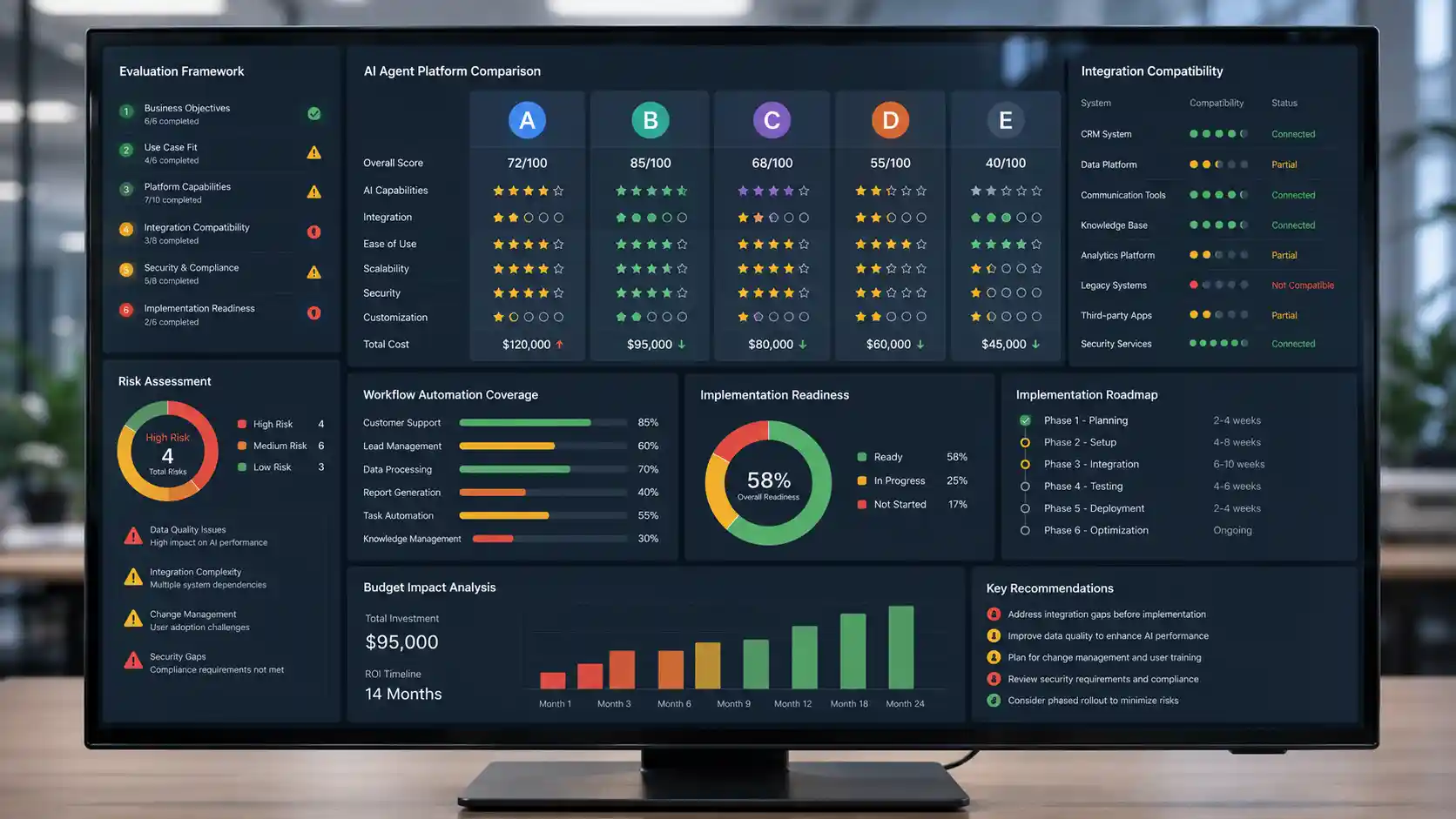
Avoiding these mistakes reduces failed pilots and wasted implementation effort regardless of which use case you start with.
Starting with too many use cases
Parallel pilots split attention, complicate governance, and make it harder to identify what caused success or failure. Start with one well-scoped workflow.
Choosing a workflow with poor data quality
Agent output quality is directly tied to CRM and Data 360 completeness. Incomplete or stale records produce unreliable agent responses at scale.
Automating high-risk decisions too early
Approval thresholds, refund limits, and compliance-sensitive actions should have human review until the agent has a proven, consistent track record.
Not defining escalation rules before go-live
Agentforce requires configured escalation paths before deployment. Without them, edge cases go unresolved and end users are left without support.
Treating Agentforce like a chatbot
Agentforce agents take real actions updating records, triggering Flows, calling APIs. Designing them with scripted chatbot logic underutilises the platform entirely.
Ignoring integration requirements at scoping
Many use cases need MuleSoft, REST API, or Apex connections. Discovering this after build begins significantly extends timelines and costs.
Measuring activity instead of business outcomes
Conversations handled is not the same as deflection rate, resolution quality, or revenue impact. Without outcome KPIs agreed before launch, the deployment cannot be meaningfully evaluated or justified to stakeholders.
- Deflection rate — not conversations handled
- Resolution quality — not agent response count
- First contact resolution — not session volume
- Revenue or time saved — not interactions logged