Odoo CRM Vs Zoho CRM: Which One Fits Your Business Better?
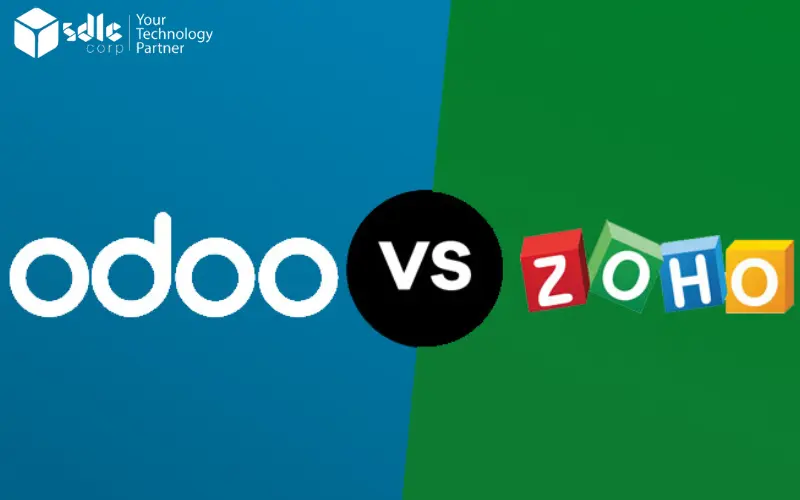
Odoo vs Zoho CRM: compare the sales workflows you need, the edition that provides them, and the connections to your other business systems. Odoo CRM is part of the wider Odoo application suite; Zoho CRM is a sales platform available in several editions.
This article compares CRM requirements. If you are researching the broader “Odoo vs Zoho” question, define the Zoho products in scope first: Zoho CRM, CRM Plus, and Zoho One are different offerings. Adding finance, inventory, support, or marketing changes the licensing and integration comparison. See Zoho’s bundle explanation.
Overview of Odoo CRM
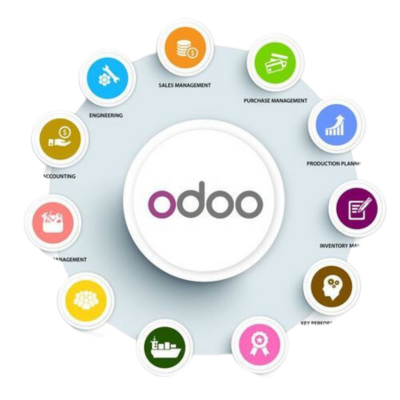
Odoo CRM is part of the Odoo ERP ecosystem, a comprehensive suite of business applications designed to streamline operations. Odoo CRM excels in providing tools for sales pipeline management, lead scoring, and customer interaction tracking.
One of its biggest strengths lies in its integration capabilities. As part of the Odoo ERP system, it connects with modules like inventory, accounting, and marketing, creating a unified platform for managing multiple aspects of your business.
With the help of Odoo ERP development, businesses can further customize the CRM to suit specific needs. Its open-source nature makes it a versatile choice for companies seeking flexibility and scalability.
Overview of Zoho CRM

Zoho CRM is a cloud-based solution known for its user-friendly interface and extensive feature set. Designed to cater to small and medium-sized businesses, Zoho CRM provides tools for lead management, workflow automation, and analytics.
Zoho CRM is part of the broader Zoho ecosystem, which includes apps for marketing, finance, and HR. Its standout feature is its AI-powered assistant, Zia, which helps users make data-driven decisions and automate repetitive tasks.
Unlike Odoo CRM, Zoho CRM is not open-source but offers a range of pricing tiers to suit different budgets. It is an excellent choice for businesses looking for a straightforward, out-of-the-box solution.
Ease of Use
Ease of use depends on the workflows your team must complete. Test lead capture, deal updates, email follow-up, quote creation, and manager reporting with the people who will use the CRM.
Zoho CRM offers a hosted sales workspace with configuration and automation that vary by edition. Odoo CRM can share workflows with other Odoo applications, but setup becomes more involved when the project includes inventory, accounting, or custom modules. Compare onboarding effort and daily tasks using the same sample data rather than assuming either interface will suit every team.
Integration Capabilities
Odoo CRM’s strength lies in its native integration with the broader Odoo ERP ecosystem. From inventory to human resources, Odoo provides a unified platform for managing all business operations. This makes it a great choice for companies that require a comprehensive solution.
Zoho CRM, while part of the Zoho ecosystem, often requires third-party integrations to connect with external tools. While these integrations are generally reliable, they can add complexity and cost to the overall implementation.
Pricing and Cost
Odoo CRM offers a free community version, making it an attractive option for startups and small businesses. The enterprise version follows a pay-per-module model, allowing businesses to control costs by selecting only the features they need.
Zoho CRM operates on a tiered subscription model. While the entry-level plans are affordable, the cost can rise significantly for advanced features or larger teams. Unlike Odoo, Zoho does not offer a free open-source version.
Automation and AI

Compare the automations your team actually needs: lead assignment, follow-up, approval routing, alerts, and reporting. Test the trigger, exception handling, permissions, and audit history for each workflow.
Odoo automation depends on the selected applications, version, and any configured or developed extensions. Zoho CRM automation and Zia features depend on the edition and feature limits. Confirm availability in the vendor documentation and demonstrate each required task before including it in the project scope.
Scalability
Both platforms should be tested against your growth plan. Define expected users, records, permissions, reporting, integrations, and automation volume, then check the limits and upgrade options of the selected edition.
For Odoo, assess the applications and hosting required as operations expand. For Zoho CRM, assess edition-specific limits and any additional Zoho apps needed. Scalability depends on the chosen configuration and delivery plan, not a blanket claim that one CRM is only suitable for smaller businesses.
Odoo CRM vs Zoho CRM: compare the same requirements
| Decision | Odoo CRM | Zoho CRM | What to verify |
|---|---|---|---|
| Sales workflow | CRM within the Odoo application suite. | Dedicated hosted CRM with edition-specific functions. | Lead assignment, deal stages, follow-up, quotes, permissions, and reporting. |
| Business-system scope | Assess the Odoo applications needed beyond CRM. | Assess the additional Zoho applications or bundle needed beyond CRM. | Which data is shared and where integration or reconciliation is required. |
| Customization | Configuration, Studio, and custom-module options depend on plan and hosting. | Configuration, custom functions, and feature limits depend on edition. | The specific changes, support effort, and upgrade impact. |
| Automation and AI | Evaluate the selected version, apps, and proposed extensions. | Evaluate Zia and automation availability in the selected edition. | Demonstrate the required task and confirm limits; do not assume every plan includes every feature. |
| Subscription cost | Price the selected Odoo plan and deployment. | Price the CRM edition, user roles, and any additional apps. | Region, currency, billing term, promotions, taxes, and renewal cost. |
| Three-year project cost | Include migration, configuration, integration, hosting, and support. | Include migration, configuration, integration, additional apps, and support. | Compare scoped quotes with the same users, workflows, and acceptance criteria. |
Get expert help with Odoo!
Boost efficiency with expert Odoo consulting today!
Conclusion
Choose Odoo CRM when the sales process needs to connect closely with Odoo operations and your team can support the required configuration or development. Choose Zoho CRM when a dedicated hosted sales platform fits the workflow and the selected edition supplies the required automation, reporting, and integrations.
Neither product is a universal winner. Validate permissions, migration, adoption, reporting, integration limits, and the three-year cost in a process-led pilot. For an Odoo shortlist, an Odoo fit-gap assessment can turn the requirements into a scoped implementation plan.