
- ODOO 18 COMPATIBLE
Smart QR-Based Asset Management in odoo
Transform your maintenance workflow with a QR-based asset tracking system built directly into Odoo.
Eliminate manual logs, reduce downtime, and ensure every asset is tracked, updated, and maintained in real time all from one centralized platform.
- QR-based asset tracking system
- Instant maintenance log updates
- Centralized asset management dashboard
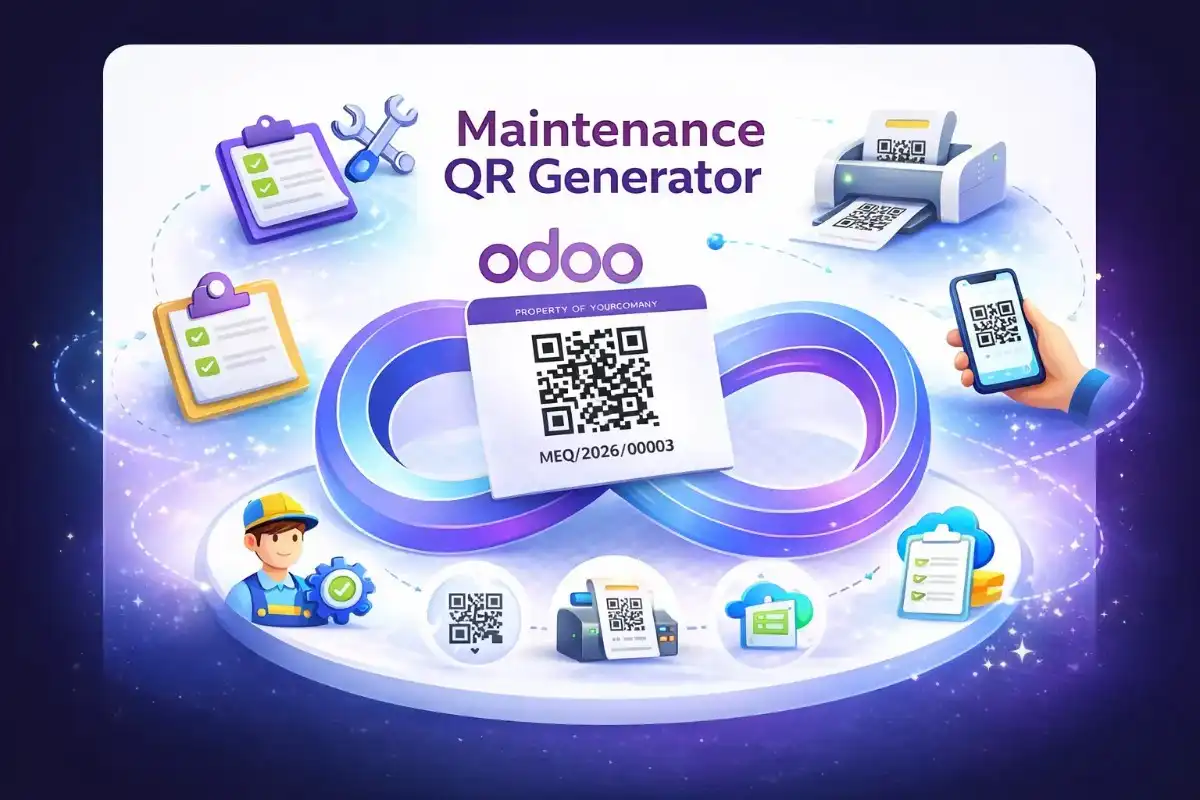
- Why Choose Our Maintenance QR Generator
Built for Scalable, Real-Time Maintenance Tracking in Odoo with QR Codes
Designed for real-world operations, this QR-based system ensures speed, accuracy, and reliability while eliminating manual tracking. It reduces downtime and improves asset visibility across locations, all managed seamlessly within Odoo.
Real-Time Asset Monitoring
Access asset details, service history, and current status instantly. Teams always work with accurate and updated information, which improves response time and reduces delays.
Automated & Reliable Updates
Every scan records updates automatically. This removes manual data entry, reduces human errors, and saves valuable time for technicians.
Quick Asset Identification
Identify machines and equipment within seconds using QR codes. This speeds up maintenance tasks and reduces search time on-site.
Secure & Scalable System
Built with role-based access and structured data management inside Odoo. It scales easily as your operations grow while keeping data protected.
Flexible Data Management
Customize data fields to fit your workflow. Manage information easily without limits. Adapt your data as your business grows.
Built-In Logs & Reports
Track complete maintenance history and performance insights. This helps teams reduce unexpected breakdowns and make faster, data-driven decisions.
- How it Works
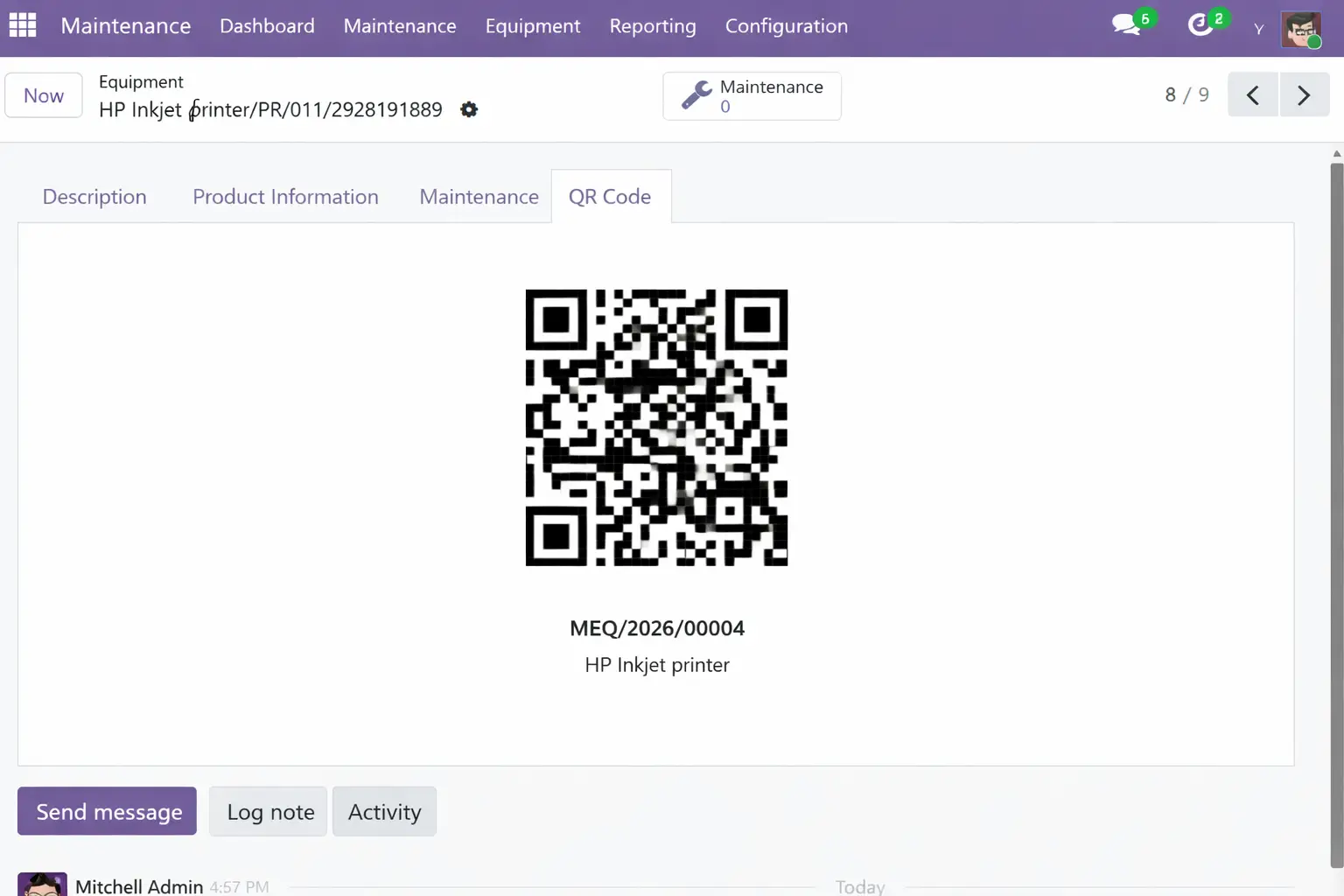
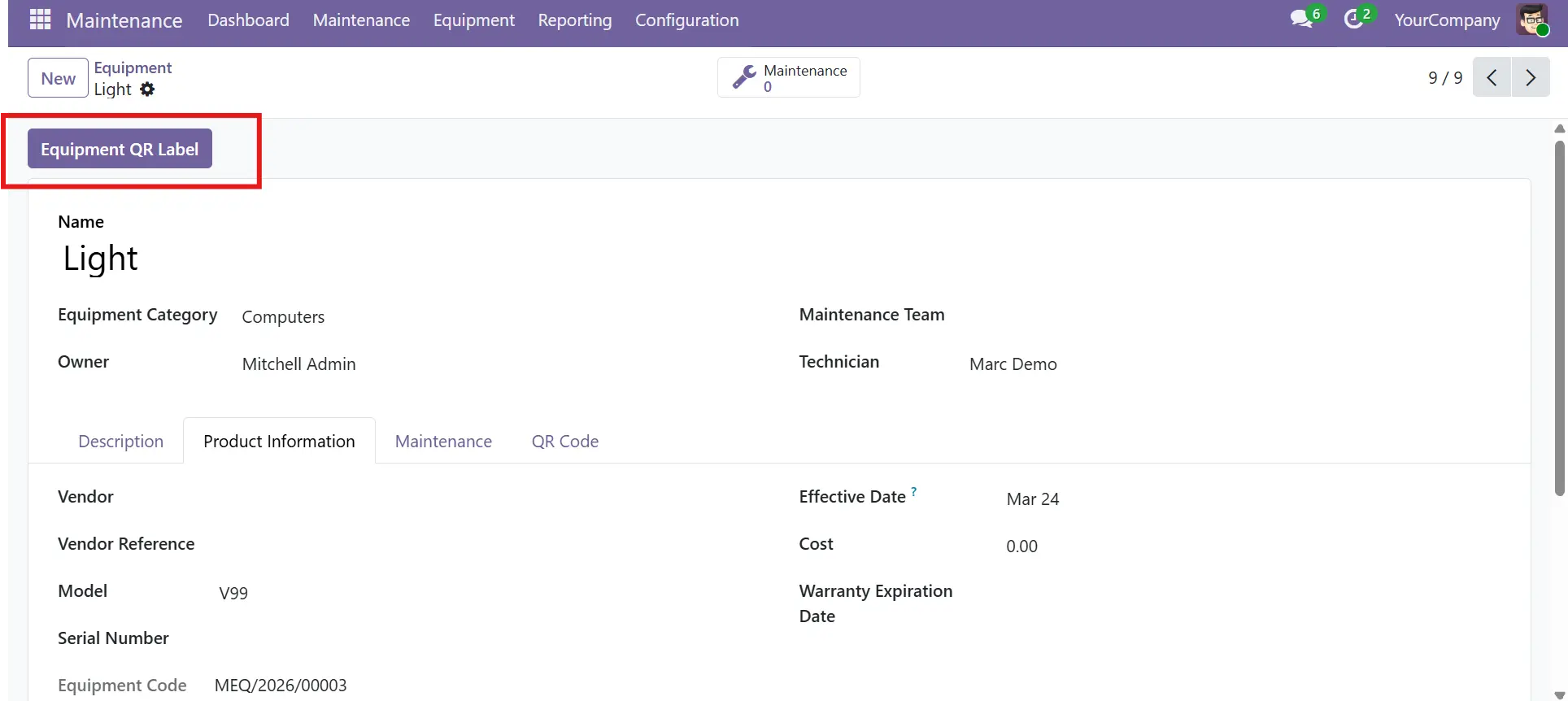
How Maintenance QR Generator Works
A streamlined workflow designed to eliminate manual tracking, improve maintenance visibility, and help teams operate faster all inside Odoo.
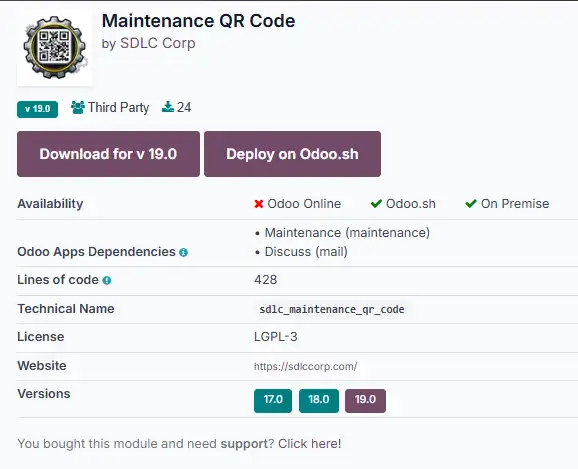
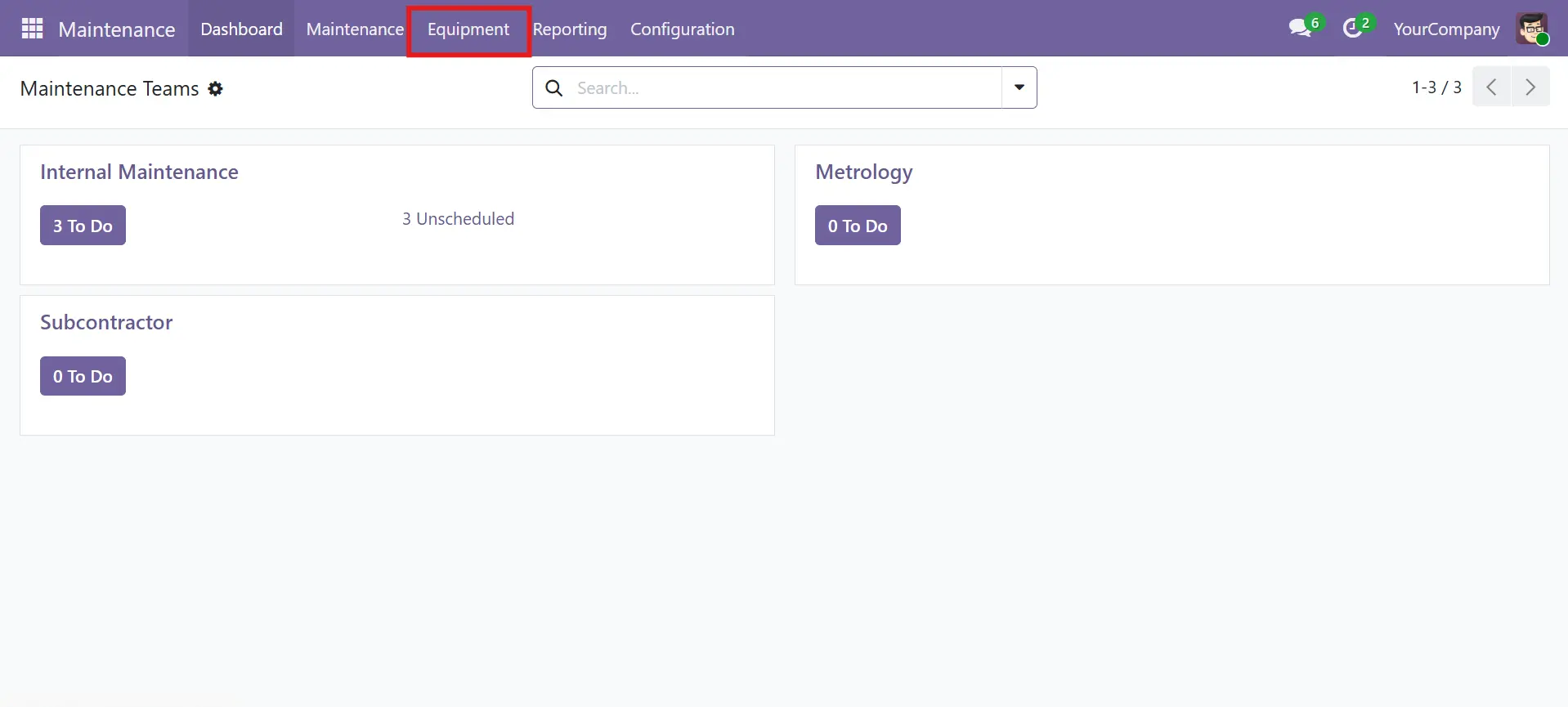
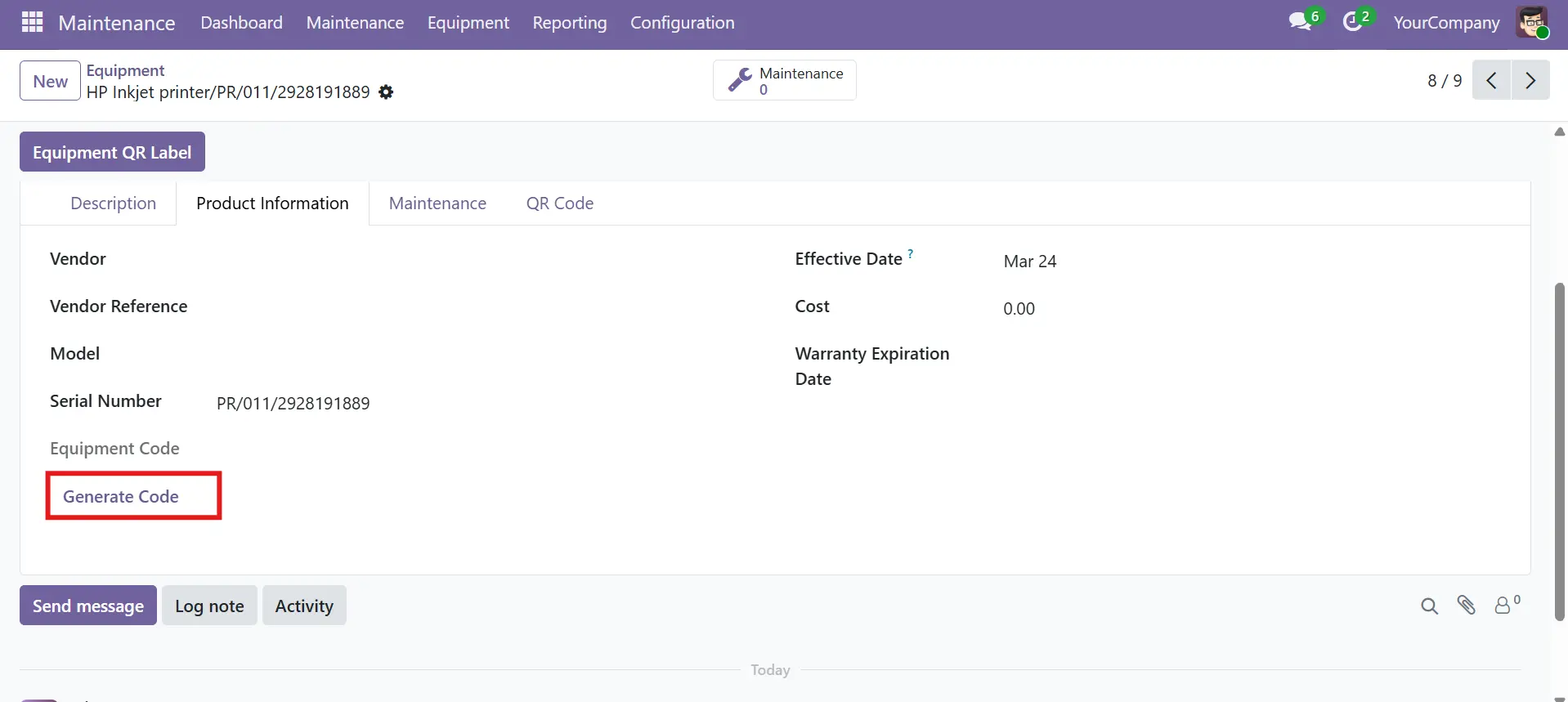
- Feature Implementation Process
How Odoo QR Maintenance Works in Real-World Business
Our QR-Based Maintenance Tracking System in Odoo simplifies asset management and maintenance tracking. It uses automation and real-time updates to reduce errors, improve efficiency, and ensure accurate records Odoo development company in India .
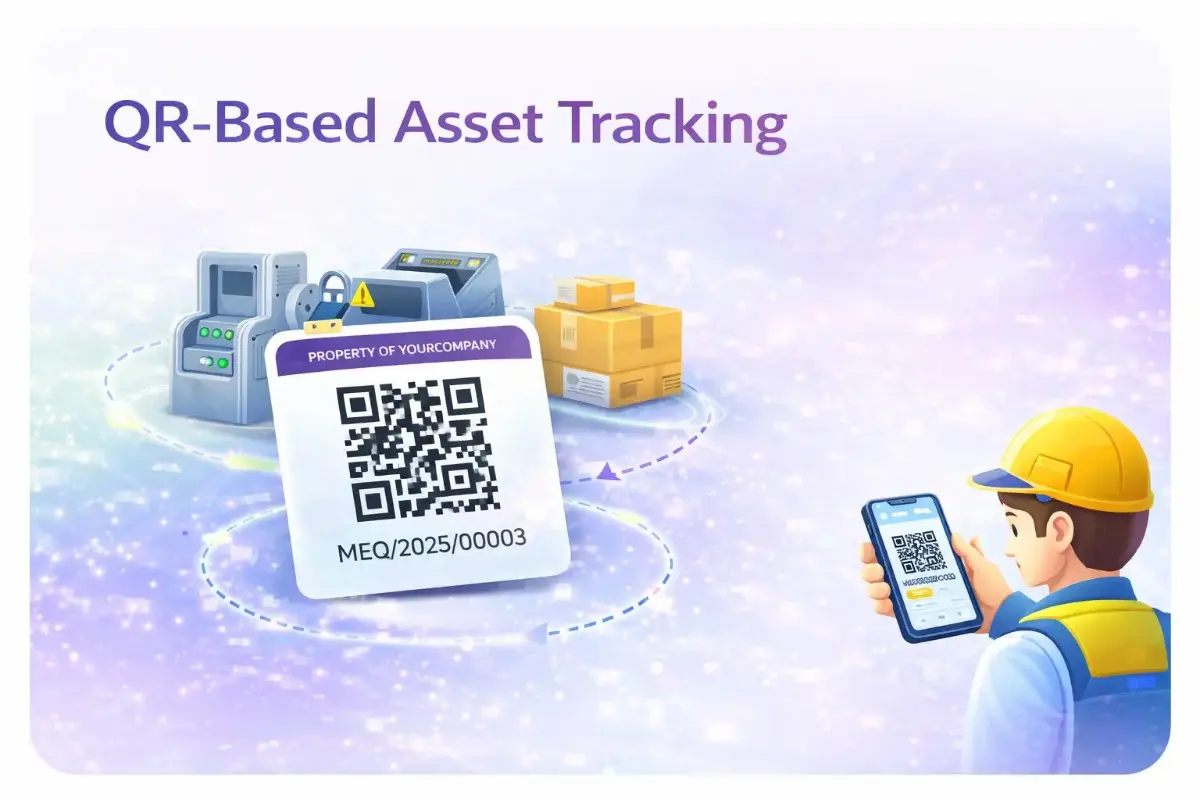
QR-Based Asset Tracking
Easily assign unique QR codes to every asset, so teams can instantly identify, track, and manage maintenance activities with a simple scan.
- Instantly access asset details and complete service history
- Reduce manual errors through automated asset identification
- Simplify tracking across multiple teams and departments
Real-Time Maintenance Updates
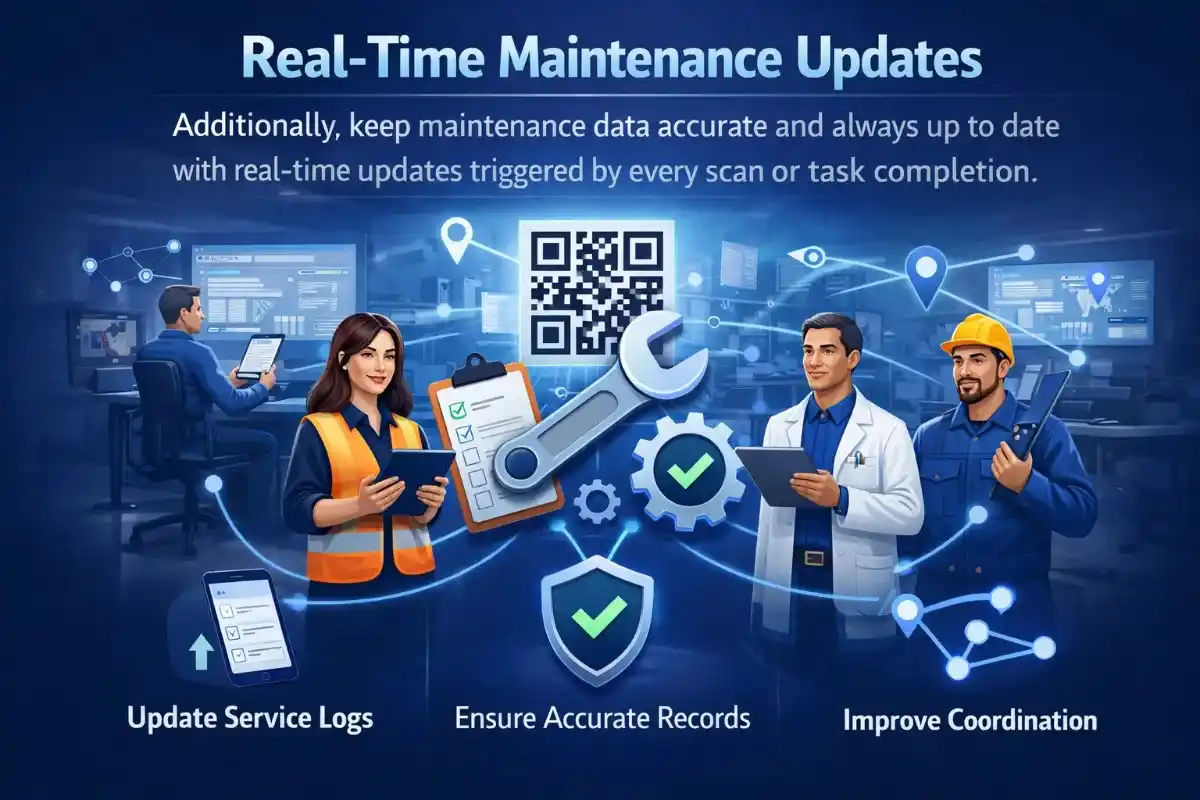
Additionally, keep maintenance data accurate and always up to date with real-time updates triggered by every scan or task completion.
- Update service logs instantly from any device
- Ensure accurate and reliable maintenance records
- Improve team coordination with real-time data visibility
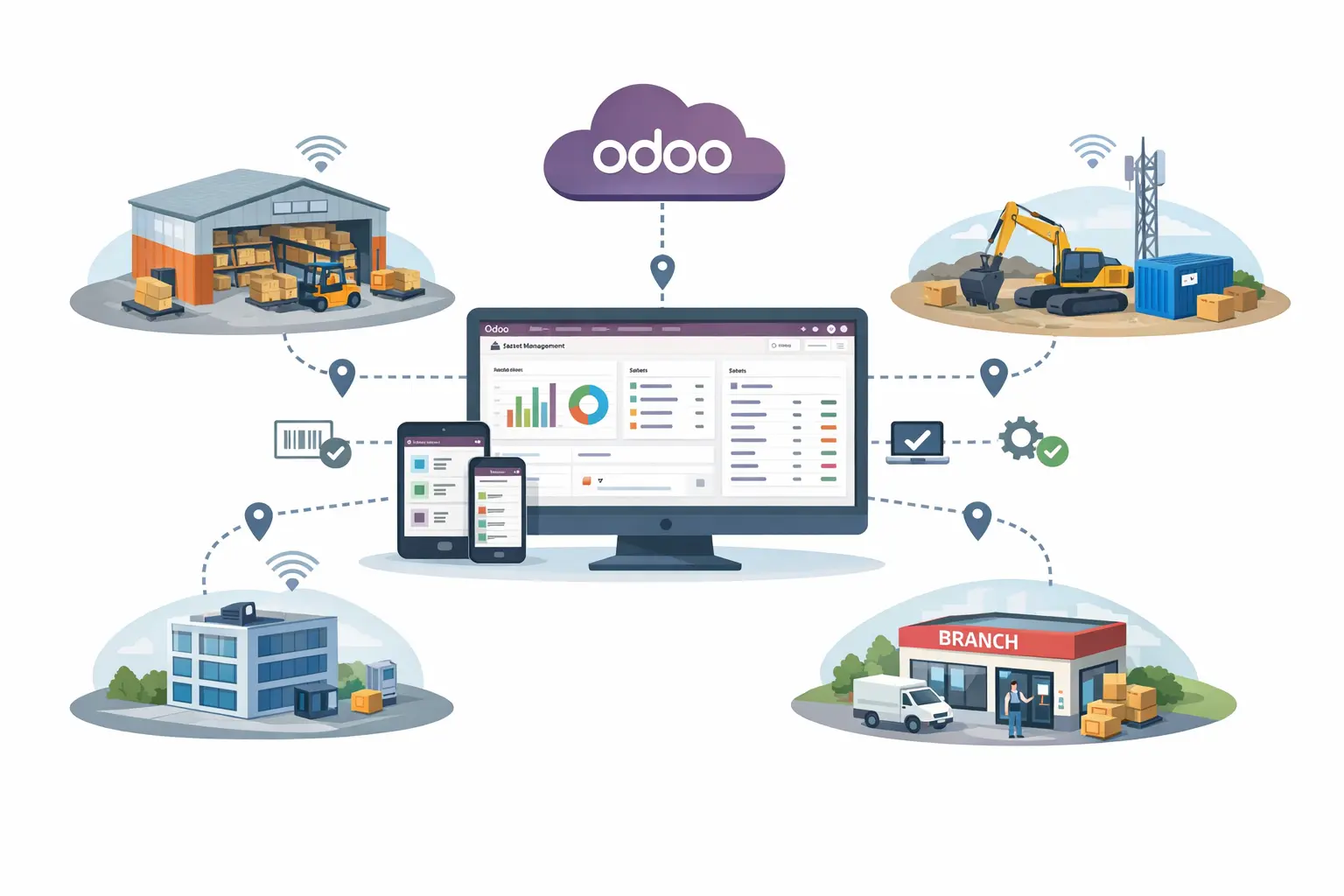
Multi-Location Asset Management
Furthermore, manage and monitor assets across multiple locations from a centralized Odoo system without confusion or data silos.
- Track assets across warehouses, sites, and branches
- Maintain consistent and synchronized data everywhere
- Improve visibility and control over distributed assets
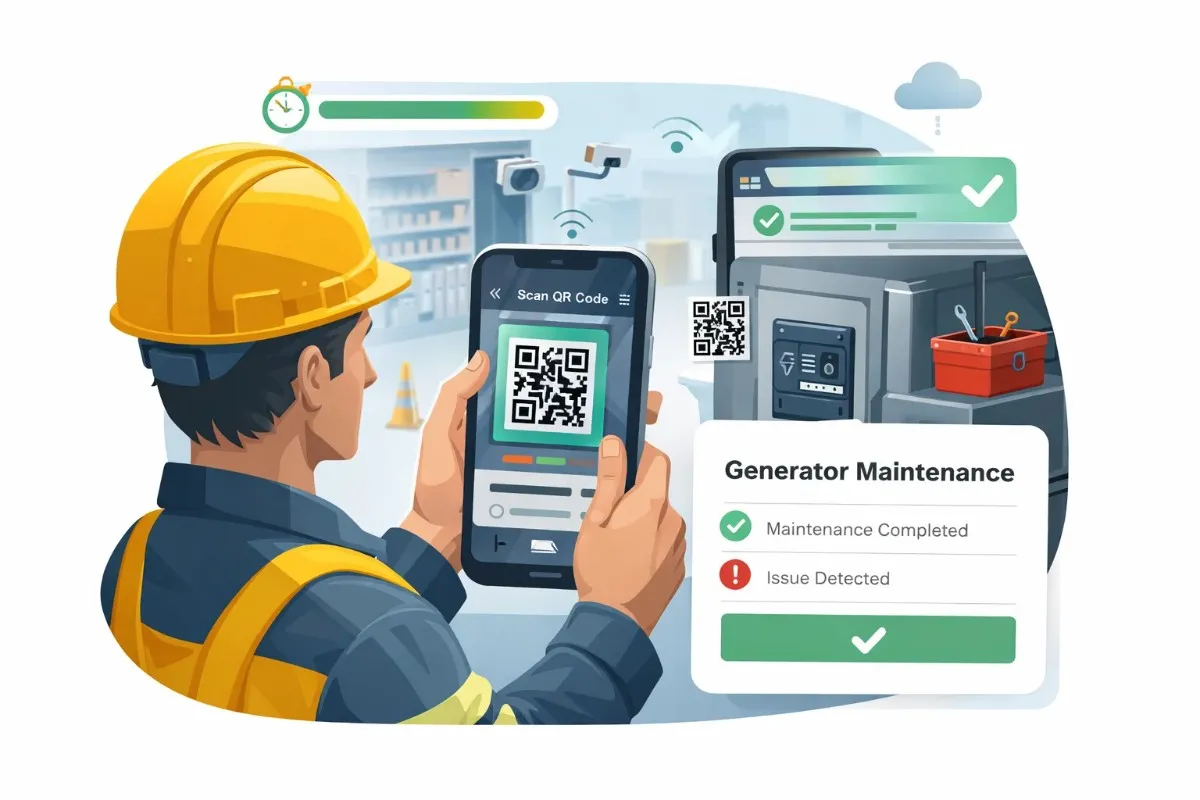
Instant Scan & Update System
As a result, technicians can scan QR codes and update maintenance status within seconds, significantly improving speed and efficiency.
- Perform instant scans to update maintenance tasks
- Reduce downtime with faster issue reporting
- Enable seamless, mobile-friendly maintenance workflows
- Delivering Measurable ERP Sync Outcomes
Delivering Measurable Maintenance Management Outcomes
Our solution is built for real-world maintenance workflows where speed and accuracy matter. It eliminates manual tracking, reduces delays, and provides complete asset visibility across all locations within Odoo. Odoo QR maintenance tracking case study.
Real-Time
Live Maintenance Updates
Access and update maintenance data instantly through QR scans. Therefore, technicians always work with the most accurate and up-to-date information.
Automated Reliability
Auto Log Updates
Every scan automatically records maintenance actions and updates. Moreover, this eliminates manual data entry and reduces human errors.
Asset Visibility
Centralized Asset Data
Get complete visibility of all assets, including service history and status, in one place. As a result, teams can quickly identify issues and plan maintenance effectively.
Built-In
Reports & Insights
Analyze maintenance performance, track breakdowns, and monitor trends. Therefore, businesses can make data-driven decisions and improve operational efficiency.
- Pricing
Odoo Maintenance QR Generator Pricing
Our pricing is designed to fit businesses at every stage. You can start for free and upgrade as your maintenance needs grow.
Maintenance QR Generator
- QR code generation
- Basic maintenance tracking
- Manual updates
- Limited asset management
Implementation & Customization
- Unlimited QR codes
- Real-time tracking system
- Automated maintenance logs
- Advanced analytics & reports
- Complete Integration Capabilities
Maintenance QR System Compatibility & Requirements
Our Maintenance QR Generator is built for flexibility and scalability. It works seamlessly across devices and operational environments, allowing teams to implement and expand without technical complexity inside Odoo.
Device Compatibility
Works across smartphones, tablets, and desktops. Therefore, technicians can scan, access, and update maintenance data anytime, anywhere.
QR Code Requirements
Supports universally accepted QR formats that are easy to generate, print, and scan. Moreover, this ensures fast and accurate recognition across all assets.
Real-Time Sync & Automation
Combines instant QR scan updates with automated logging. As a result, maintenance data remains consistent without manual intervention.
Security & Access Control
Implements role-based permissions and secure data handling within Odoo. Because of this, sensitive asset and maintenance data stays protected.
Monitoring & Activity Logs
Provides detailed logs of every maintenance action and update. Therefore, teams can track history, identify issues, and continuously improve operations.
Cloud-Based Access & Data Backup
All maintenance data is securely stored and backed up in the cloud. Therefore, teams can access information anytime while ensuring data safety and reliable record management.
- Your Smart Maintenance Partner
Built to Scale Your Maintenance Operations
Our Maintenance QR Generator adapts as your business grows. Whether you manage a few assets or thousands, the system scales with your needs.
It helps teams reduce downtime, improve tracking accuracy, and manage maintenance across multiple locations efficiently.
- Frequently Asked Questions
Everything You
Need to Know
Find clear, practical answers to common questions about the Maintenance QR Generator. Understand how it works, how it integrates with Odoo, and how your team can start using it without confusion or delays.
What is a Maintenance QR Generator?
A Maintenance QR Generator creates QR codes for assets, allowing teams to scan, track, and update maintenance data instantly within Odoo. It simplifies maintenance workflows and reduces manual tracking errors.
Does this module work with my existing Odoo setup?
Yes. The module integrates natively with Odoo and works seamlessly with Maintenance, Inventory, Manufacturing, and Assets modules without requiring changes to your existing database structure.
What does the Maintenance QR Generator do?
It generates unique QR codes for assets and enables real-time maintenance tracking. Teams can scan assets, access details, update service logs, and manage complete maintenance history efficiently.
Is the system updated in real time?
Yes. Every QR scan and update is instantly synced within Odoo, ensuring your team always works with accurate and up-to-date information.
What data can I track using QR codes?
You can track asset details, service history, maintenance logs, breakdown records, technician updates, and performance insights all in one centralized system.
Does scanning a QR code require an Odoo login?
Yes. Scanning the QR code opens the asset record inside Odoo, which requires a valid user login. This ensures secure and controlled access to your data.
What hardware is required to use the system?
No additional hardware is needed. Any smartphone or tablet with a camera and access to Odoo can be used. The system works on both Android and iOS devices.
Can I manage multiple assets and locations?
Yes. The system supports multi-location asset tracking. You can manage assets across different sites, warehouses, or facilities from a centralized dashboard.
- Get Started
Let’s Connect Your Maintenance QR System
What happens after you submit?
- We analyze your maintenance workflow and asset structure
- Quick consultation to understand your tracking requirements
- Clear setup plan with next steps for implementation in Odoo
- Secure Integration
- Odoo-Ready
- Global Clients






