
Odoo 18 & 19 Ready

Odoo Access Rights & User Permissions

Control every menu, field, button, tab, chatter, and CRUD operation per user from one Smart Access Controller studio dashboard. Lock anything down with a click and keep every restriction enforced server-side, not just in the UI.

Manage access rules without XML, Python, or server restart.
Protect menus, fields, buttons, chatter, and model actions.
Apply secure permissions for Odoo Online, Odoo.sh, and On-Premise.
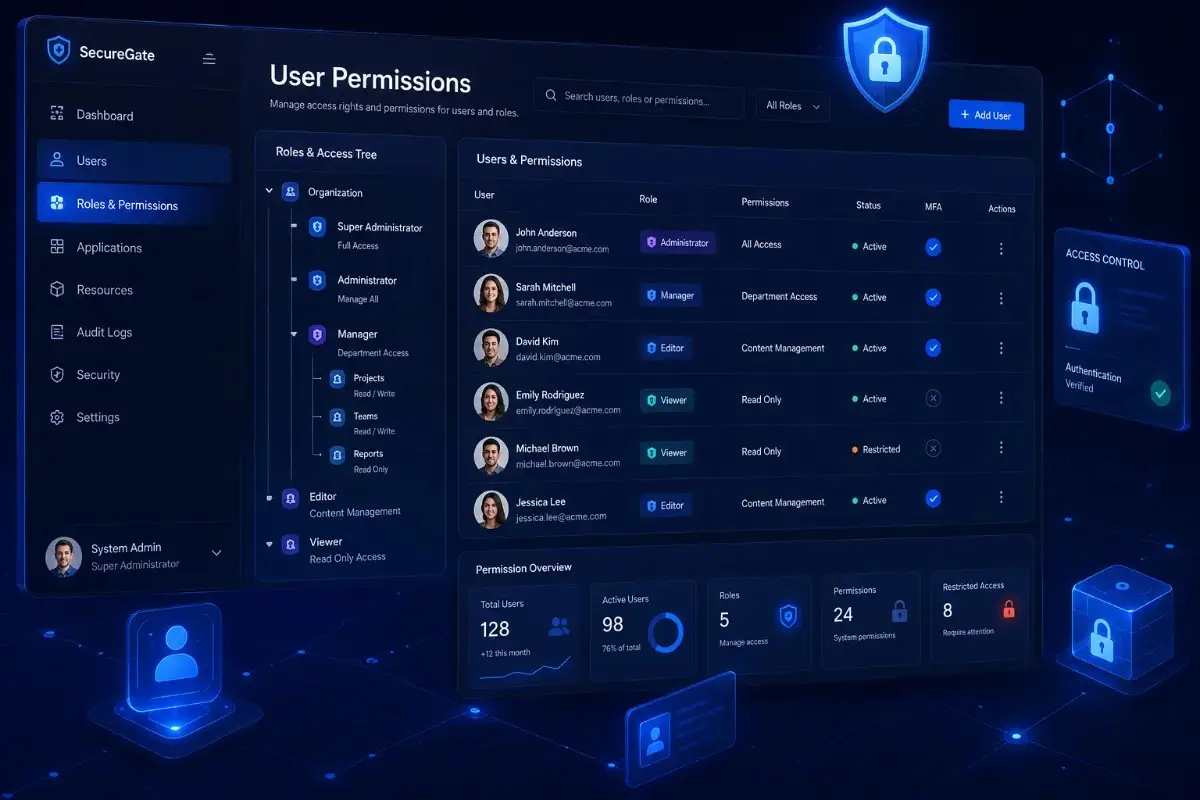
Odoo Access Rights control dashboard — Smart Access Controller by SDLC Corp
4 downloads
Active Installations
v18.0 to v19.0
Supported Versions
$
$9.74
Price
LGPL-3
License Type

Odoo Access Control

Why Odoo Access Rights and User Permissions Need Better Control

Control menus, fields, buttons, and CRUD rules from one secure interface without complex XML edits.

Secure Odoo User Access

Too Many Separate Access Modules

Separate modules for menus, fields, and CRUD create upgrade risks and harder maintenance.

Weak UI-Only Restrictions

Many tools only hide buttons while API calls still bypass restrictions completely.

Risk of Admin Lockouts

Incorrect record rules can block administrator access and interrupt operations.

Smart Access Controller Solves All Three

Manage menus, fields, buttons, CRUD, chatter, and group access from one secure Odoo interface.

One module for complete access management

Control menus, fields, CRUD, chatter, and groups from one centralized setup.

Server-side access enforcement

API calls, integrations, and mobile requests follow the same security restrictions.

Safe administrator protection

System administrators automatically bypass restrictions to prevent accidental lockouts.

Key Features

Advanced Odoo Permission Management for Secure User Access

Manage user access, visibility, and restrictions from one powerful Odoo module. Built by an experienced Odoo development company in India, it helps reduce unauthorized access and simplify admin control.

Explore Access Controls

Read-Only Mode for Any Odoo User

Instantly switch any user to secure read-only access and prevent unwanted data changes.

Per-User Menu Hiding in Odoo

Hide menus for specific users to simplify navigation and reduce unauthorized access.

Model Access Control — CRUD & More

Control create, edit, delete, export, import, and report actions to prevent permission errors.

Field-Level Access Control in Odoo

Make fields invisible, read-only, or mandatory to protect sensitive business data.

Record-Based Access Restrictions

Limit actions on selected records or workflow states to reduce unauthorized updates.

Button & Tab Visibility Control

Hide buttons, smart actions, and tabs to simplify admin control without custom XML edits.

Chatter, Activity & Internal Notes Control

Hide chatter and activities where needed to keep communication access role-based.

Temporary Group Access Control

Pause group permissions temporarily to prevent access mistakes without changing user groups.

Disable Developer Mode per User

Restrict debug mode and technical menus to protect system settings from accidental changes.

How It Works

How to Configure Odoo User Permissions in 4 Steps

Set secure Odoo access rules in minutes without XML, Python, or server restart.

Configure Access Rules
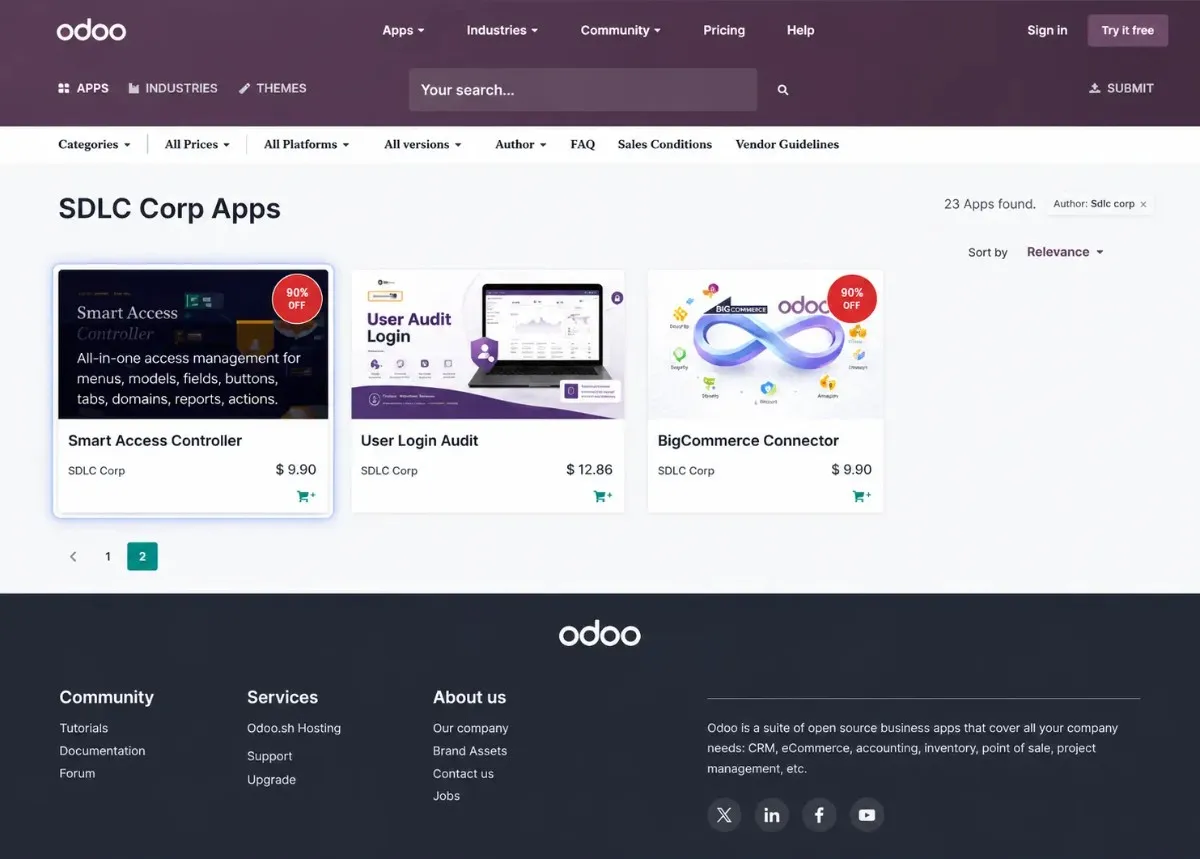
Odoo Smart Access Controller manager group setup screen

Install From Odoo Apps

Start with a clean module installation across Odoo Online, Odoo.sh, or On-Premise environments.
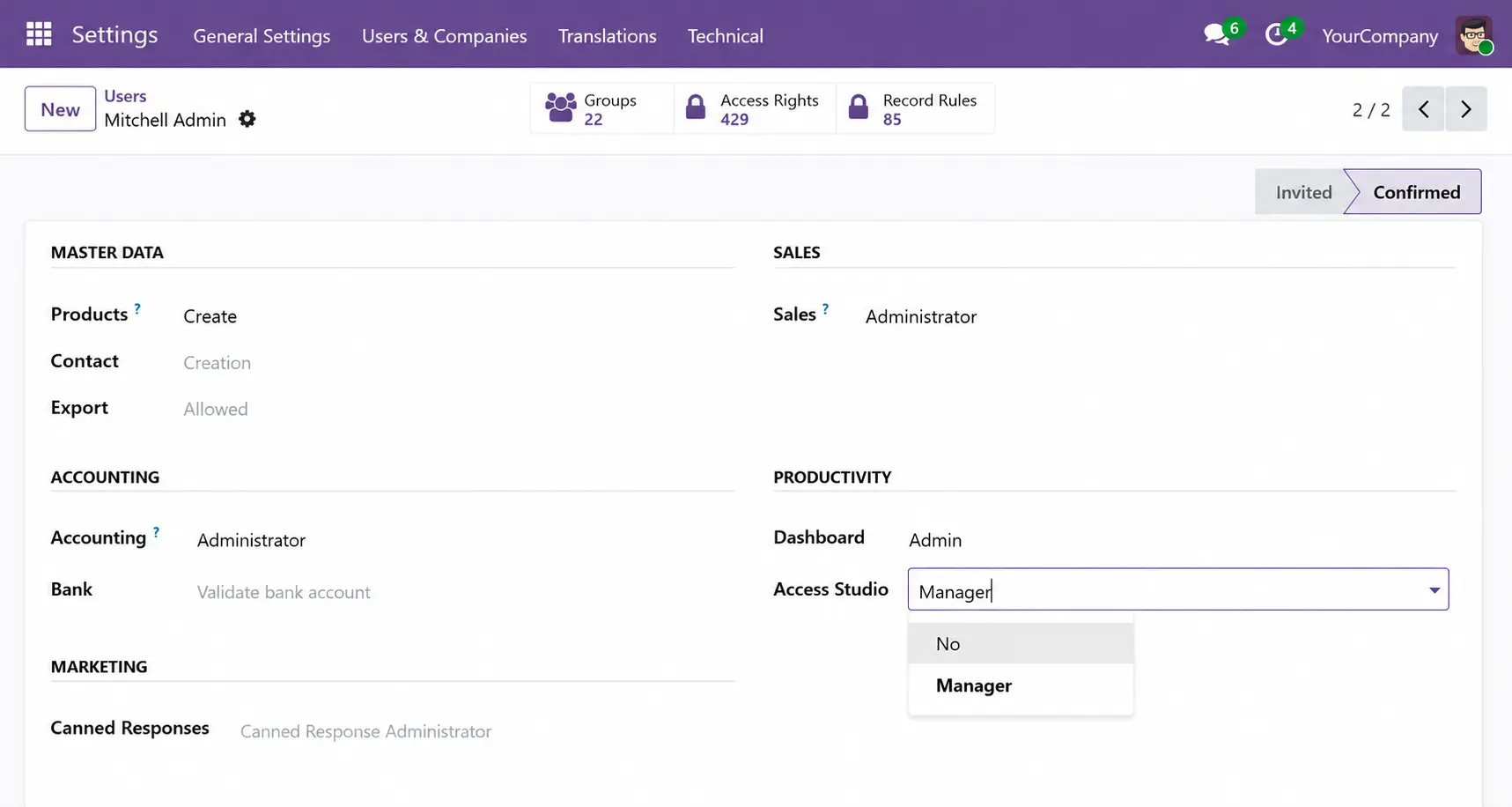
Assign access manager group in Odoo Smart Access Controller

Assign Access Manager

Allow the access manager to create rules, select users, and control menus, fields, buttons, chatter, and CRUD permissions.
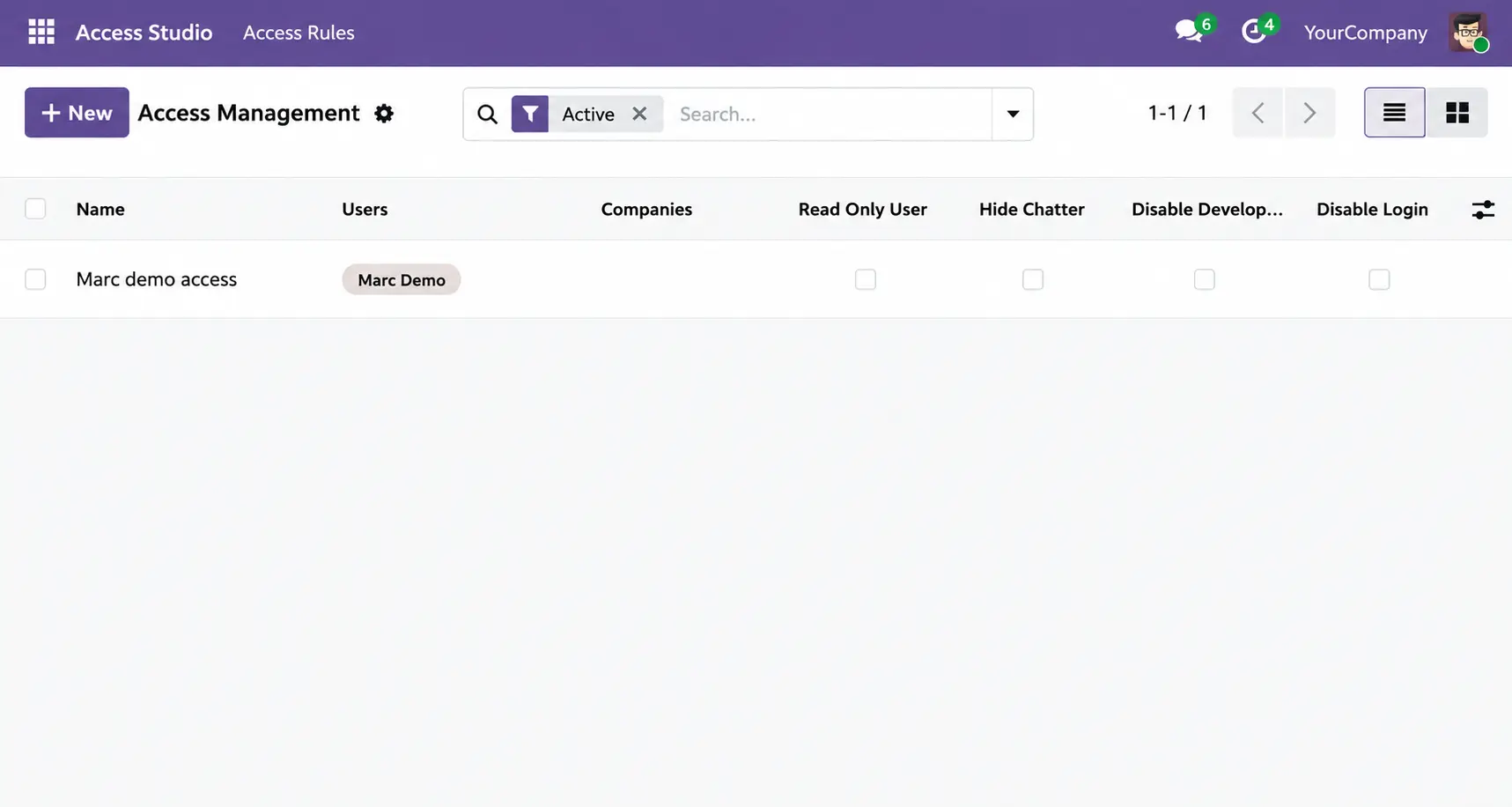
Odoo access rules list inside Smart Access Controller

Create a User Access Rule

Name the rule, select users, and prepare a clean permission setup from one screen.
Button and tab access configuration in Odoo Smart Access Controller

Control All 7 Access Tabs

Configure menu, model, field, domain, button, chatter, and group restrictions from one interface.


Why Choose Us

Why Smart Access Controller Is Better for Odoo Security

Control user permissions faster with no-code setup, safe admin access, and server-side protection. For real access-control proof, review the Odoo Smart Access Controller case study.

Compare Access Control

No-Code Setup

Create access rules without XML, CSV files, Python changes, or server restart.

Server-Side Enforcement

Block restricted actions across views, APIs, scripts, and ORM requests.

Admin Safety

Protect system administrators from accidental lockout while setting rules.

Menu Control Field Access CRUD Rules Button Hiding Chatter Control Multi-Company Ready

Use Cases

Real-World Odoo Access Control Use Cases

Control access for auditors, sales, HR, orders, and multi-company teams without custom code.

Review Use Cases

Auditor Access

Give auditors read-only access without edit rights.

Sales Pricing

Hide cost, margin, and pricing fields by role.

HR Salary Control

Restrict salary fields to approved managers.

Order Locking

Block edits after orders are confirmed.

Chatter Control

Hide notes and chatter on sensitive records.

Multi-Company Access

Limit users to assigned companies or units.

Temporary Login Restriction

Pause access without deleting user records.

Export Control

Block export, import, duplicate, and archive actions.

Security & Enforcement

Server-Side Odoo Access Control That Blocks Risk

Enforce Odoo permissions across the interface,
APIs, scripts, and record rules.

Explore Security Layers
Layer 1

View Protection

Hide sensitive menus, fields, buttons, tabs, and chatter from selected users.

  • Menu visibility control
  • Field read-only settings
  • Button and tab hiding
Layer 2

API Protection

Stop restricted actions from APIs, RPC calls, scripts, and external tools.

  • API request blocking
  • Script-level protection
  • Integration control
Layer 3

Record Protection

Restrict create, read, edit, and delete actions using domain-based rules.

  • State-based rules
  • Domain restrictions
  • Query-level enforcement

Real Odoo security blocks access everywhere — not only inside the visible interface.

FAQ

Odoo Access Rights Module FAQ

No. Smart Access Controller automatically protects administrator accounts from accidental lockout situations. Even if restrictive rules are created, system administrators can still access the backend safely. This helps teams test and apply permission rules without risking ERP downtime or losing control of important Odoo settings.
No. Permission changes apply instantly after rules are saved. You can update menus, fields, CRUD permissions, buttons, tabs, chatter visibility, and domain restrictions directly from the interface without restarting the Odoo server or refreshing technical configurations.
Yes. You can combine multiple access rules for the same user or group. The module evaluates all active restrictions together and enforces them across menus, models, fields, and record-level operations. This makes it easier to build detailed role-based access structures inside Odoo.
No. Smart Access Controller enforces restrictions server-side. This means blocked actions stay protected across APIs, ORM requests, scripts, RPC calls, imports, exports, and external integrations. Users cannot bypass restrictions by avoiding the normal interface.
Yes. The module supports Odoo Online, Odoo.sh, and On-Premise deployments. It is designed to work across different hosting environments while keeping the same permission management workflow and security structure.
Yes. You can disable create, edit, delete, duplicate, export, or archive actions independently for selected Odoo models. This allows businesses to create safe read-only environments for auditors, finance teams, temporary users, or external reviewers.

Let’s Talk About Your Product

Get expert guidance on scope, architecture, timelines, and delivery approach so you can move forward with confidence.

What happens next?

