
Introduction
Creating a contact form on your WordPress site is essential for connecting with your visitors. WPForms is a powerful, user-friendly plugin that makes form creation simple and customizable. In this guide, we’ll walk you through the process of installing WPForms, setting up a contact form, and customizing it to suit your needs. Whether you’re a beginner or experienced user, WPForms offers an intuitive solution to add professional forms to your site in just a few clicks.
Expert WordPress Development Solutions
Elevate your website with our expertise.

Steps to Update Your WordPress Site Safely:
1. Click on the Plugin Button
Navigate to the WordPress dashboard and click on the Plugin section.
2. Click on Add New Plugins
In the Plugins section, click Add New, search for the WPForms plugin, and install it.

Get a closer look – Here’s the feature at work.
3. Click on the Contact Button
After installation, locate and click on the WPForms or Contact tab in your WordPress dashboard.
4. Click on Add New Contact
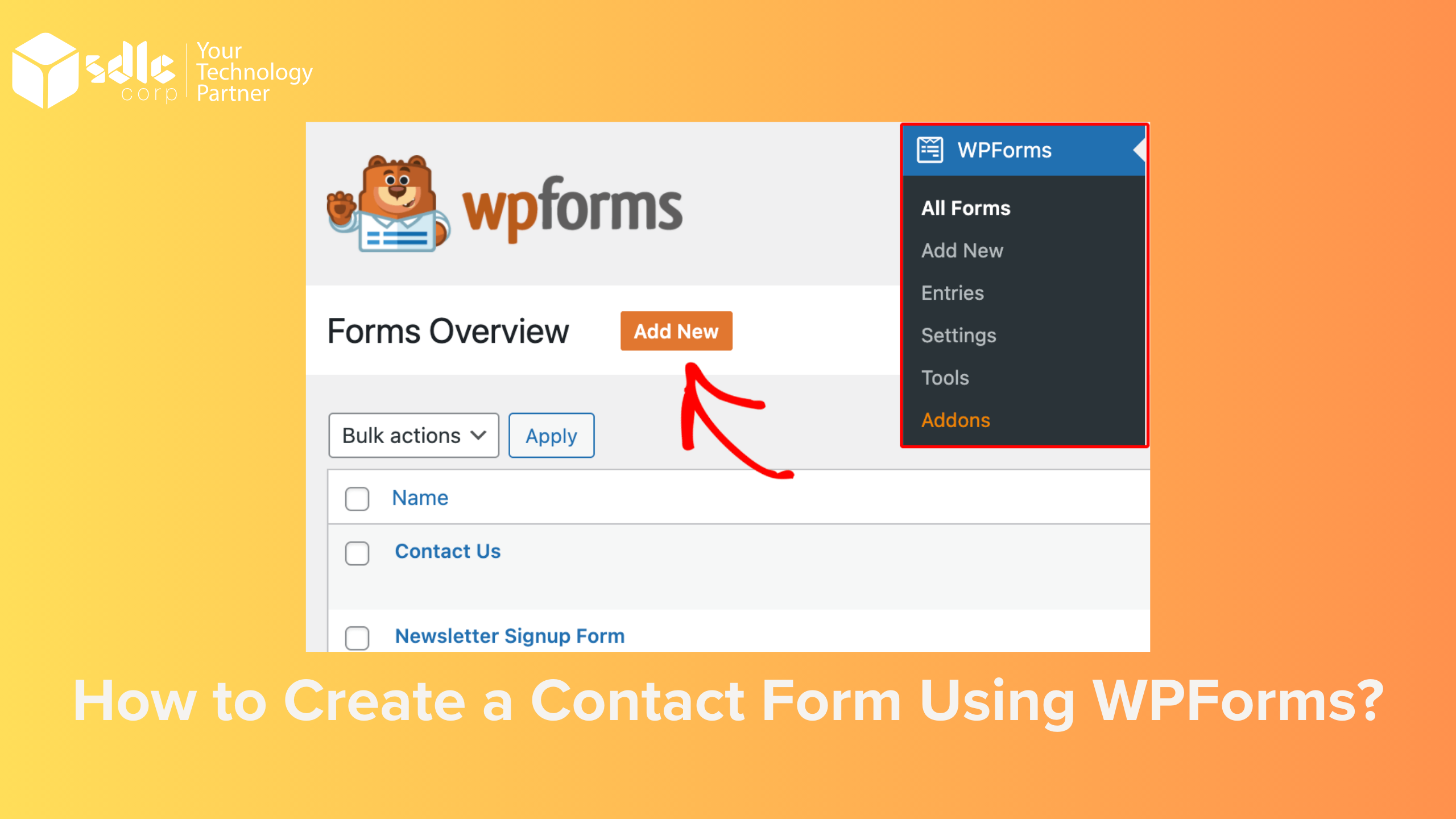
Within WPForms, select Add New to create a new contact form. Use the drag-and-drop builder to customize your form fields as needed.

Get a closer look – Here’s the feature at work.
Custom WordPress Development Services
Tailored solutions for your business needs.

5. Click on Save Button
After completing your form, click the Save button to finalize and publish it.

Get a closer look – Here’s the feature at work.

Conclusion
Creating a contact form using WPForms is simple and user-friendly. By installing the plugin, customizing your form, and saving your changes, you can efficiently add a contact form to your WordPress site. This feature enhances communication between you and your audience, making it a valuable tool for any website.