Introduction
WordPress has become one of the most popular content management systems, powering millions of websites worldwide. If you’re new to WordPress or just looking to refine your skills, learning how to create and publish a post is essential. Whether you’re blogging for personal or business reasons, WordPress offers an intuitive interface to help you share your ideas, insights, and stories easily.
Step 1:Log in to Your WordPress Dashboard
Access your WordPress admin panel using your credentials.
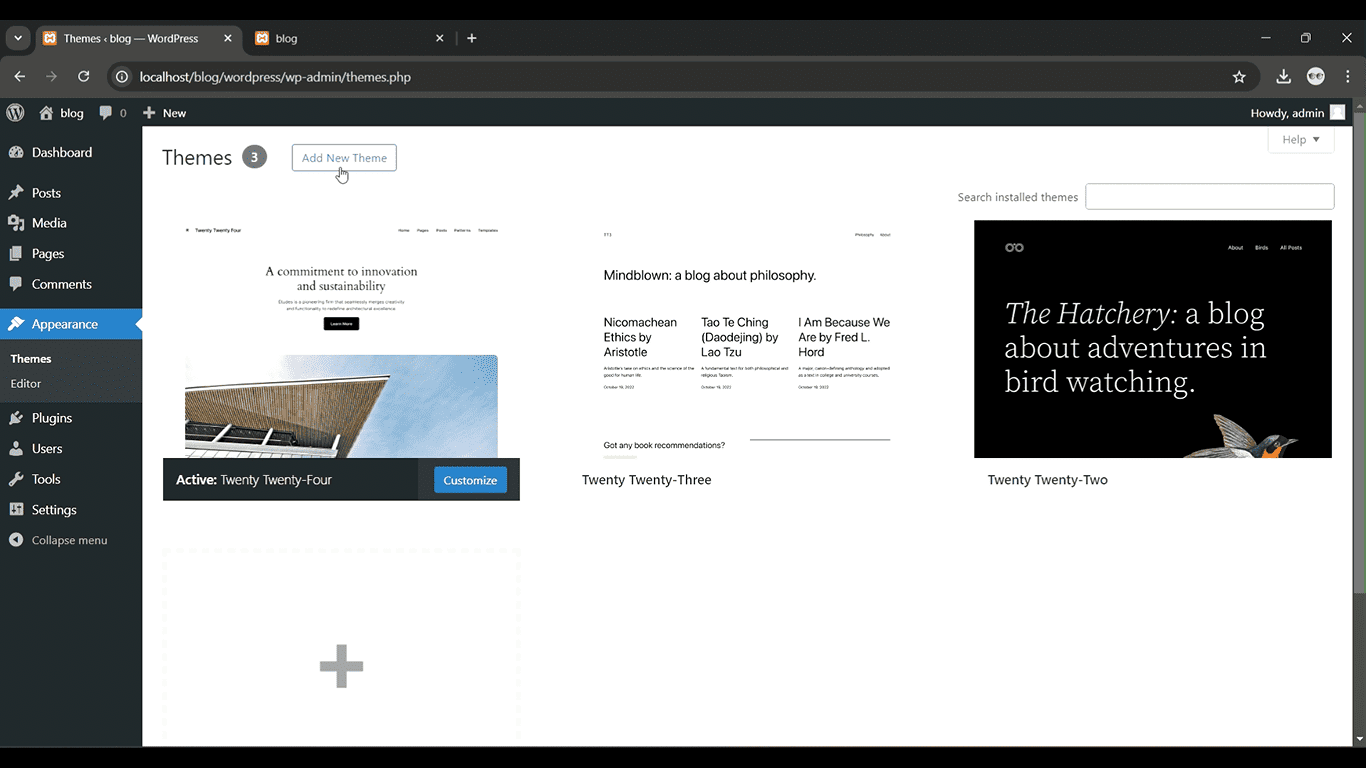
Get a closer look – Here’s the feature at work.
Step 2: Go to Pages > Add New
From the left-hand menu, click on “Posts” and then select “Add New.”
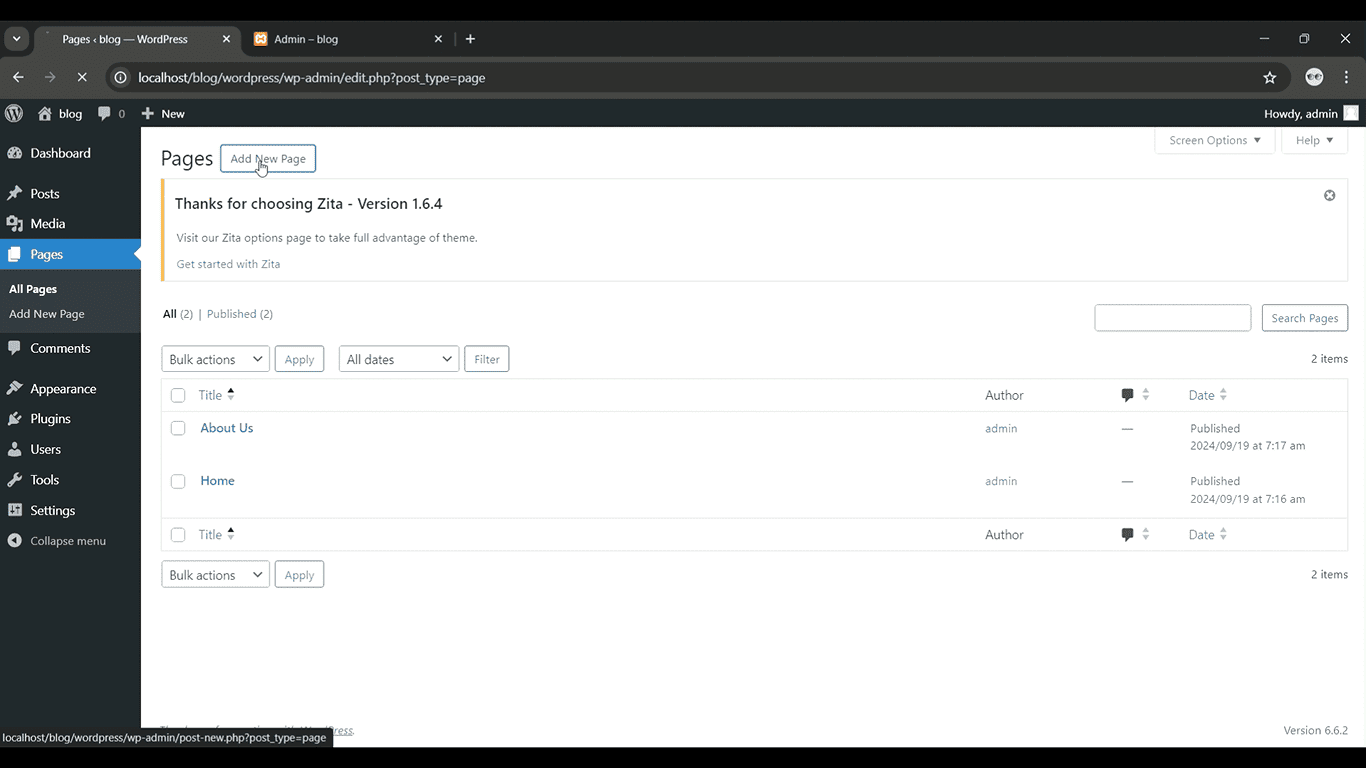
Get a closer look – Here’s the feature at work.
Step 3: Enter a Title and Content
Add a catchy title and write your post content in the editor.

Get a closer look – Here’s the feature at work.
Step 4: Choose Categories and Tags
On the right, assign relevant categories and tags to organize your post.

Get a closer look – Here’s the feature at work.
Step 5: Publish the Post
Once you’re done, click “Publish” to make your post live.

Get a closer look – Here’s the feature at work.