
Introduction
Odoo is a powerful ERP platform offering numerous modules to manage business processes. One essential feature of Odoo is the ability to manage employees and assign them to various departments efficiently. Here are the steps to create a new employee and assign them to a department within the Odoo HR module.
Steps to Create an Employee and Assign Them to a Department
1. Navigate to the Employees Module
Log in to your Odoo account and click on the Employees module from the dashboard.
2. Click on Create to Add a New Employee
In the Employees module, click on the Create button at the top-left corner to open the employee creation form.
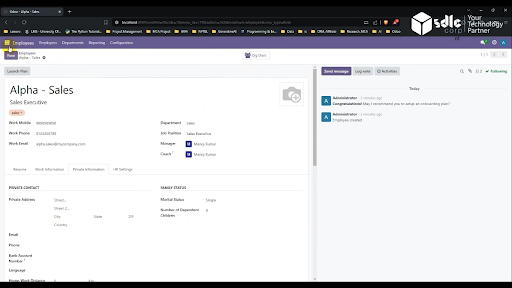
3. Fill in Employee Details and Click on the Save Button
- In the employee creation form, provide the required information.
- After entering all the details, click on the Save button at the top-right corner to save the new employee record.
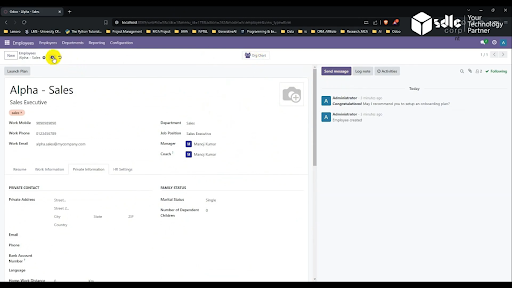
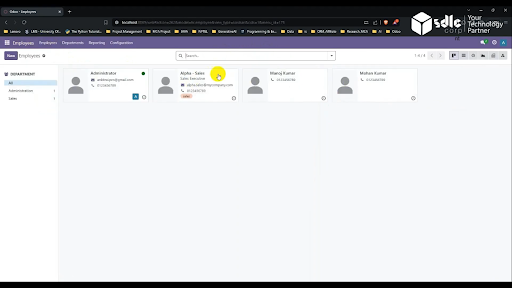
4. Verify the New Employee Record
- Once saved, the employee’s profile will appear in the list of employees. You can click on the employee name to view the details and ensure that the assigned department is correct.
Expert Odoo ERP development company for tailored business solutions.
An Odoo ERP development company offers tailored solutions to streamline business operations, enhance productivity, and drive growth.

Conclusion
Creating and managing employees in Odoo is a straightforward process. By following the steps above, you can efficiently add a new employee and assign them to the appropriate department. This not only helps with organizing the workforce but also ensures smooth management of employee-related tasks, like payroll and performance tracking, across various departments.
Need Help Setting This Up in Odoo?
If you want this configured for your team or adapted to the way you work, our Odoo consultants can set it up, train your users and support you after go-live.