Introduction
Expert WordPress Development Solutions
Elevate your website with our expertise.

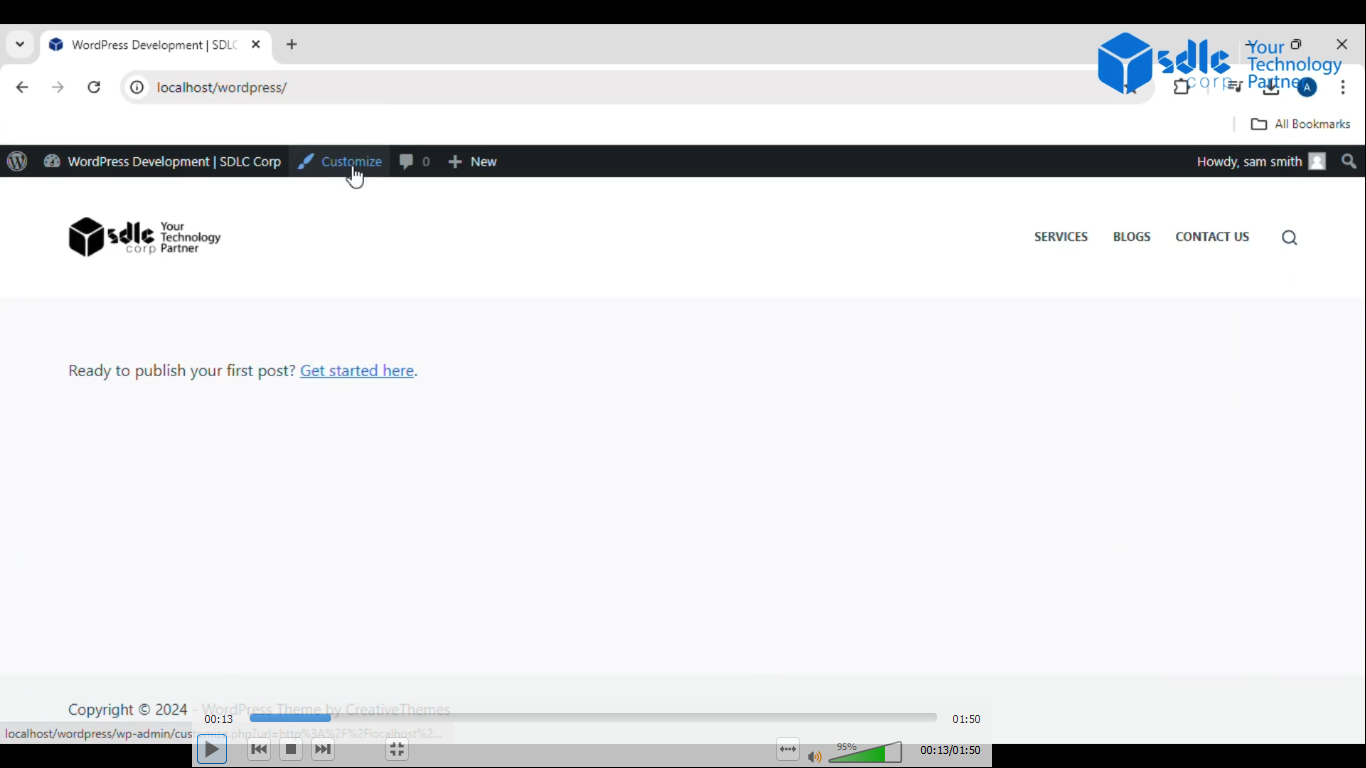
1. Click on the Customize Button
Navigate to the WordPress dashboard (or your CMS’s admin area).
– On the left-hand sidebar, locate and click on the “Appearance” tab.
– From the drop-down, select “Customize.”
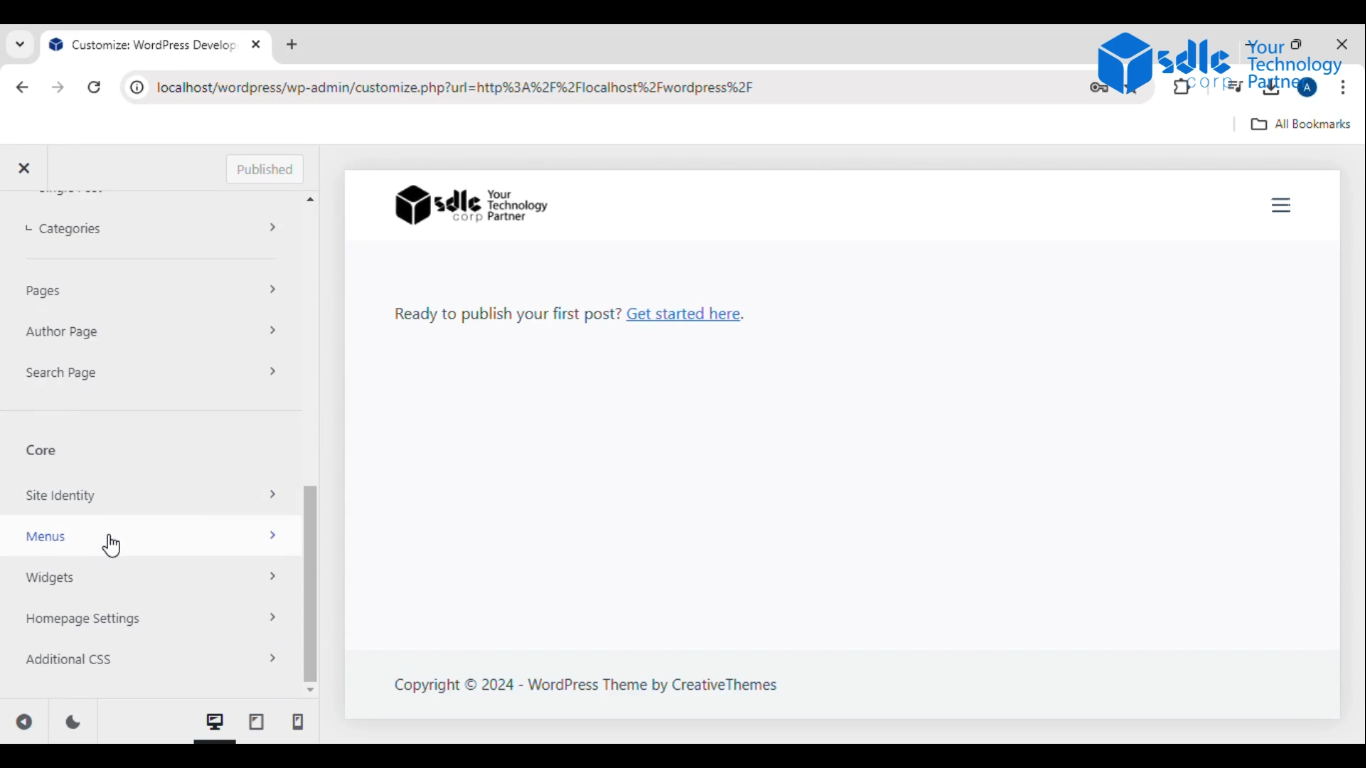
2. Click on Menus
– In the customization area, find and select the “Menus” section.
– This section will allow you to edit the menus on your website.
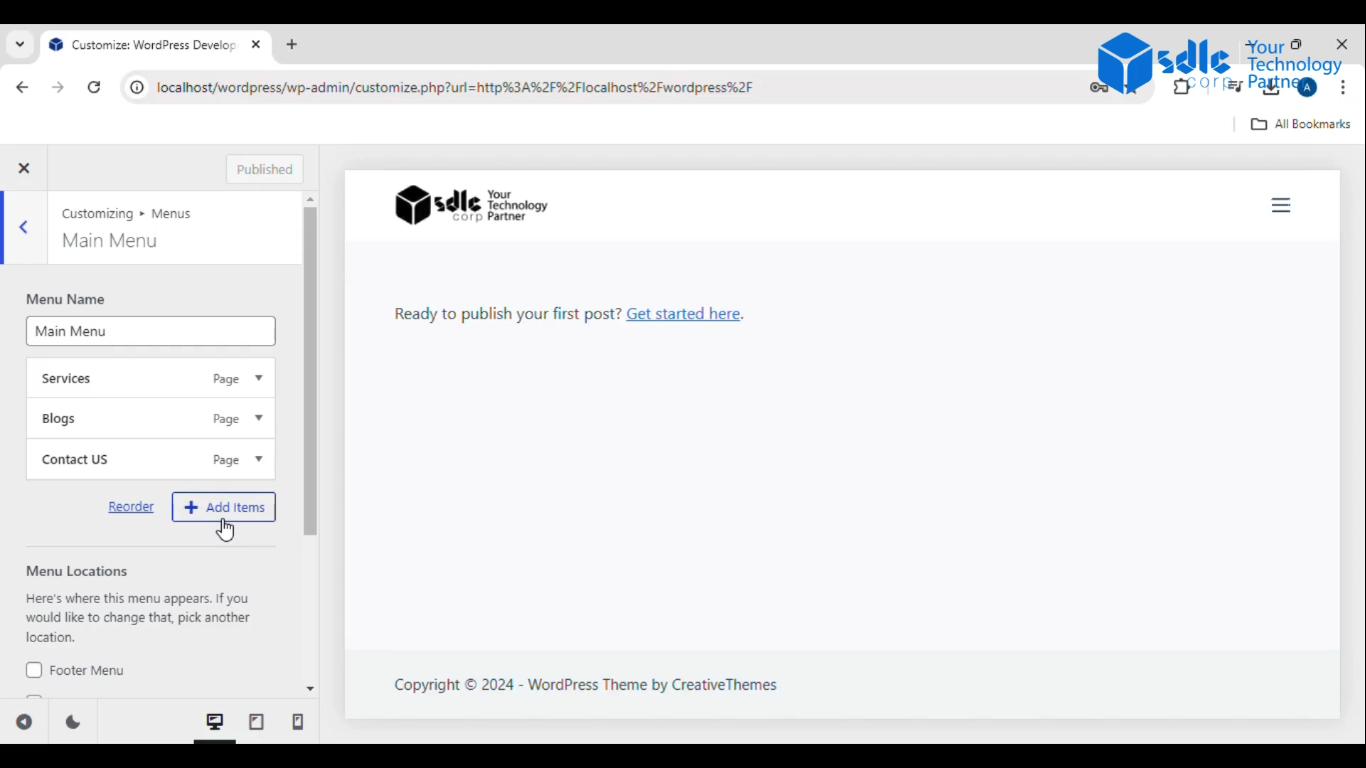
3. Click on Main Menus
– From the “Menus” tab, you will see a list of available menus on your website.
– Select the primary (main) menu where you want to add your sub-menu.
Custom WordPress Development Services
Tailored solutions for your business needs.

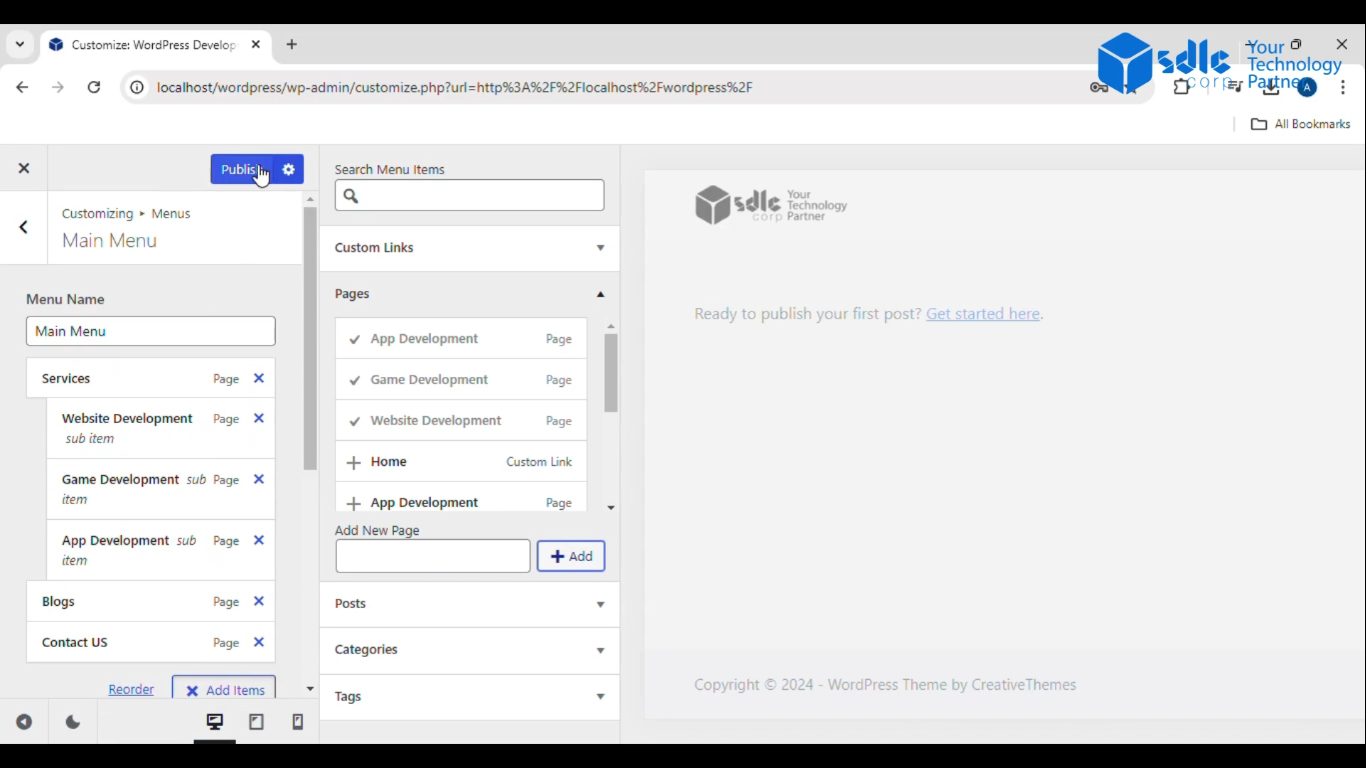
4. Click on Add Items
– Once inside the main menu, click the “Add Items” button.
– Choose from available pages, posts, categories, or custom links to add as sub-items.
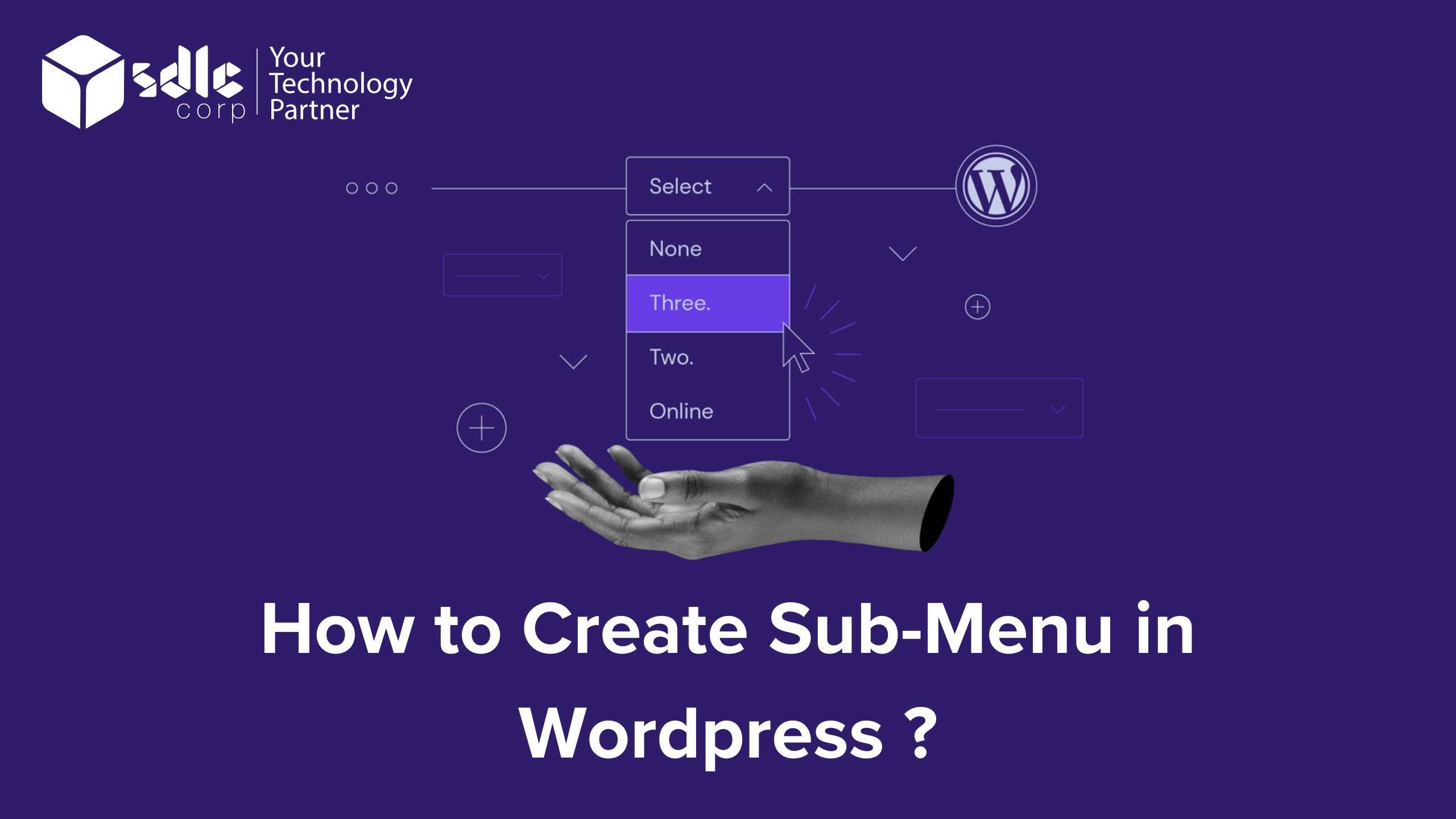
– Drag and drop the items to be nested under a parent item, forming a sub-menu. Make sure the items are indented.
5. Click on Publish
– After organizing the items as per your sub-menu structure, click the “Publish” button to save the changes and make your sub-menu live.

Conclusion
Creating a sub-menu in WordPress is a straightforward process that enhances your website’s navigation by organizing related content under main menu items. By navigating through the customization interface, you can easily add and nest items beneath a primary menu, improving the user experience by making it easier for visitors to find specific pages or categories. Whether you’re managing this yourself or working with a WordPress development company, the process involves dragging and dropping menu items to create the desired structure.
Utilizing custom WordPress development allows for more flexibility in designing menus that fit your site’s layout. Many WordPress website development services include the setup of sub-menus to optimize navigation, and a white label WordPress agency can further customize these menus to align with your brand’s specific needs. Once you’ve added your desired items, simply save and publish the changes for your audience to see.