New widget to record invoice line description odoo 18
Introduction
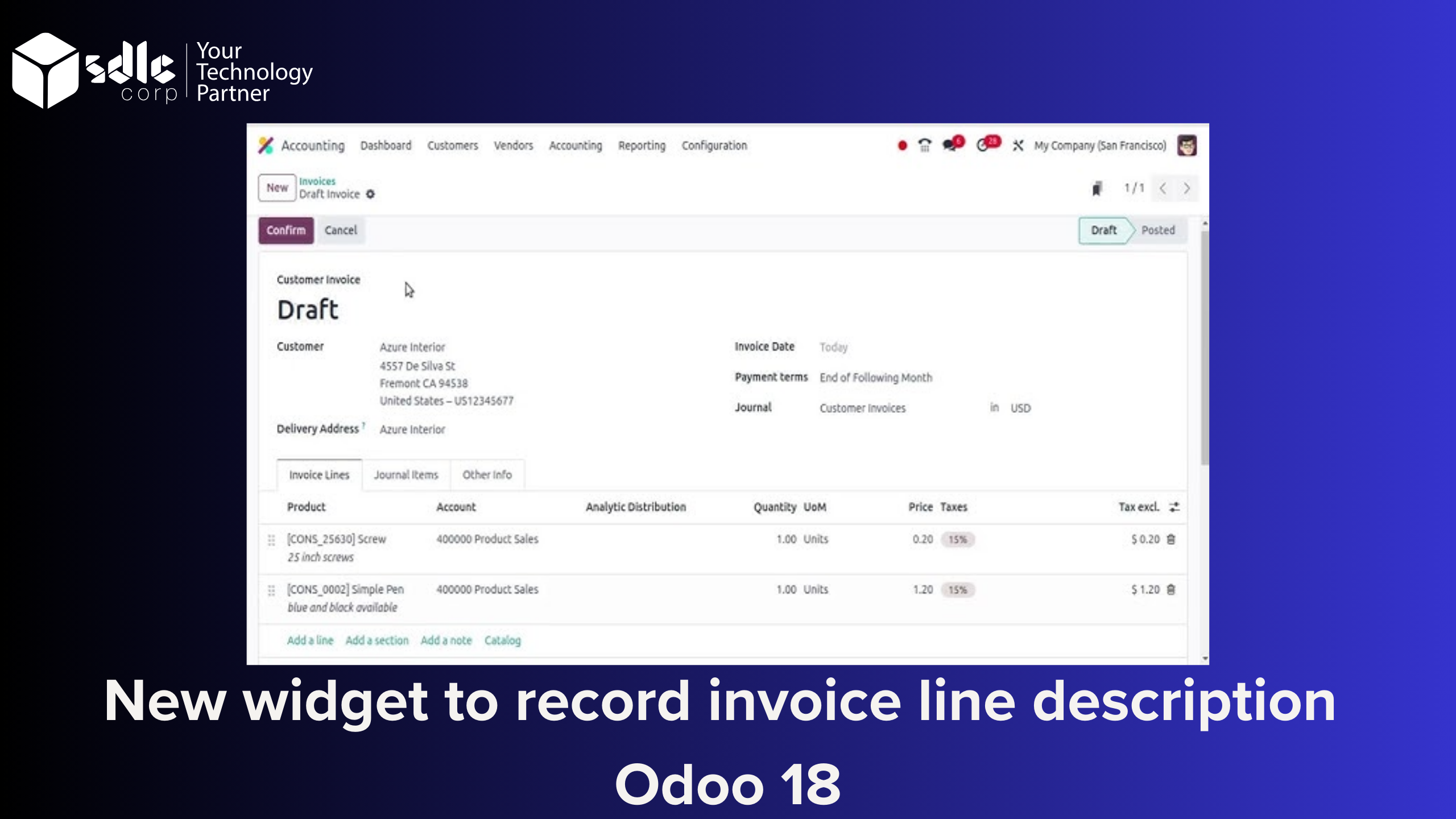
Invoice line descriptions are crucial for providing detailed information about products or services sold. However, the default description field in Odoo might not meet specific business requirements. By developing a custom widget, you can provide a tailored solution to manage these descriptions more effectively. Here is how to create, integrate, and test a custom widget in Odoo.
Step 1: Setting Up the Module
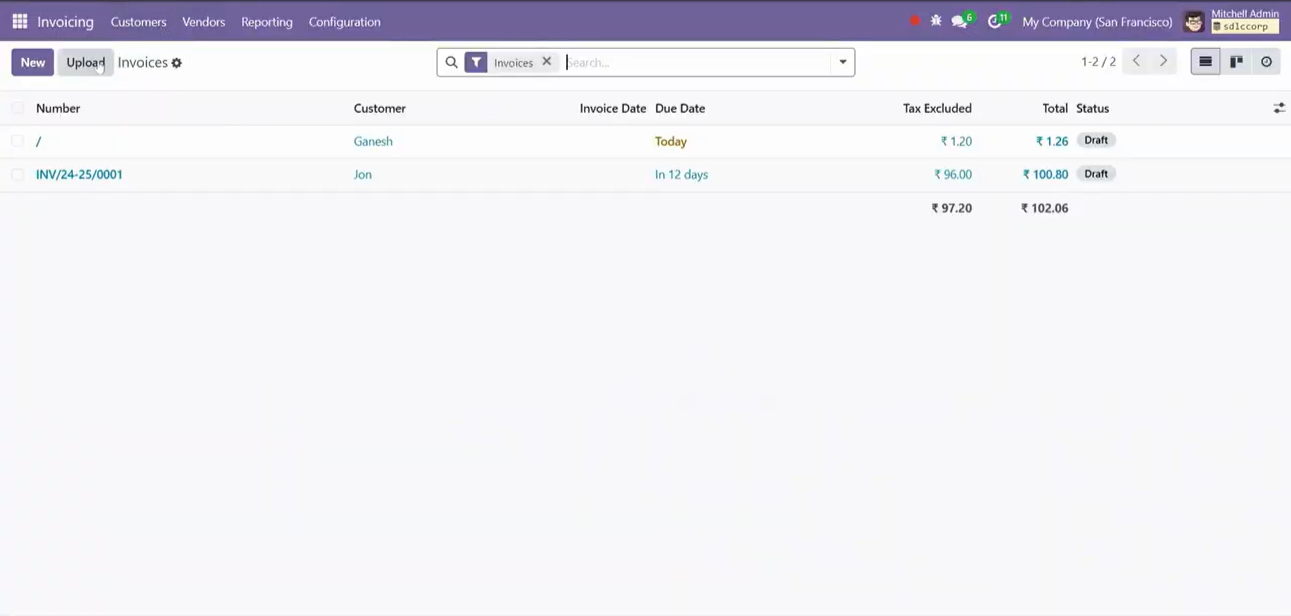
To implement the custom widget, start by creating a new Odoo module. This involves structuring your module directory, defining metadata, and ensuring dependencies like base and account are included.
Step 2: Developing the Custom Widget
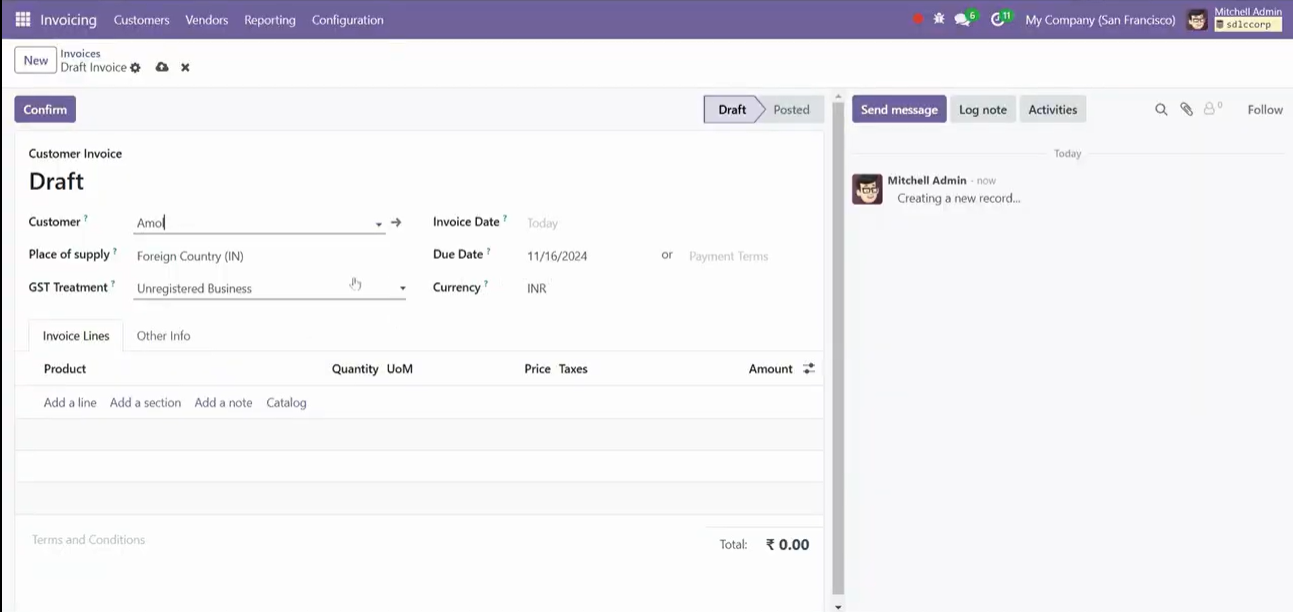
The widget is developed using Odoo’s JavaScript framework. It involves:
- Defining the widget functionality using JavaScript.
- Creating an XML template for the widget’s UI.
- Registering the widget with Odoo’s field registry.
Step 3: Integrating the Widget into the Invoice Line View
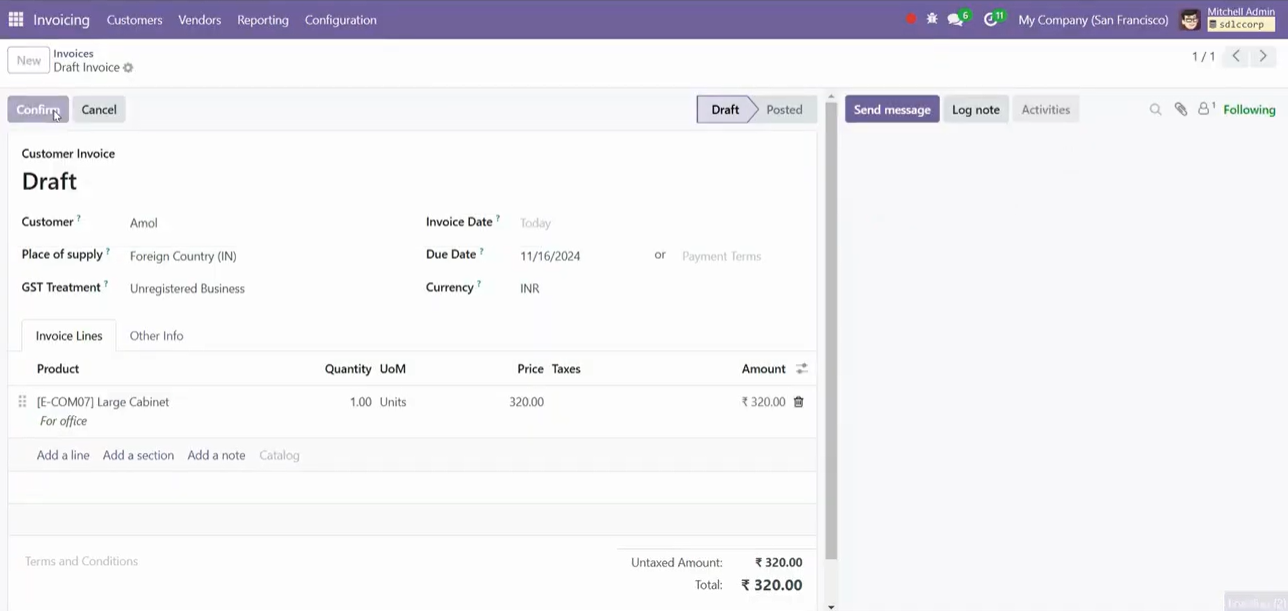
Modify the invoice line form view to include your widget. Use XML inheritance to apply the changes, ensuring that the custom widget replaces or extends the existing functionality.
Step 4: Loading and Testing the Widget
Load the custom module by restarting the Odoo server. After installation, test the widget within the Accounting app to confirm that it integrates correctly and works as expected.
Conclusion
Creating a custom widget in Odoo 18 allows businesses to address unique requirements efficiently. These steps show how to design and implement a custom widget for invoice line descriptions. By tailoring Odoo’s capabilities to fit your business processes, you can improve both functionality and user experience.
Customizing Odoo may initially seem daunting, but with a clear approach, you can create powerful solutions that align with your organization’s needs. Start building today and unlock Odoo’s full potential!
Next step: Need help setting this up in your Odoo system? Talk to our Odoo consultants.