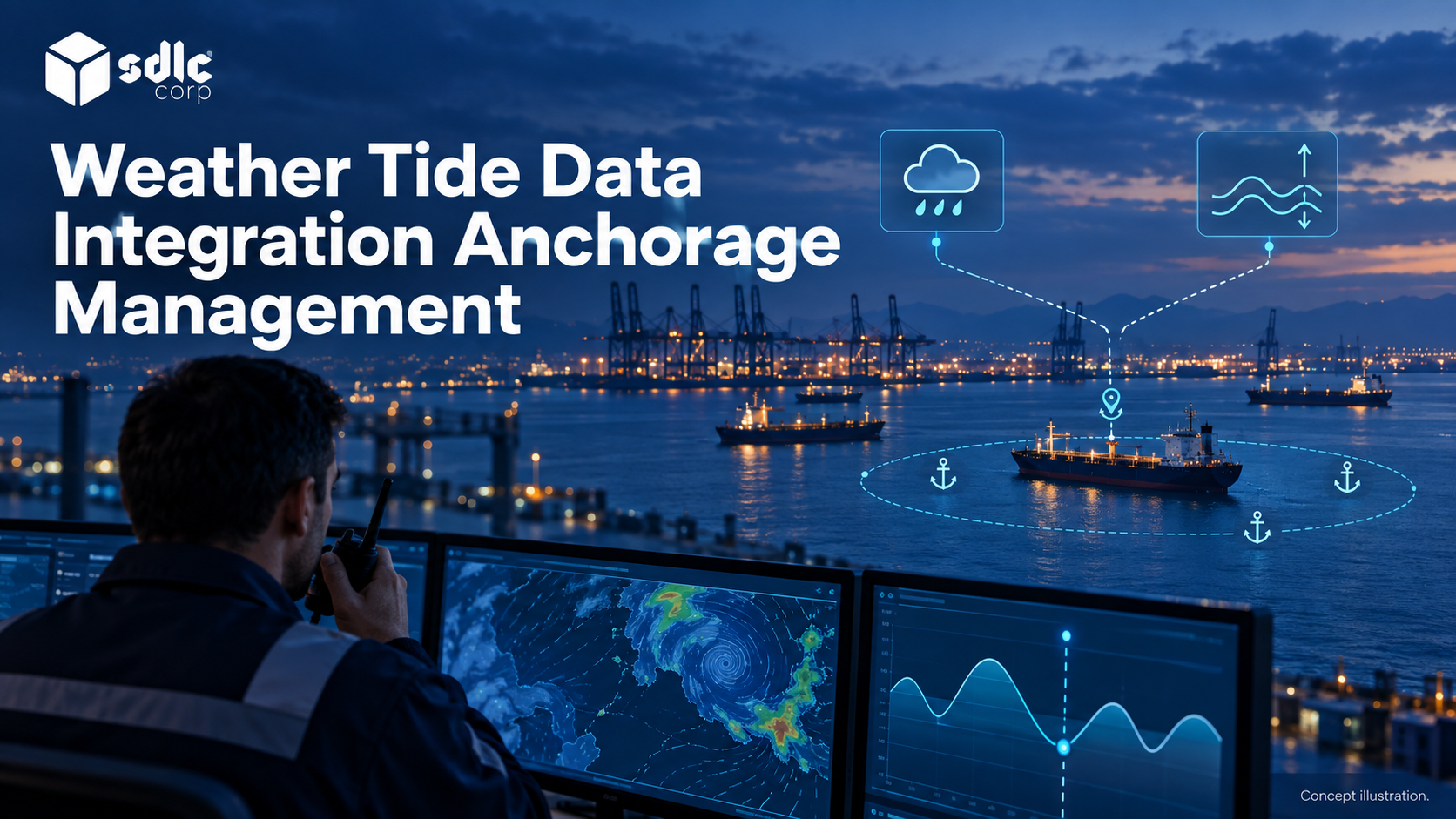
Vessel data reaches an anchorage application through a chain of source reports, processing and record matching. Automatic Identification System (AIS) observations may pass through a Vessel Traffic Management and Information System (VTMIS) before being associated with a vessel call or allocation.
Each step must preserve where the information came from and when it was observed. Otherwise a delayed report can look current, or a planning update can be mistaken for an approved operational change.
What AIS, VTMIS And Anchorage Records Actually Represent
Confirm the installed VTMIS capabilities, supported interface and permission with its owner. Its name does not establish which observations, workflow operations or writes are available.
| Information | Example | Required distinction |
|---|---|---|
| Observation | Position reported at a stated time | Reported data is not an allocation |
| Traffic track | A maintained target with source history | Track identity may need reconciliation |
| Vessel call | The visit associated with a request | One vessel can have many visits |
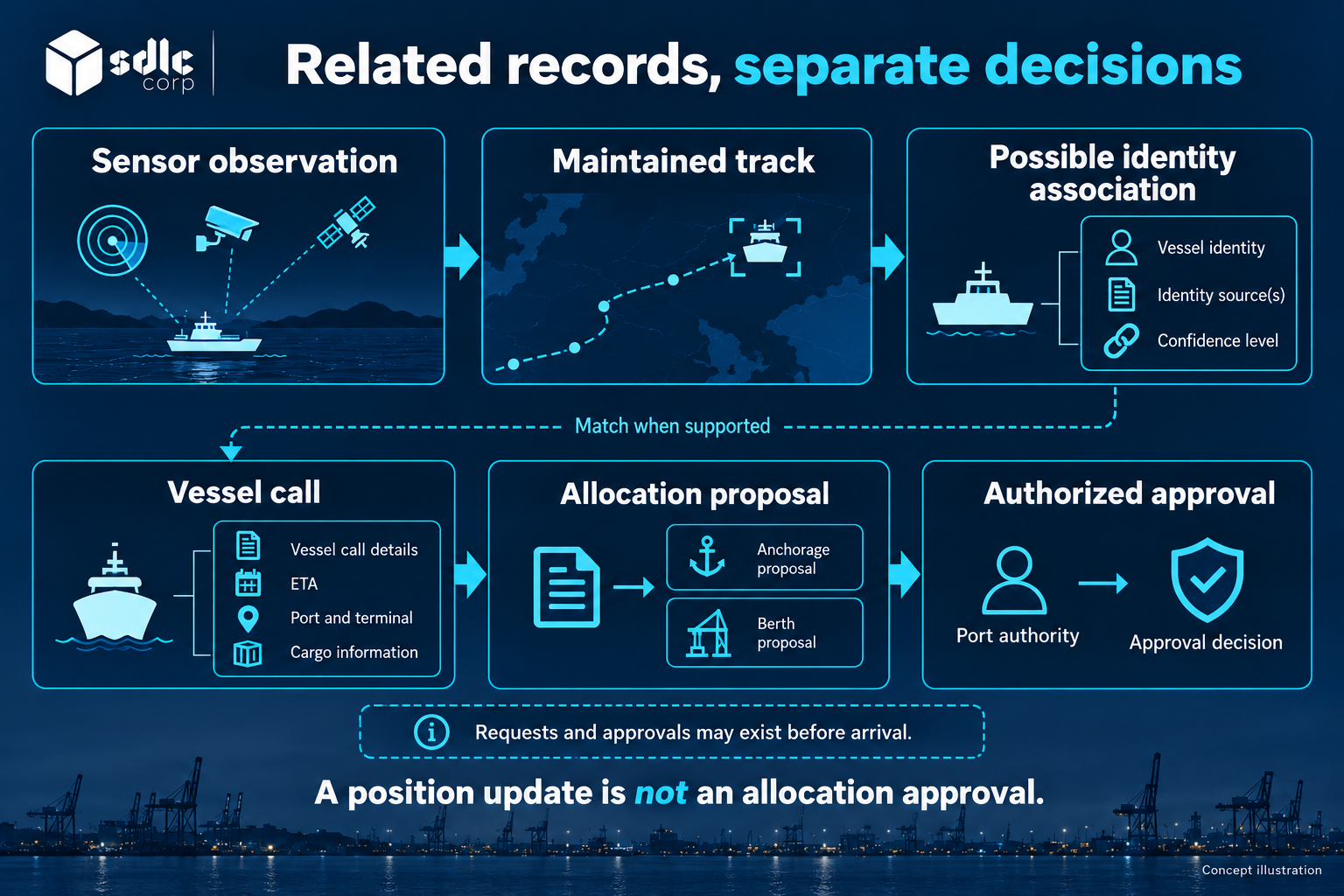
| Allocation | An approved place and operating state | Approval is different from observed presence |
This separation prevents a common design error: treating every position update as a change to the official operational record. A vessel near an area boundary may need operator review. Its reported position should remain available as evidence, while the application preserves the decision and the person responsible for it.
Before committing to a connection, record who can grant access and what can be tested. The integration readiness checklist provides a place to track those unresolved dependencies.
Establish the traffic-service and platform responsibilities before assigning authority to any field received through the interface.
Define The AIS To VTMIS To Anchorage Data Contracts
Start with a read-only connection that brings agreed observations into the anchorage workspace. Specify identifiers, observation time, receipt time, coordinates, quality indicators, and the permitted use of the feed. Confirm whether VTMIS supplies an established track or whether the application is expected to process raw messages. These are different integration scopes.
The International Maritime Organization (IMO) AIS overview establishes the role of AIS information. It does not establish the completeness or quality of a particular commercial feed. Obtain samples and operating conditions from the actual provider. Use AIS ingestion and validation requirements for the adapter design and the VTMIS interface contract for traffic system integration.
Direct AIS Ingestion Or A VTMIS Supplied Picture?
If an incumbent VTMIS already supplies validated tracks through a permitted interface, the anchorage application can consume that output while retaining its source and confidence fields. Direct AIS ingestion moves decoding, normalization and matching responsibilities into the proposed integration scope. Consuming both paths without a clear purpose can duplicate targets or conceal different update times.
| Connection option | Work to verify | Boundary to preserve |
|---|---|---|
| VTMIS track feed | Track identifiers, quality fields, rights and recovery | Traffic processing remains with its designated owner |
| Direct AIS feed | Message decoding, timestamp construction and identity mapping | An observation remains evidence, not approval |
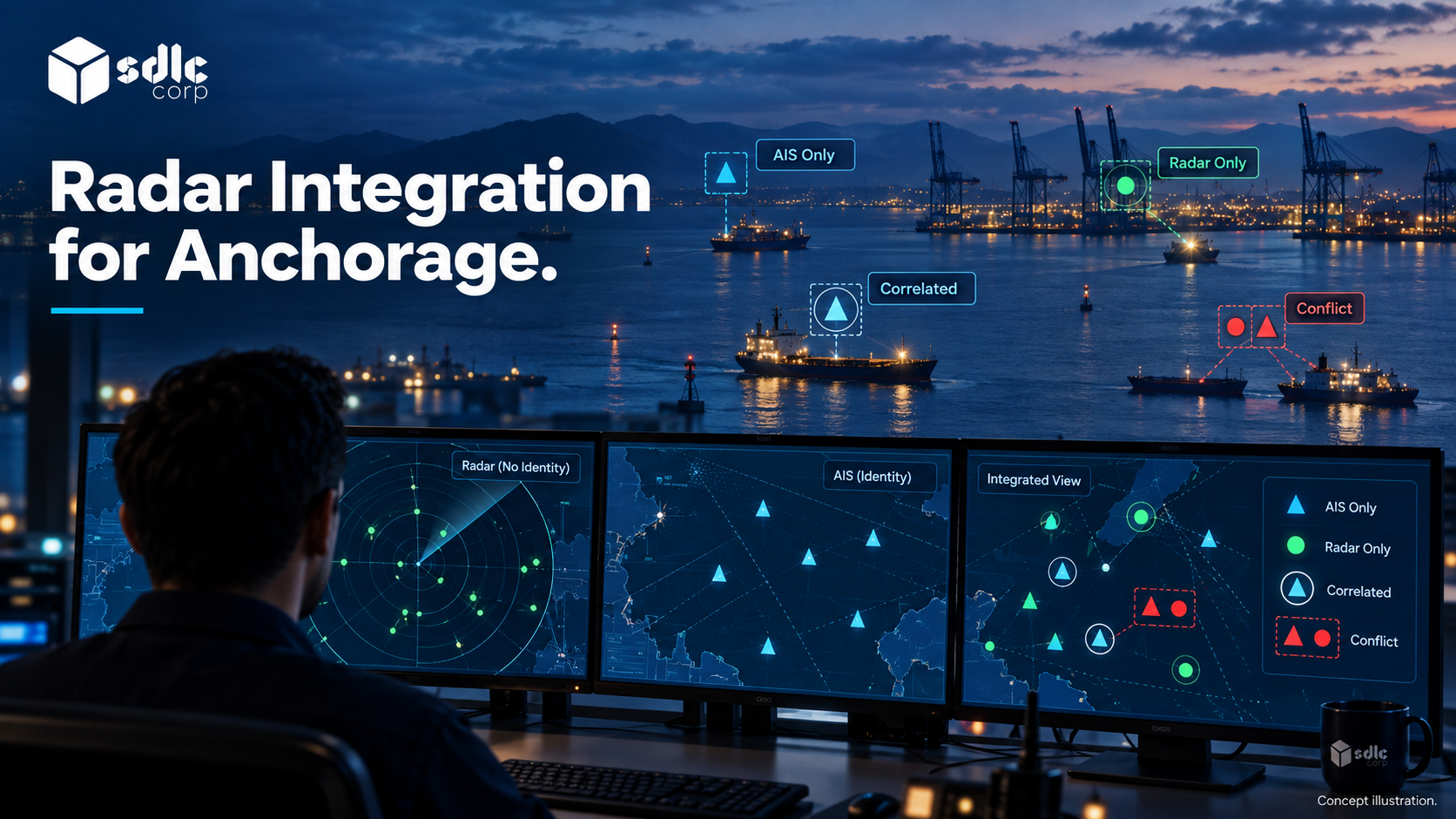
| Separate radar feed | Structured tracks or explicitly scoped extraction | Detection does not establish vessel identity |
Choose the path from available contracts and operational needs. Record which component investigates a missing update so a source fault is not confused with an application fault.
Compare the source systems and exchanges documented in the anchorage case study with your integration inventory. Confirm access to each installed interface with its owner before estimating the connection.
Follow One Position Update Through Three Systems
Illustrative example
Maritime Mobile Service Identity (MMSI) 000000182 is a non-operational test identifier. A full observation timestamp is supplied by this provider; it must not be assumed to exist in every raw radio message.
| Stage | Sample Record | Time | Owner |
|---|---|---|---|
| Decoded observation | O-55; MMSI 000000182; position 10.1000, 20.2000 | Observed 10:14:32 | Source provider |
| Traffic platform ingestion | Track T-9 refers to O-55 | Received 10:14:34 | Traffic platform |
| Anchorage ingestion | Call C-182 linked to T-9 | Received 10:14:35 | Anchorage adapter |
| Display | Observed position beside allocation AL-7 | Rendered 10:14:35 | Anchorage screen |
Observation age at display is 3 seconds: 10:14:35 minus 10:14:32. The two downstream receive times measure transport and processing; neither replaces the observation time.
The Resulting Call View
{
  "call_id": "C-182",
  "track_id": "T-9",
  "observation_id": "O-55",
  "observed_at": "2026-09-18T10:14:32Z",
  "source_received_at": "2026-09-18T10:14:34Z",
  "app_received_at": "2026-09-18T10:14:35Z",
  "allocation_id": "AL-7",
  "allocation_owner": "anchorage-approval-team",
  "workflow_status": "approved"
}
If the same observation arrives again at 10:15:00, its observation time remains 10:14:32. Displaying it as new would conceal a 28-second age. A changed position updates the observation view; only an authorized workflow changes AL-7.
Keep Authority At Field Level
| Field Or State | Accountable Owner In This Example | What An Incoming Observation May Change |
|---|---|---|
| Reported position and observation time | Source provider | A new observation with its original timestamp |
| Maintained track and association state | Traffic platform | Track evidence, subject to its declared contract |
| Vessel-call association | Designated call-record owner | A proposed match or a reconciliation task |
| Allocation approval | Anchorage approval team | Nothing without an authorized workflow action |
Transport ownership does not confer authority over every field carried in the message. Preserve the owner and revision when propagating a corrected value.
Handle Disagreement And Missing Data Visibly
Freshness is a state, not just a small timestamp. Define when the application labels information current, delayed, stale, or unavailable. The acceptable thresholds depend on the intended workflow and must be agreed with the authority and feed owner. Do not hardcode a universal threshold across all data types.
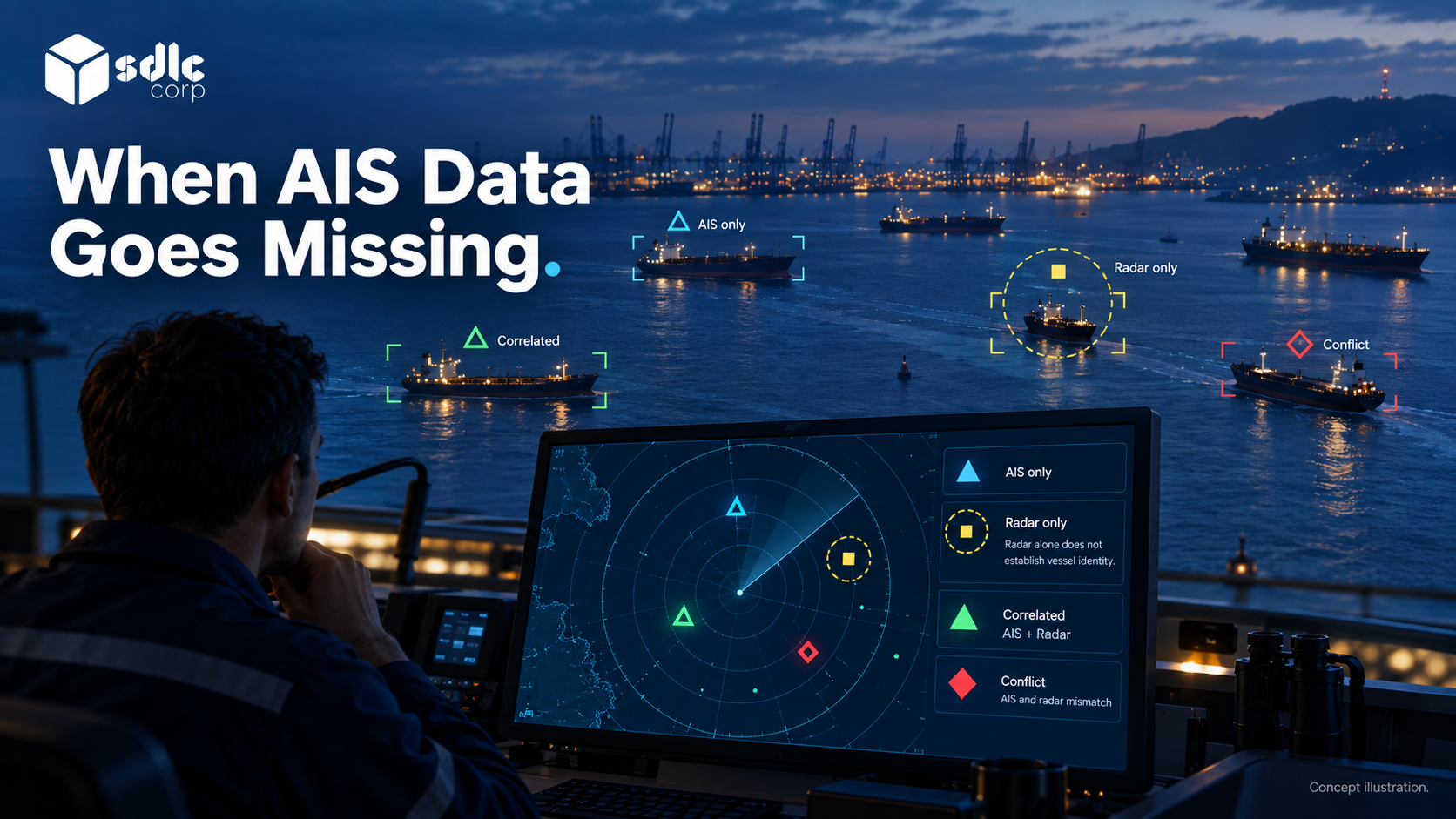
AIS is not the only possible input. Where radar or fused traffic data is available, preserve the distinction between AIS only, radar only, correlated, and conflicting observations. Radar detection does not by itself establish vessel identity. Correlating radar and AIS tracks covers the matching problem; it should not be hidden inside a generic connector requirement.
| Failure | What the user needs to see |
|---|---|
| Feed stops | Last received time and affected functions |
| Identity conflicts | Competing values and an assigned review owner |
| Update is delayed | Observation time distinct from receipt time |
| Connection recovers | Reconciliation progress and unresolved exceptions |
Protect each interface with scoped access, approved transport security and credential rotation. Separate display access from permission to transmit operational changes. Restrict stored observations and support logs according to data rights, and test unauthorized reads as well as writes.
Pilot Read Access Before Adding Authorized Write Actions
Introduce the integration in stages: agree field ownership, inspect sample data, validate mapping, run alongside the current workflow, then accept defined operational uses. Keep writes to external systems separate from read access. Each outbound action needs authorization, acknowledgement handling, and an explanation of what happens if the receiver rejects it.
Use field-level source ownership and reconciliation to prevent circular updates. For example, a corrected call identifier should not bounce between two systems until each treats its own old value as new evidence. Include this behavior in acceptance testing before expanding the interface.
Finish with a traceable path from source observation to operator decision, including the point where missing or conflicting data stops an automatic update.
Conclusion
Trace one source message through receipt, validation, matching and display, then repeat the test with a late or conflicting message. The operator should be able to distinguish the source observation from the current approved record.
Accept the read path before adding changes sent back to another system. Those writes need their own permissions, acknowledgements and reconciliation behavior.
Plan A Data Flow Review With SDLC Corp
Discuss the proposed data flow with SDLC Corp when evaluating the digital anchorage management platform and related software integration services. Bring permitted source samples, timestamp definitions and the field-ownership matrix. Request a scope that distinguishes ingestion, mapping, authorized changes and reconciliation, including source-side dependencies and the evidence needed to demonstrate the complete path from observation to operator review.
Frequently Asked Questions
Does An AIS Observation Automatically Update An Allocation?
It can update the observation associated with a call, but it should not silently replace an approved allocation. Apply the agreed workflow to any discrepancy, such as opening a review when the observed position conflicts with the allocation.
Which Timestamp Shows Whether Data Is Current?
Use the observation time when its meaning and provenance are trustworthy. Preserve receipt and application update times as separate values. A recent receipt proves that a message arrived recently, not that its position was observed recently.
Which System Owns A Conflicting Value?
Ownership is defined for the field or decision, not for the whole screen. Keep both source values and apply the agreed rule; route unresolved conflicts to a named owner rather than always selecting the latest timestamp.