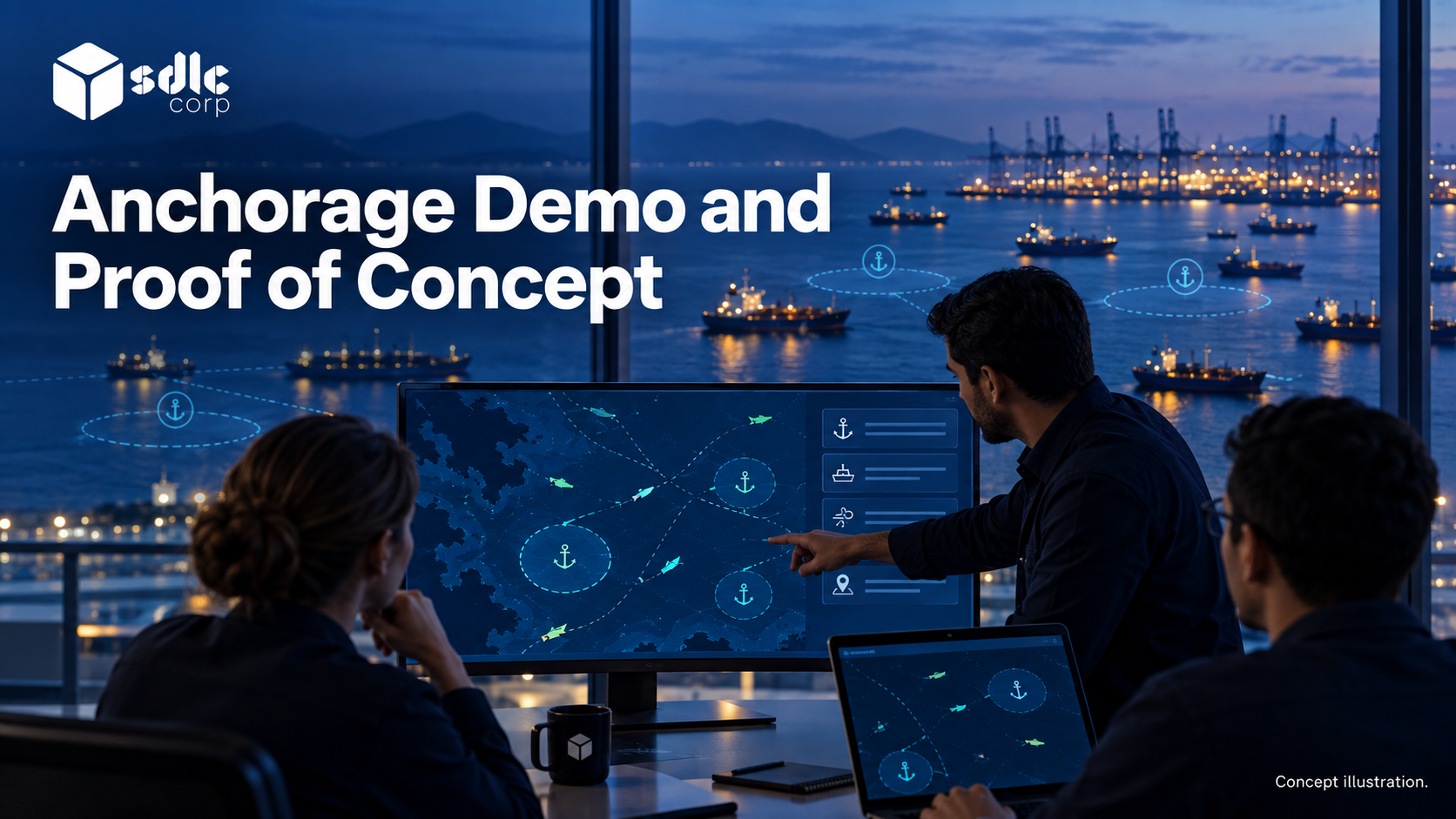
An anchorage management system demo checklist gives every vendor the same scripted scenarios, data and expected results, so evaluators score observed evidence, including failures, rather than a presentation.
A demonstration shows how the product handles a representative task and its exceptions. A proof of concept (POC) goes further on one defined uncertainty, such as whether a permitted interface or required workload can be supported.
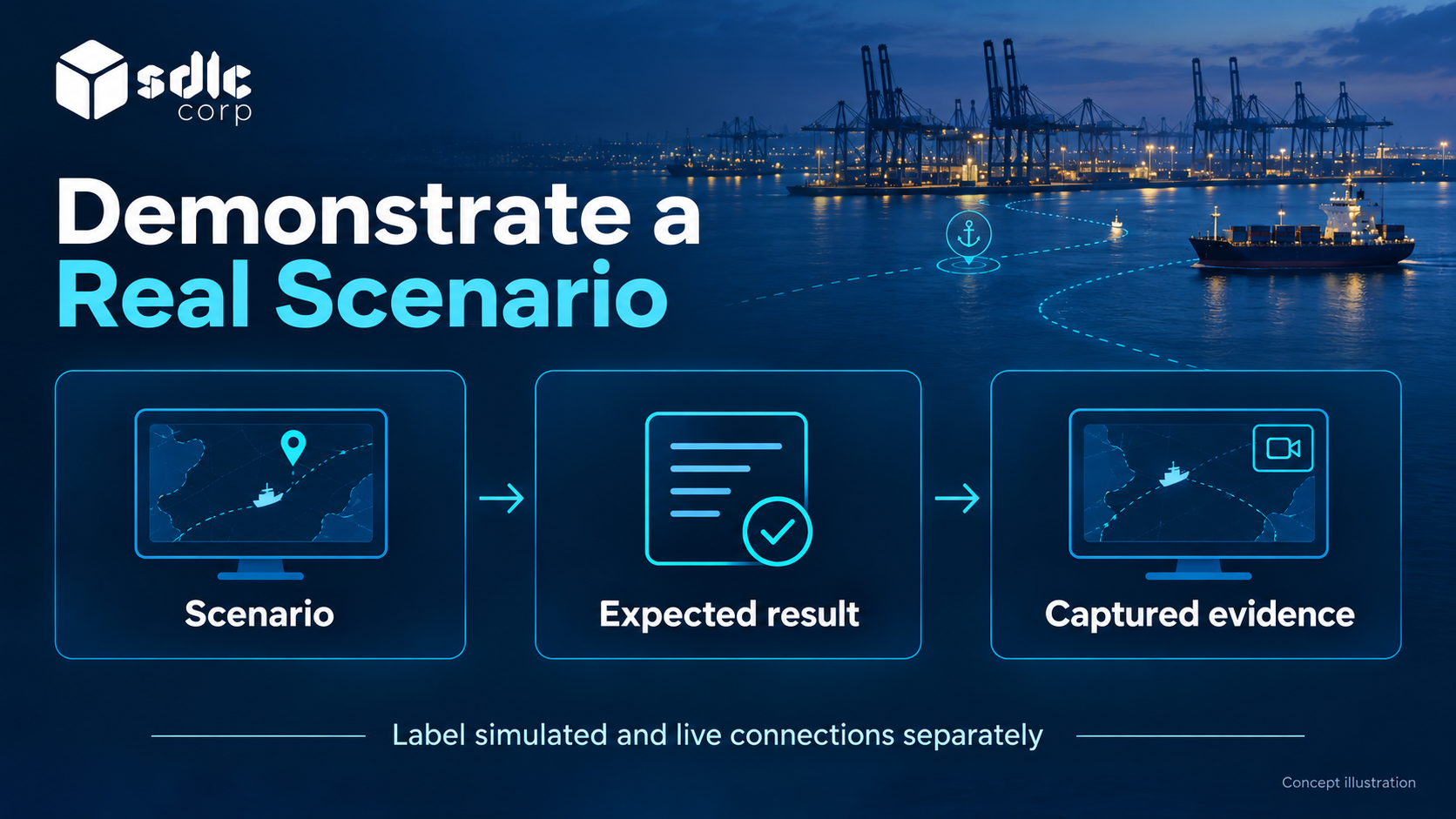
Write the scenario and expected result before the session. Without them, a polished walkthrough can leave the most consequential question unanswered even when every screen works.
Prepare the Same Demo Data and Scenarios for Every Vendor
Send the scenario list in advance and keep control of the session. A demonstration you did not script is a presentation.
| Principle | What It Means in Practice |
|---|---|
| Your scenarios | Supplied ahead, run in your order |
| Your data shapes | Realistic vessel calls, not tidy samples |
| Same script per vendor | Comparability over flexibility |
| Score immediately | Before impressions blur between sessions |
| Operators present | The people who will use it, scoring it |
Agree session rules too: who attends from the port, whether the session is recorded with the supplier's consent, and that the presenter may not switch to prepared screens mid-script.
Take the scoring blocks from Which Anchorage Management System Features Belong in the First Release? and use the same sheet in every session, so the comparison holds up if challenged.
Record whether each result used a live connection, sample data or a prototype, and carry that into the Anchorage Management System Vendor Evaluation Scorecard.
Derive mandatory outcomes from the Anchorage Management System Requirements Checklist, so each scenario proves a stated requirement rather than a presenter's preferred feature.
Anchorage Management System Demo Checklist: A Script the Buyer Can Run
Illustrative example
This demo uses call C-182, one available slot and two role-limited accounts. Start from a reset environment so each supplier faces the same conditions.
| Step | Buyer Action | Expected Behavior | Evidence |
|---|---|---|---|
| 1 | Submit request with missing call reference | Field error; no allocation created | Validation result and record count |
| 2 | Complete request and propose Zone A | Proposal visible, approval pending | Request to proposal link |
| 3 | Try approval as operator | Denied at server | Response and unchanged version |
| 4 | Approve as permitted approver | One allocation created with history | Actor, reason and new version |
| 5 | Refresh the source, then interrupt the feed | Current observation becomes stale under the configured rule; owned exception opens | Original time, source age, alert and affected action |
| 5a | Add permitted manual evidence during the gap | Attributed note retained without changing allocation authority | Actor, time, source, reason and linked call |
| 6 | Restore feed with a duplicate observation | No duplicate record; reconciliation visible | Observation IDs and recovery result |
After the script, allow a short unscripted question segment, and record it separately so it does not blur the scored results.
POC Exit Criteria
The sample POC investigates a new source adapter. It ends with one of three decisions, rather than an indefinite demonstration period.
| Outcome | Criteria |
|---|---|
| Proceed | Mandatory scenarios pass against the permitted source; records reconcile; critical defects closed |
| Extend for a bounded question | One named noncritical uncertainty remains, with owner, test and deadline |
| Stop or rescope | Required access unavailable, mandatory authorization fails or recovery cannot be demonstrated |
A polished recording cannot substitute for live source evidence if source access is the uncertainty under test.
Preserve the build version, data conditions and failed results with the decision, so later teams know what the POC actually established.
A Completed Demonstration Record
This run uses build 1.4 and records both successful and failed observations.
| Script Step | Observed Screen or Service Result | Evidence Reference | Assessment |
|---|---|---|---|
| Missing call reference | "Call reference required"; allocation count 0 | DEM-01 response and screenshot | Pass |
| Operator attempts approval | Screen hides action, but direct request creates AL-7 | DEM-03 server response | Fail: authorization bypass |
| Duplicate recovery observation | One O-55 remains; original observation time retained | DEM-06 observation query | Pass |
The AL-7 result is a classic OWASP broken object level authorization case: hiding a button is not access control.
The failure blocks proceeding for this scope. A corrected build must rerun the direct request test and relevant role regression cases, with the same data and script.
Closing the issue requires new evidence; changing the demo script to avoid the failing route is not remediation.
Run the Core Operational Sequence
Ask for one vessel call carried end-to-end, without the presenter switching to a prepared screen.
- Create or receive a vessel call and find it again by search.
- Submit an anchorage request, with the requester recorded.
- Review and approve the allocation, then inspect the attributed decision.
- Show the queue and explain why a position is where it is.
- Confirm arrival with its source recorded, then test amendment and release.
- Raise an exception, assign an owner and close it.
- Open the audit history and reconstruct the sequence.
Watch for steps completed outside the system. Record whether each is an approved operational handoff, a simulation or a missing capability. Required radio or human coordination is not automatically a software defect.
Demonstrate Stale Tracks, Geofence Events and Alert Ownership
Ask what the map shows when the data is not good, because that is the state operators will mistrust.
- Render your approved zones from configuration, not from a static image.
- Show a position that has aged past its freshness threshold.
- Trigger a geofence event and follow it to an operational action.
- Show an alert with its owner, its evidence and its closure path.
- Suppress a repeating alert and show how the underlying condition stays visible.
What Port Operators Need from a Dashboard helps separate a display from a decision aid.
Exercise Integration and Degraded Modes
Include failed exchanges in the script so evaluators can inspect recovery as well as normal operation.
- Show a live or sandboxed sync with a traffic or call system, not a screenshot.
- Introduce a mismatch between two sources and show how it is surfaced.
- Simulate an Automatic Identification System (AIS) feed loss during an active allocation.
- Show a radar-only target where radar integration is in scope, and how identity is confirmed.
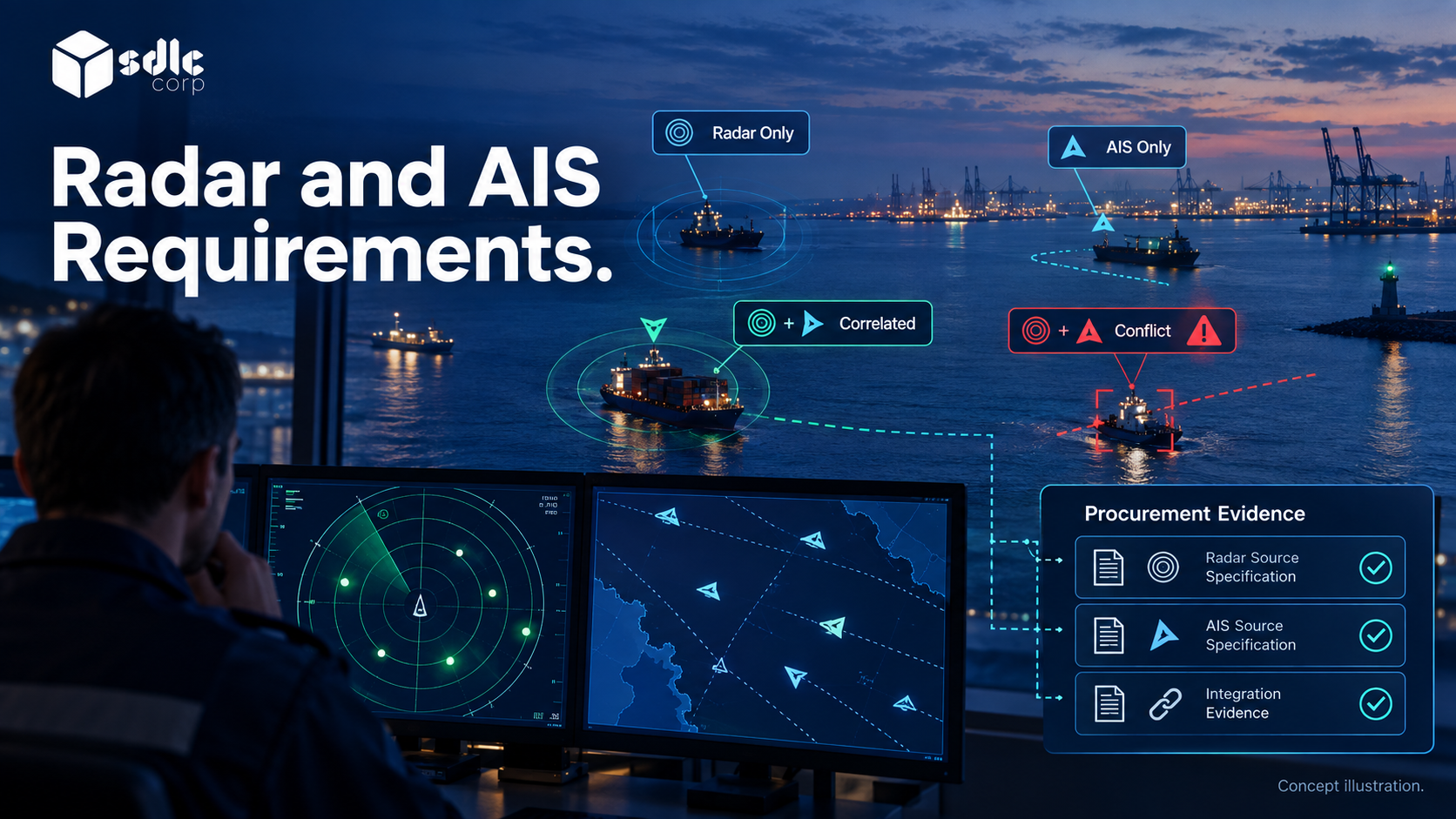
- Show source provenance on a target: AIS only, radar only, correlated or conflicting.
- Restore the feed and show recovery, including what happened to manual identifications.
AIS Failure and Radar Fallback for Vessel Tracking describes the states to look for. Where sensors are in scope, the Radar and AIS Sensor Fusion Requirements Checklist gives the procurement language.
Check Control, Security and Performance
- Demonstrate an authorized override, its attribution and the permitted correction, reversal or compensating action.
- Switch between two roles and show what each cannot do.
- Produce a report and confirm it uses the same state definitions as the screens.
- Show the system under a realistic record volume, not a demo dataset.
- Ask what degrades first under load, and what the operator sees.
Record the test conditions as well as the visible result. For permissions, attempt a prohibited action against a record outside the role's scope.
For performance, record data volume, concurrent work and the network path; a fast prepared screen does not establish performance under those conditions.
Ask evaluators to follow one result back to its evidence: the denied request, the attributed override or the report's source records. Mark any control that was described but not demonstrated as pending.
End the session with a specific evidence gap, not a general impression. Carry unresolved authorization, tenancy and recovery questions into Anchorage Management Security Due Diligence.
Scope a Proof of Concept Around One Question
Make the Experiment Resolve a Buying Uncertainty
A proof of concept should resolve the largest open risk, not rehearse the demonstration. Define the question, data, duration, participants and success criteria before agreeing to it.
| Element | What to Fix in Advance |
|---|---|
| Question | The single risk the POC must retire |
| Data | Which records, from where, anonymized how |
| Scope | Workflows included, and explicitly excluded |
| Success criteria | Measurable, agreed by both parties |
| Exit | What happens to data and environments afterward |
Typical POC questions: whether a specific interface can be made available and read reliably, whether the allocation model fits your rules without code change, or whether degraded-mode operation works for your shift pattern.
The Anchorage Management UAT Checklist then reuses much of the same scenario material at acceptance.
Example: Test Recovery Rather Than Another Clean Demonstration
Suppose the open question is whether an interrupted exchange can recover without duplicating a request. The POC should interrupt that exchange, restore it and inspect the resulting records.
More dashboard screens would not answer the question. Agree the expected evidence and the consequence of failure before the supplier starts.
Close each demonstration or POC with observed results, remaining gaps and the procurement decision those results support.
Use Anchorage Management System Digital Transformation to frame reference questions. Keep reported delivery evidence distinct from behavior demonstrated in your own session.
When a demonstration leaves a material claim unproven, record follow-up evidence using Questions to Ask an Anchorage Management Vendor.
Conclusion
Use the anchorage management system demo checklist to record starting conditions, actions and observed results for every scenario, including failed or blocked steps, and to state exactly what the demonstration established.
Commission a proof of concept only for a remaining question with a measurable outcome. Make its result a decision to proceed, revise or stop, with production work and unresolved dependencies stated separately.
Plan an Evaluation with SDLC Corp
Discuss a bounded evaluation of our Anchorage Management Software, supported by our Software Testing and QA Services. Supply the same scenario, data conditions and acceptance rules used for other proposals.
We will record observed results, limitations and unresolved dependencies, so the demonstration informs selection without being mistaken for acceptance of a production release.
Frequently Asked Questions
How Does a POC Differ from a Demo?
A demo presents behavior in the demonstrated conditions. A POC is a bounded exercise intended to resolve a specified uncertainty. Neither establishes production readiness beyond the scope and environment actually tested.
Should a POC Be Paid?
Agree the commercial arrangement from its scope and work. Whether paid or unpaid, define outputs, ownership, acceptance and reuse, and distinguish the exercise from the implementation still required.
What If the Vendor Cannot Run a Required Scenario?
Record the missing evidence and reason. Assess an alternative test or bounded POC under the evaluation rules; do not score an unperformed scenario as demonstrated capability.
Who Should Evaluate the Results?
Include the operators responsible for the workflow and specialists responsible for interfaces, security and support. Assign each criterion to a reviewer and retain the observed evidence behind the score.
Can a Failed Step Be Re-Run?
Only on a corrected build, with the same data and script, and with the original failure kept on record. Changing the script to avoid the failing route does not count as a pass.
Should Demo Sessions Be Recorded?
Yes, where the supplier consents. A recording helps evaluators score consistently, but it does not replace the evidence references captured for each scripted step.