
Case Study · Salesforce → ActiveCampaign
Salesforce to ActiveCampaign Integration for Lead Sync
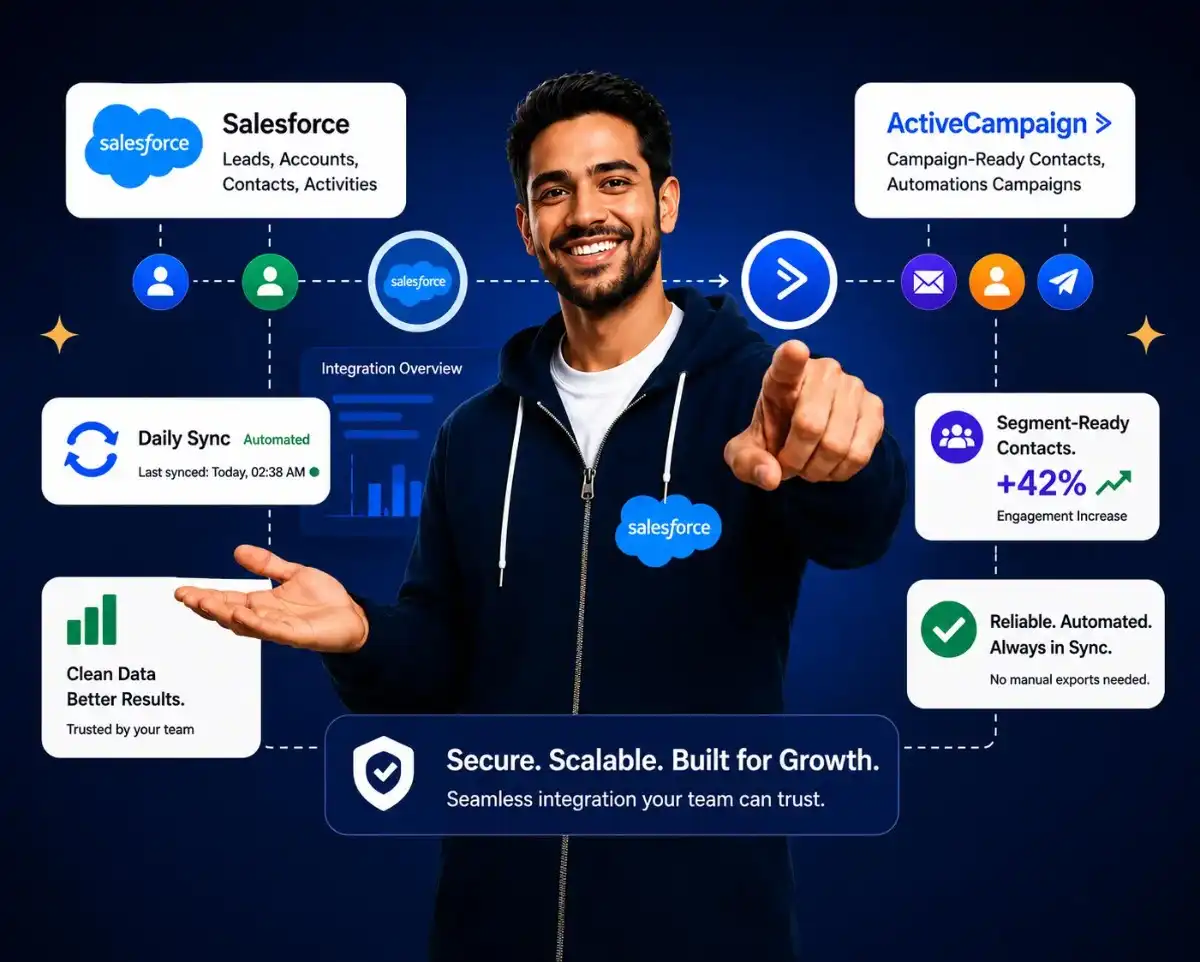
SDLC Corp built a custom Salesforce to ActiveCampaign integration that automatically synchronizes member, account, and lead data every day.
- Automated daily sync
- Custom field mapping
- Consent-ready segmentation
- Audit logging and alerts
At a glance
Salesforce to ActiveCampaign Integration Overview
A quick look at the client, platforms, one-way sync model, and the Node.js middleware stack behind the Outdoor Adventures member and lead sync.
Outdoor Adventures
SDLC Corp
CRM to marketing automation integration
Salesforce to ActiveCampaign
One-way middleware connector from Salesforce
Node.js, Express.js, MongoDB, Angular
RESULTS
A Daily One-Way Sync That Replaced Manual Exports
A scheduled connector now pushes Salesforce member, account, and lead records into ActiveCampaign once a day, so Outdoor Adventures works from data that stays clean, current, and ready for campaigns, with no manual exporting. Before the Salesforce to ActiveCampaign integration was implemented, the team relied on manual exports.
Manual exports were replaced with a reliable daily sync.
Before the connector, teams moved Salesforce data into ActiveCampaign through manual exports and spreadsheet handling. SDLC Corp replaced that workflow with a scheduled middleware sync that keeps member, account, and lead data ready for campaigns.
- ✓No manual CSV exports
- ✓Daily Salesforce data refresh
- ✓Cleaner ActiveCampaign segments
- ✓Failure alerts with sync logs
Hands-off daily sync
Recent Salesforce changes are pulled into ActiveCampaign without manual export, upload, or spreadsheet handling.
Segment-ready data
Membership, consent, contactability, and attribution fields arrive ready for cleaner campaign segmentation.
Bulk contact writes
Contacts are written in supported bulk batches with custom fields included for faster, more reliable updates.
Full audit trail
Each sync run is logged with a transaction ID, while failure alerts are sent to administrators immediately.
Contacts synced daily
Daily sync runtime
Fewer duplicate & format errors
Kickoff to first full sync
Contacts per bulk request
THE CHALLENGE
Member and Lead Data Was Trapped Inside Salesforce
Salesforce held the member, account, and lead records, while ActiveCampaign ran the marketing and member communications. With no connection between them, the team copied data across by hand and the marketing side was always a step behind.
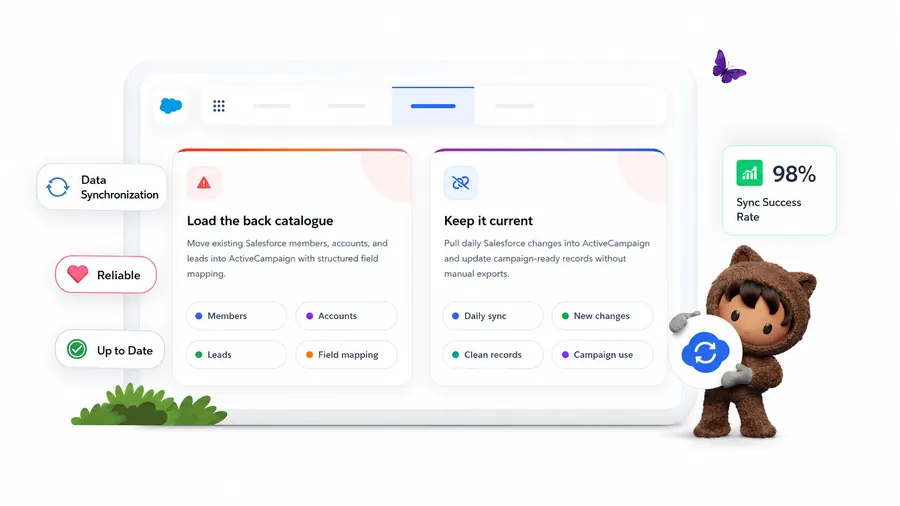
Load the back catalogue
Move existing Salesforce members, accounts, and leads into ActiveCampaign with structured field mapping.
Keep it current
Pull daily Salesforce changes into ActiveCampaign and update campaign-ready records without manual exports.
BUILD VS. BUY
Why a Custom Connector, Not the Native AppExchange Sync
Salesforce and ActiveCampaign do ship a native AppExchange connector, but Outdoor Adventures needed membership and family-plan field mapping, consent-aware logic, transaction logging, and day-to-day control the off-the-shelf option could not give. That is why a custom software development approach was the better fit.
Native / Off-the-Shelf
Best when the integration needs are simple, standard, and fast to launch.
- ✓Strong fit for standard contact and daily sync needs.
- ✓Faster to deploy with lower upfront implementation effort.
- !Limited flexibility for custom membership and family-plan field structures.
- !Basic control for consent handling, scheduling, and error visibility.
Custom Middleware
Best when the business needs tighter control, custom rules, and full traceability.
- ✓Built around the client’s Salesforce data model and field structure.
- ✓Business rules are applied before data reaches ActiveCampaign.
- ✓Consent and contactability fields are mapped field by field.
- ✓Every sync run includes transaction-level audit logging and email alerts.
When native works best
Use native connectors when the workflow is simple, fields are standard, and the team needs a quick low-cost setup.
Why custom won here
Outdoor Adventures needed precise mapping, custom transformation, admin control, and traceable sync history.
THE SOLUTION
How the Middleware Connector
Moves Salesforce Data In
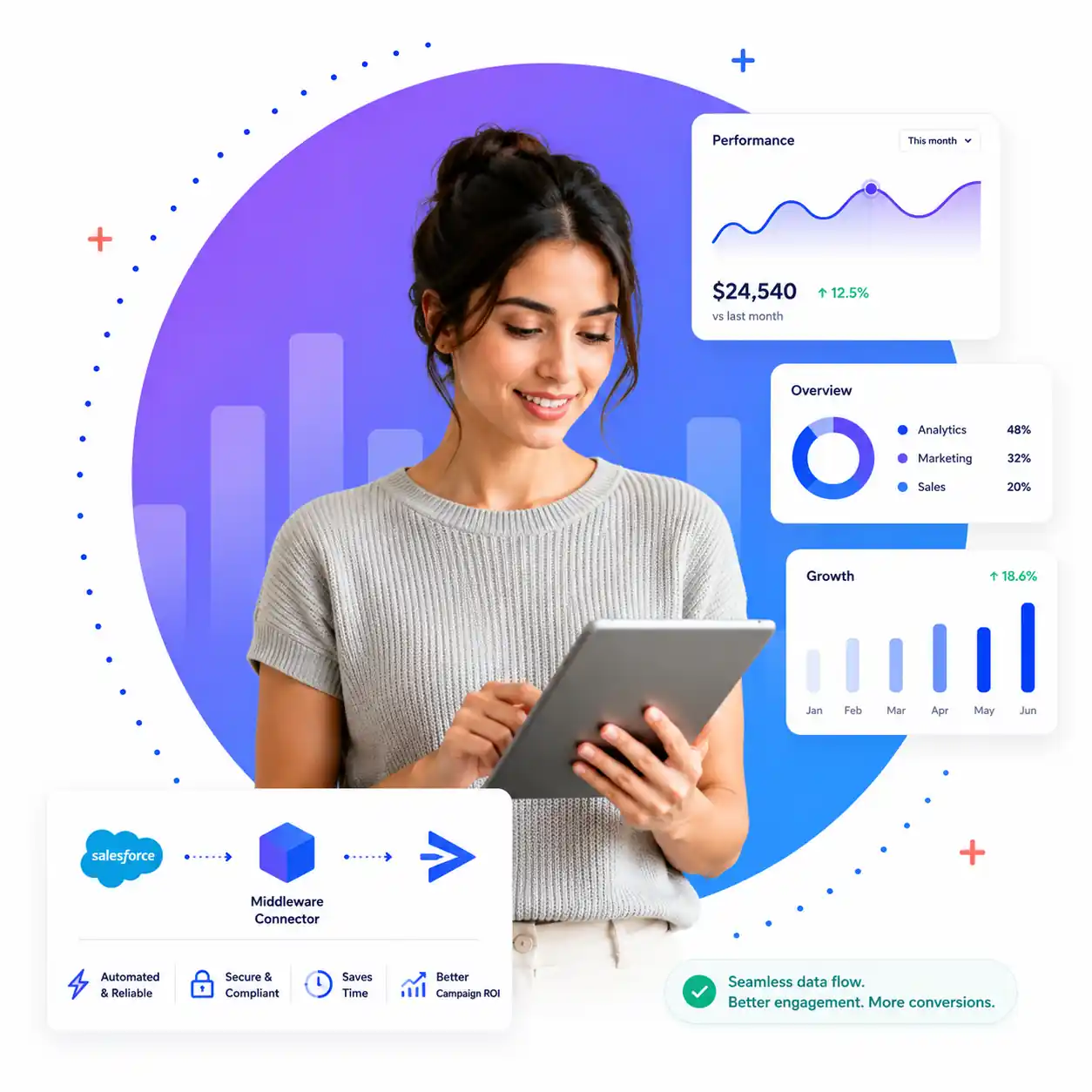
Salesforce data flows into ActiveCampaign through a middleware layer, where filtering, field mapping, and de-duplicated contact updates all happen automatically before anything is written. The Salesforce to ActiveCampaign integration uses a middleware connector to map and sync data.
Salesforce Integration Service
Identity & de-duplication
ActiveCampaign keys contacts on email or phone, so the importer updates existing records instead of creating duplicates.
Built around API limits
The connector batches contacts and paces requests using a Salesforce REST API integration approach to stay within ActiveCampaign's API limits.
Transform, then write
Filtering and field mapping happen in middleware, so only business-ready records reach ActiveCampaign.
Initial load
Salesforce Bulk API brings the full history of accounts, members, and leads into ActiveCampaign in one pass.
01Daily sync
A scheduled job pulls the last 24 hours of Salesforce changes and writes them to ActiveCampaign without manual exporting.
02DATA MAPPING
Mapping Members, Accounts and Leads Into Contacts
Two separate mapping groups carry Salesforce data into ActiveCampaign contacts and custom fields, one built for members and accounts and one built for leads.
- Identity Primary and secondary names, family plan names, emails, and family plan ID.
- Membership Membership type, membership number, member status, Member Of, and anniversary date.
- Personal Primary and secondary member birth dates.
- Location Address details mapped into contact records.
- Identity & contact Name, age, phone, email, and company.
- Permission & compliance Email Opt-Out, Do Not Call, DNC, explicit consent, and implied consent.
- Attribution & context Campaign name, dealer name, program source code, nearest location, and RV ownership.
- Membership link Membership number, member status, Member Of, and lead status.
The mapping does more than copy names and emails. Consent fields help ActiveCampaign respect contact preferences, membership fields support segmentation, and attribution fields give campaigns better context.
BUILT FOR PRODUCTION
Scheduling, Logging and Alerts
for Hands-Off Running
An operational layer wraps the connector so the daily sync runs on its own, records every run, and emails an administrator the moment something needs attention. The Salesforce to ActiveCampaign integration runs automatically every day with logging and alerts.
Certified Salesforce Development CompanyScheduling
Admins can set daily, weekly, or monthly sync runs and start or stop jobs without developer support.
Logging & audit
Each push is recorded in MongoDB with a transaction ID, keeping every sync run traceable.
Alerts
Email alerts notify administrators when an unexpected error occurs or data needs attention.
Testing & security
The connector is validated across local, staging, and production environments with secure API controls.
SCOPE & BOUNDARIES
What the One-Way Connector Covers and Leaves Out
The connector was scoped for one clear job, keeping ActiveCampaign current with the Salesforce data marketing actually uses, without taking on the weight of a full two-way integration.
Included in the connector
- ✓Contact-centric and one-way: mapped Salesforce data lands in ActiveCampaign contacts and custom fields.
- ✓Initial bulk import plus an ongoing daily sync of the last 24 hours of changes.
- ✓Business rules, consent handling, scheduling, logging, and alerts.
Excluded by design
- ×It does not mirror Salesforce accounts, opportunities, or deals as separate objects.
- ×It does not write changes back from ActiveCampaign to Salesforce.
- ×A two-way sync or deeper object mirroring can be added later because the middleware is built to extend.

What it means for Outdoor Adventures
Outdoor Adventures now has a dependable way to keep ActiveCampaign current with Salesforce. Existing and newly changed member, account, and lead data flows in automatically, carrying membership, consent, and campaign details that make segmentation and lifecycle automation possible. The manual export-and-import work is gone, and the team can run the system day to day without pulling engineering in for routine tasks.

CUSTOM VS. NATIVE
Why a Custom Connector, Not the Native AppExchange Sync
Salesforce and ActiveCampaign do ship a native connector, but Outdoor Adventures needed membership and family-plan field mapping, consent-aware logic, transaction logging, and day-to-day control the off-the-shelf option could not give.
| Consideration | Native / Off-the-Shelf | Custom Middleware Chosen |
|---|---|---|
| Best suited for | Simple, standard, fast-to-launch integrations | Tighter control, custom rules, and full traceability |
| Standard contact & daily sync | Strong fit | Built around the client’s Salesforce data model and fields |
| Implementation effort | Faster to deploy, lower upfront effort | More upfront build, tailored to the requirements |
| Membership & family-plan fields | Limited flexibility | Mapped field by field |
| Business-rule transformation | Minimal before data is sent | Applied before data reaches ActiveCampaign |
| Consent & contactability | Basic control | Mapped field by field |
| Audit logging & alerts | Basic error visibility | Transaction-level logging + email alerts on every run |
CLIENT REVIEW
What the Client Said About SDLC Corp
Feedback from the Salesforce to ActiveCampaign member and lead sync project.
“SDLC Corp helped us replace manual Salesforce exports with a reliable daily sync into ActiveCampaign. Their team understood our member and lead data structure, built the connector around our custom fields, and gave us clear logging and alerts so the process is easy to manage.”
Outdoor Adventures Team
Outdoor Adventures
RELATED SERVICES
Explore Services Connected to This Integration Project
These internal links help readers move from the Outdoor Adventures case study to relevant SDLC Corp service pages.
Salesforce Consulting Services →
Plan Salesforce architecture, workflows, data structure, and integration priorities.
Custom Software Development Services →
Build custom middleware, portals, dashboards, automation tools, and business applications.
Salesforce Implementation and Support →
Set up, customize, improve, and maintain Salesforce for daily business operations.
Salesforce Lightning Migration Services →
Move legacy Salesforce experiences to Lightning with cleaner UI and modern workflows.
Salesforce Integration Services →
Connect Salesforce with marketing, ERP, analytics, and third-party business systems.
CRM Data Migration Solutions →
Clean, map, validate, and move CRM data between platforms with less manual effort.
FAQ
Questions About the Member & Lead Sync
Does this replace the native ActiveCampaign–Salesforce integration?
Not necessarily. The native AppExchange connector is a good fit for standard two-way contact and deal sync. A custom build makes sense when you need specific field mapping, custom transformation logic, audit-level logging, or operational controls the native option doesn't cover.
Is the sync real-time?
No, it runs as a scheduled batch, typically once a day, pulling the last 24 hours of Salesforce changes. ActiveCampaign's Bulk Contact Importer is built for batched imports rather than real-time updates, so a daily schedule is the supported and reliable pattern.
Is the integration one-way or two-way?
One-way, Salesforce to ActiveCampaign. Salesforce stays the system of record; ActiveCampaign receives the data. A two-way sync can be built as a separate phase.
How is marketing consent handled?
Consent and contactability fields, including Email Opt Out, Do Not Call, External DNC, Explicit Consent, and Implied Consent, are mapped into ActiveCampaign, so marketing always works from accurate permission data.
How is the integration monitored?
Each run writes a transaction record to MongoDB with its own ID, covering the number of contacts pushed and any errors. Email alerts notify an administrator when something unexpected happens.
How long does a build like this take?
Timelines depend on the number of objects, the complexity of field mapping, and the business rules involved. We scope each project after reviewing your Salesforce schema and the data you want in ActiveCampaign.
What do you need from us to get started?
Typically: access or a sandbox for Salesforce and ActiveCampaign, the list of fields and objects to sync, and your rules for consent, de-duplication, and scheduling.
Can SDLC Corp build a similar integration for another platform?
Yes. The same middleware approach applies to other CRM-to-marketing-automation pairings. The source queries and destination API change, but the pattern of mapping, scheduling, logging, and alerting stays the same.
- Contact Us
Let’s Talk About Your Product
What happens next?
- We review your requirements
- Strategy call with experts
- Clear roadmap & estimate
- NDA Protected
- Enterprise Grade Delivery
- Global Clients
- By submitting this form, you acknowledge that SDLC Corp may process your details to respond to your inquiry. See our Privacy Policy and Cookie Notice.


