PrestaShop Odoo Connector for Better Operations
A growing online business was spending too much time managing orders, stock, and customer data across separate systems. SDLC Corp implemented the Odoo PrestaShop Connector to automate sync, reduce manual work, and improve daily operational accuracy.

Product Hunt Listed
Trusted Software Partner
Multiple Products Listed
Broad Sync
Coverage
Magento 2
and Odoo
Scheduled Sync
Control
Logs and
Reporting
PROJECT SNAPSHOT
Project Snapshot for PrestaShop Odoo Integration
A quick look at the business model, connector scope, and operational focus of this PrestaShop Odoo integration project.
Industry
Ecommerce Retail
Built for a growing online store managing frequent product updates, customer orders, and stock movement.
Store Platform
PrestaShop
Used as the ecommerce storefront for managing products, customers, carts, orders, and checkout activity.
ERP Platform
Odoo
Used for inventory, accounting, order handling, backend operations, and business reporting.
Integration Type
Bidirectional Sync
Data moved both ways between PrestaShop and Odoo to keep store and ERP records aligned.
Business Goal
Reduce Manual Work
Automate order, product, inventory, and customer data flow to reduce repeated manual updates.
Main Data Synced
4 Core Areas
Orders, products, inventory, and customer records were automatically synced between PrestaShop and Odoo.
Business Context
Client Background: Growing eCommerce Operations with PrestaShop and Odoo Integration
The client managed an eCommerce store on PrestaShop while using Odoo for inventory, accounting, and backend operations. As order volume increased, the team handled order updates, stock changes, customer records, invoices, and accounting data separately in both systems.
Because there was no structured PrestaShop Odoo integration, key issues started affecting daily operations. Order statuses were not updated on time, stock levels often mismatched, duplicate customer records were created, and accounting entries had to be managed manually.
As a result, these gaps slowed order processing, increased manual workload, and created a higher risk of reporting errors across the eCommerce and ERP systems.
Growth Stage
Scaling Ecommerce Operations
Main Challenge
Disconnected Systems and Data Mismatch
Challenges
Challenges Before PrestaShop Odoo Connector
Daily operations were slowed by repeated updates, extra order handling, stock gaps, and delayed reporting access.
Repeated Product Updates
Product names, prices, variants, and availability had to be updated separately in PrestaShop and Odoo, which increased manual work.
Manual Order Flow
Orders placed in PrestaShop had to be checked and updated manually in Odoo, which delayed fulfilment and order tracking.
Stock Misalignment
Stock changes were not synced on time between PrestaShop and Odoo, which increased the risk of overselling or wrong inventory data.
Slow Reporting Access
Sales, stock, invoice, and order data had to be verified manually before reporting, which slowed business decisions.
Solution
Connected Operations with PrestaShop Odoo Integration
SDLC Corp implemented a connected workflow that improved syncing, order handling, stock accuracy, and operational visibility.
Automated Product Sync
Product details, variants, prices, and availability were synced between PrestaShop and Odoo, so the team reduced repeated catalog updates.
Unified Order Handling
PrestaShop orders were automatically synced into Odoo ERP, which reduced manual order entry and processing delays.
Inventory Alignment
Stock changes were updated between PrestaShop and Odoo, helping the team maintain more accurate inventory records.
Clear Sync Visibility
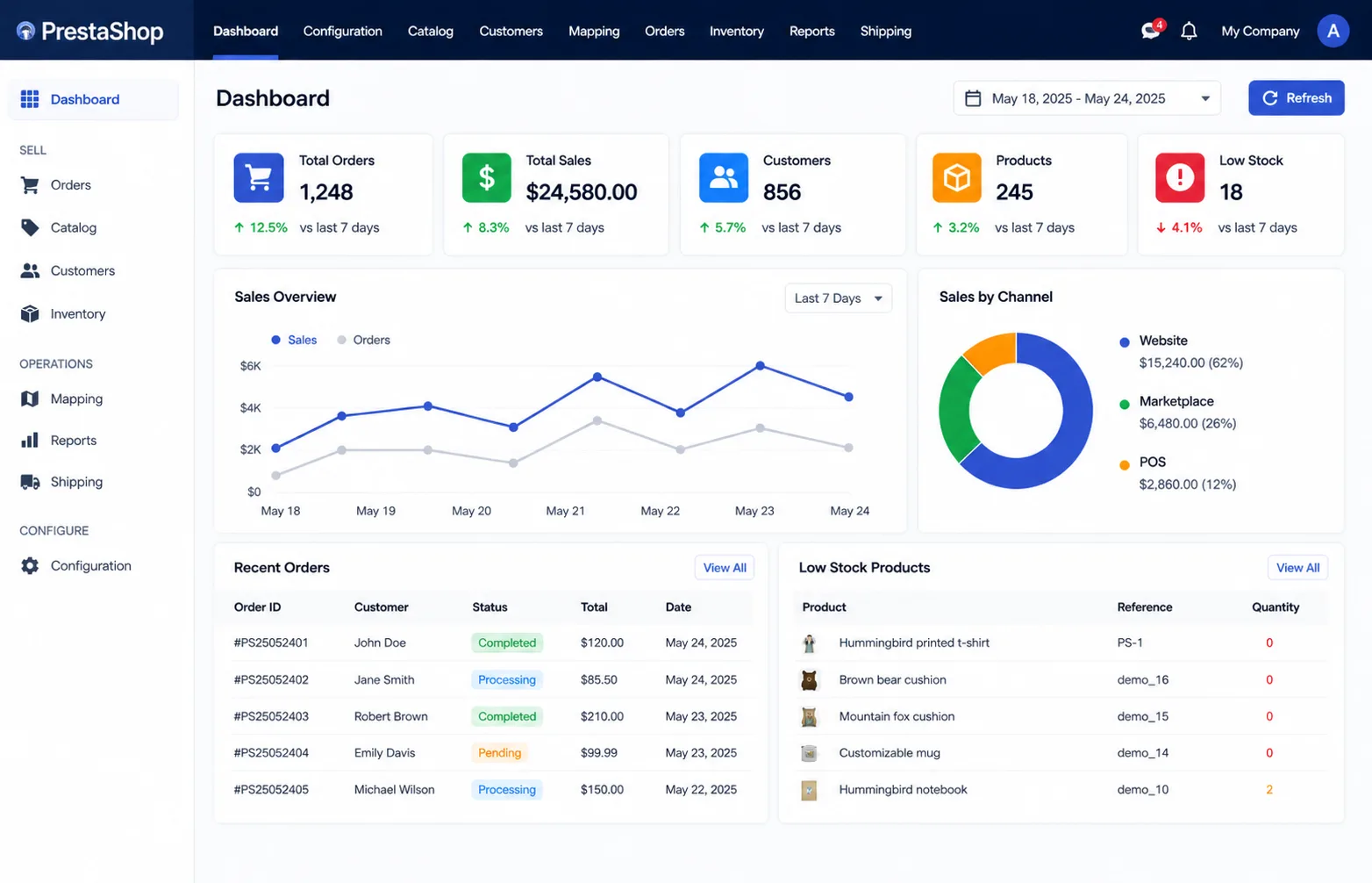
Sync logs and reports gave the team better visibility into failed updates, data movement, and daily integration activity.
Process
Process Followed for PrestaShop Odoo Connector
A structured integration approach using API sync, data mapping, and workflow automation ensured stable PrestaShop Odoo connectivity.
Business Workflow Analysis
First, the existing PrestaShop and Odoo workflows were reviewed, including order flow, product structure, and inventory handling, so the integration could match real business operations.
Connector Installation & Configuration
Next, the PrestaShop Odoo connector was installed and configured with API credentials, modules, and access settings to enable secure system communication.
Data Mapping Setup
Then, product, variant, inventory, order, customer, tax, and shipping fields were mapped between PrestaShop and Odoo to ensure accurate data synchronization.
Sync Rule Configuration
After that, real-time sync rules were set using webhooks, while scheduled cron jobs were added as a fallback to handle missed or delayed updates.
Testing in Staging Environment
Before going live, the integration was tested in a staging environment to validate order sync, stock updates, error handling, and overall data accuracy.
Live Deployment
Once validated, the integration was deployed to the live environment with a controlled rollout to avoid disruptions in ongoing operations.
Monitoring & Ongoing Support
Finally, logs, retry mechanisms, and reporting tools were used to monitor sync activity, detect errors, and maintain stable integration performance.
Features
Features Built for PrestaShop Odoo Operations
Configured to improve sync accuracy, reduce manual work, and simplify daily eCommerce ERP operations.
- Two-way Synchronization Keeps PrestaShop and Odoo data updated across both systems.
- Multi-store Support Connects multiple PrestaShop stores with Odoo from one ERP setup.
- Custom Field Mapping Maps product, order, customer, tax, and shipping fields correctly.
- Real-time and Scheduled Sync Uses real-time sync with scheduled jobs for stable data updates.
- Inventory Automation Supports inventory sync to reduce stock errors and overselling risk.
- Order Lifecycle Updates Syncs order status, payments, invoices, and fulfilment updates.
- Shipment Tracking Sync Updates shipment details between PrestaShop and Odoo for better tracking.
- Reporting Dashboard Visibility Shows sync logs, failed updates, and eCommerce ERP integration activity.
- Version Compatibility Supports stable connector use across compatible PrestaShop and Odoo versions.
- Admin-friendly Controls Gives teams simple controls to manage sync rules and connector settings.
Inside the PrestaShop Odoo Integration Setup
This setup connects storefront activity, ERP workflows, sync automation, and database records into one reliable ecommerce integration flow.
Frontend
Supports PrestaShop storefront actions, product views, and customer-facing ecommerce flows, so changes can connect properly with Odoo workflows.
Backend
Handles Odoo logic, connector rules, order sync, inventory sync, and automation needed to move data between both systems.
Pipeline
Moves products, orders, customers, stock, invoices, and shipping data between PrestaShop and Odoo through API-based integration.
Database
Stores mapped records, sync logs, inventory updates, and reporting data, so teams can track activity and fix failed updates faster.
Results
Performance Gains with PrestaShop Odoo Connector
After launch, the business reduced manual work, improved stock accuracy, and processed daily orders with better speed and control.
Less Manual Work
Product and order updates synced between PrestaShop and Odoo, so the team reduced repeated manual entry by 40–60%.
Faster Order Flow
PrestaShop orders synced faster into Odoo, helping the team process fulfilment with fewer manual steps.
Better Stock Accuracy
Inventory updates moved between both systems, reducing stock mismatch issues across daily ecommerce operations.
Cleaner Customer Data
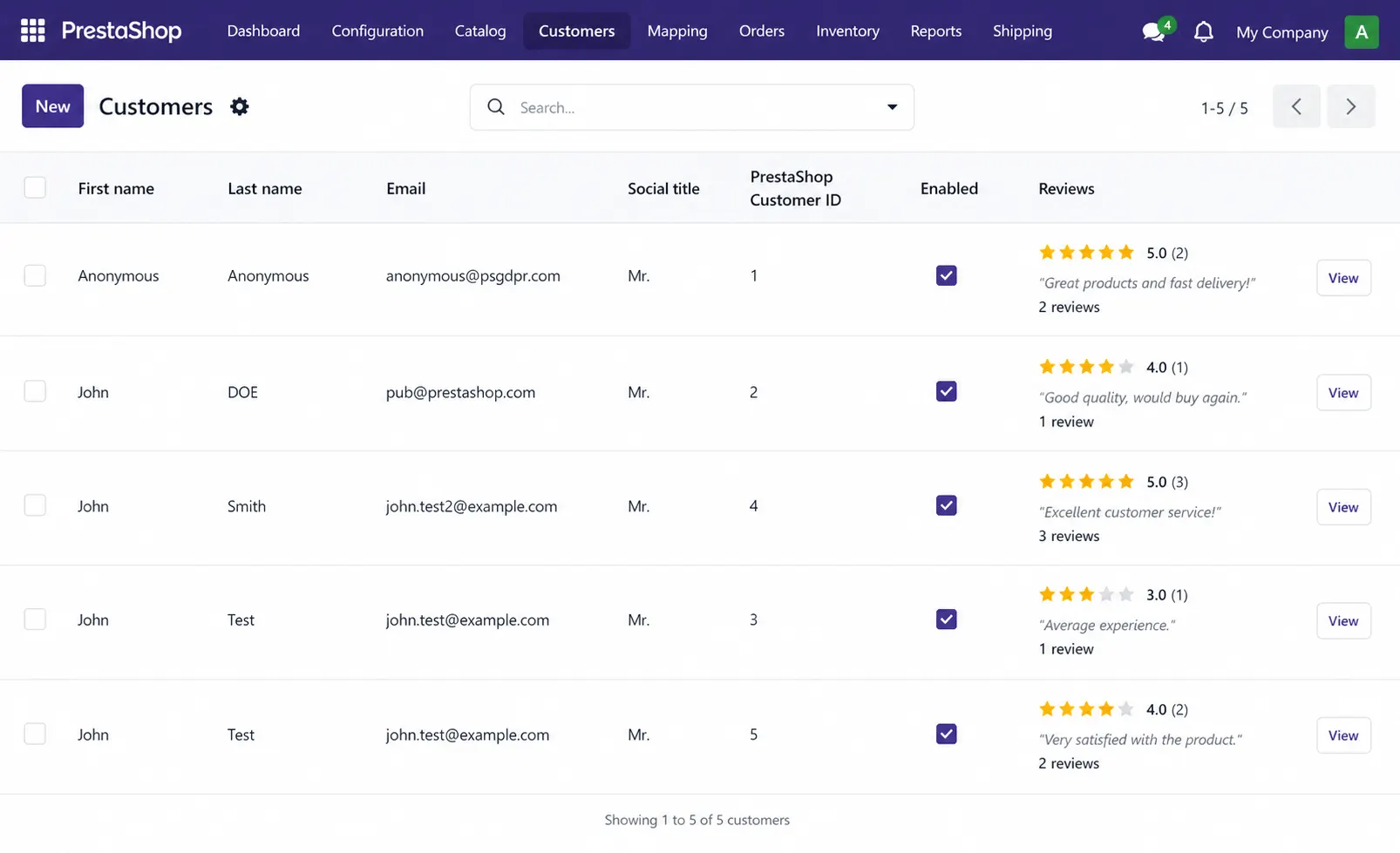
Customer records synced into Odoo with fewer duplicate entries, so the team kept cleaner buyer data.
Smoother Shipping Updates
Shipment and dispatch details became easier to track because order updates stayed connected between PrestaShop and Odoo.
Easier Reporting Access
Order, stock, invoice, and customer data became more accessible in Odoo, reducing manual report checks.
Need PrestaShop Odoo Connector for Your Business?
SDLC Corp can help you connect PrestaShop and Odoo for smoother product sync, faster order processing, better inventory control, and reliable ERP workflows.
- Get Started
Let’s Connect Your PrestaShop to Odoo
Get expert guidance on PrestaShop Odoo integration, data sync setup, and ERP workflows so your team can manage orders, stock, and customer data with less manual work.
What happens after you submit?
- We review your PrestaShop and Odoo setup
- Quick call to understand sync needs
- Clear integration plan and next steps
- Secure Integration
- Odoo-Ready
- Global Clients