
Enterprise SoftwareSolutions and Services
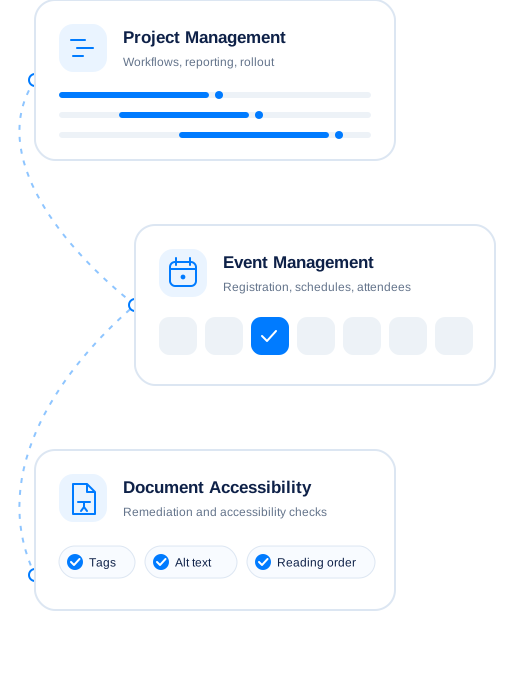
Enterprise software should fit the work your teams need to do. SDLC Corp helps organizations implement project management systems, develop event management software, and improve document accessibility. We start with your requirements, then define a practical path from planning to delivery.
Explore Our Enterprise Software Services
Each service addresses a different business need. Explore the option that matches your priorities, then review its dedicated page for the full scope. Need a platform beyond these solutions? Our enterprise software development services cover custom applications built around your organization’s workflows.
PMIS Implementation Services
Bring project workflows, information, and reporting into a system your teams can use consistently. Our PMIS implementation services help you plan the implementation, configure the system, connect relevant data, and prepare users for rollout.
Event Management Software
Manage event activities through software designed around your processes. SDLC Corp develops event management software to support the tasks your team needs to coordinate, from planning through delivery and review.
Document Accessibility Remediation Services
Make digital documents easier for people to access, navigate, and understand. Our document accessibility remediation services address accessibility issues in the documents and workflows covered by your project scope.
Results From Our Client Projects
See how SDLC Corp replaced scattered tools with one connected system for clients in industrial equipment, freight logistics, and customer service.
Tracking
Odoo ERP for End-to-End Operations
Enquiries, quotations, purchasing, inventory, finance, approvals, and service moved from separate tools into one Odoo ERP workspace.
- Reports: 4–5 hrs to 90 min
- Finance review: 2 days to half a day
- 8 Odoo modules connected

Processing
Odoo ERP for Freight and Logistics
Fleet, warehouse, orders, documents, and shipment tracking moved from five disconnected tools to one Odoo 17 Enterprise platform, rolled out in phases.
- 5 legacy tools retired
- 6 modules rolled out
- Live fleet and shipment view

Response
AI Voice Agent for Customer Call Handling
Pulastya AI answered routine calls from approved business information, captured caller details, and passed complex enquiries to staff with full call context.
- 35% fewer missed enquiries
- Human handoff with context
- One call dashboard

Built for Integration, Security, and Accessibility
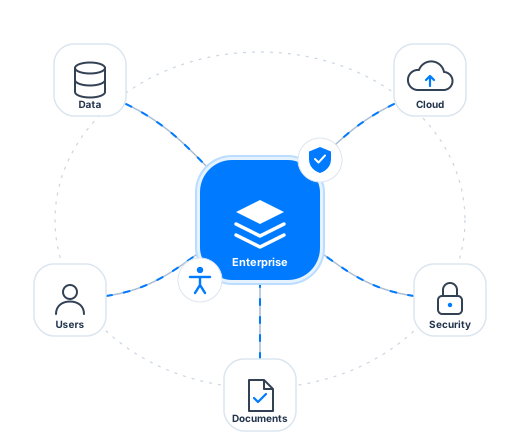
Enterprise requirements extend beyond the main feature list. We consider how people will use the solution, what it must connect to, and how the finished work will be checked.
-
Connect With Existing Systems
A new system may need information from tools your team already uses. We identify those connections during planning and define the data, access, and testing needed for each integration.
-
Manage Access and Protect Data
Different users may need different levels of access. We define roles and permissions as part of the solution scope, based on the information each group needs to perform its work.
-
Test Usability and Accessibility
People need to complete their tasks with the finished solution. We review the relevant workflows and acceptance criteria. For document remediation, the project scope should also define the accessibility checks and document formats required.
Explore Enterprise Software Insights
Practical guides to help you plan a PMIS rollout, choose event software, and make digital documents more accessible.
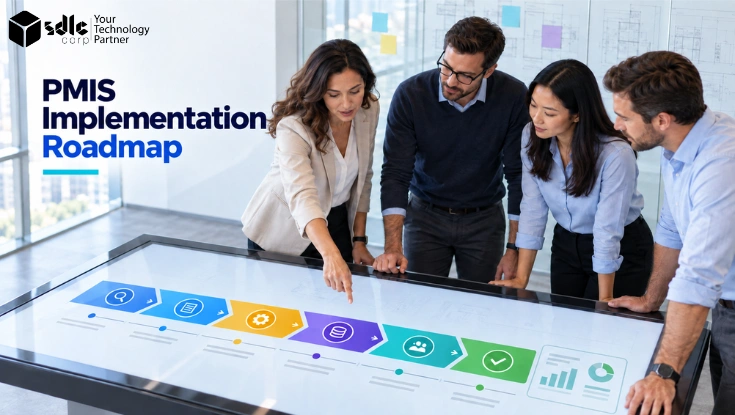
PMIS Implementation Roadmap: Phases, Timeline, Costs and Best Practices
Explore the phases, owners, deliverables, and checks that guide a PMIS rollout.
Read Article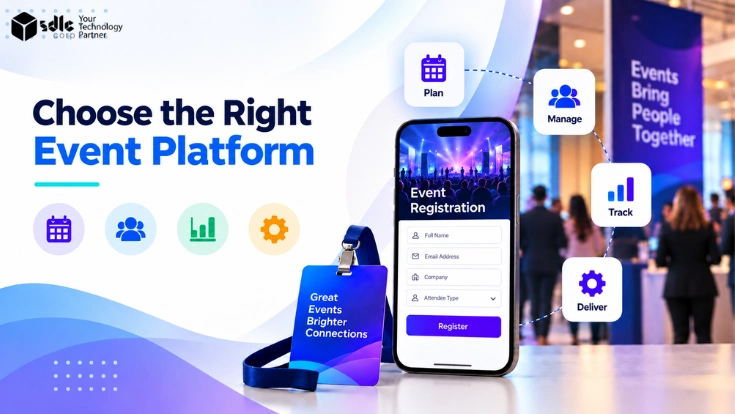
Event Management Platform Buyer’s Guide: How to Choose
Compare event platforms against your workflows, integrations, budget, and support needs.
Read Article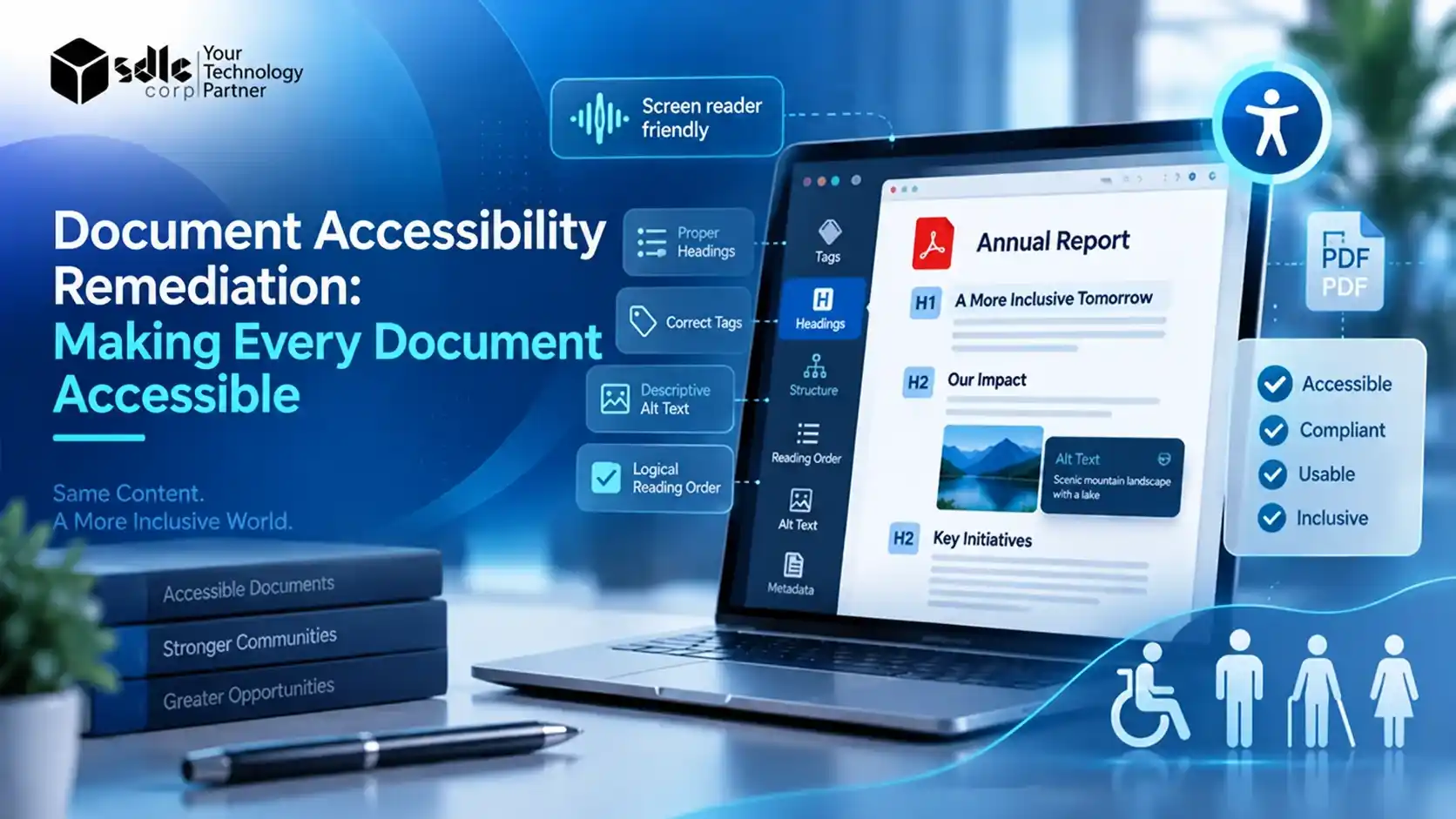
Document Remediation: Making Digital Content Accessible
Understand the work involved in checking and improving document accessibility.
Read Article