Odoo Apps and Connectors by SDLC Corp

Odoo Apps & Connectors Gold Partner

Odoo Apps That Fit
How You Actually Work.

Ready-to-install modules and connectors that extend Odoo into your industry — payments, logistics, manufacturing, and AI, without a rebuild.

200+Odoo rollouts
40+Published modules
10 wksAverage go-live
98%Customer CSAT
Odoo Gold Certified Odoo 17 · 18 ready Apps store published 98% CSAT Migration included Certified consultants

Built to work seamlessly with the platforms that power your business.

Odoo Products

Every Odoo App We Build,
In One Place

Connectors, industry modules, and automation add-ons covering sales, inventory, accounting, manufacturing, and AI. Install what you need into your existing database and leave the rest of your Odoo setup untouched.
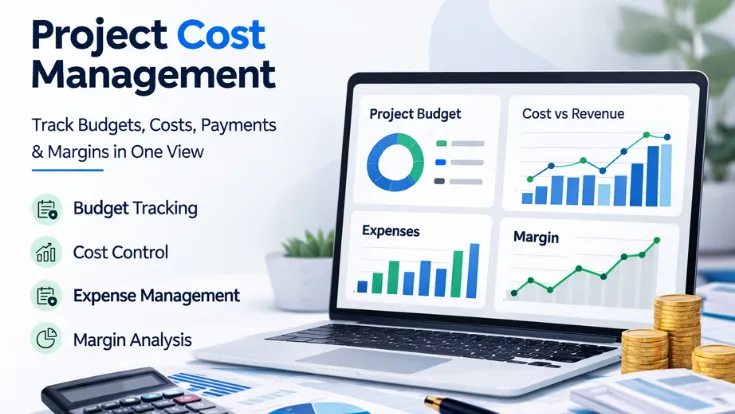
Project Cost Management illustration showing dashboard review, cost tracking, budget planning, and margin visibility
Odoo 17 to 19 module tracking project budgets, timesheet labor cost, extra expenses, client payments and margins.
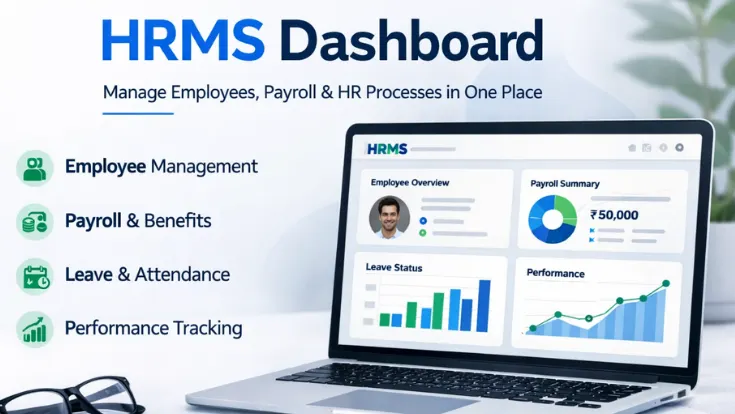
HRMS_Dashboard image
Odoo module that shows attendance, check ins, hours worked and leave balances for HR teams on a single screen.
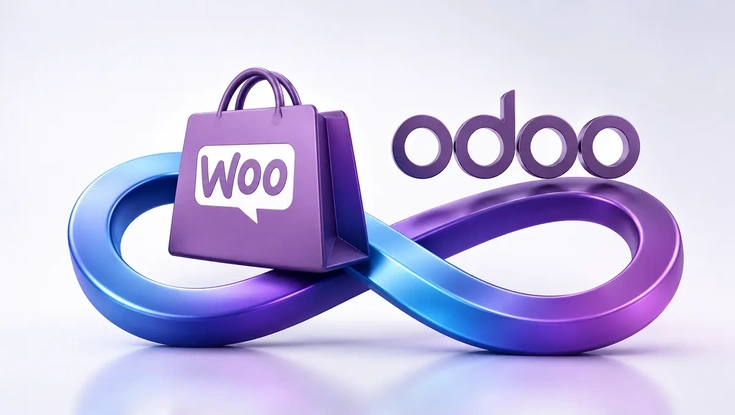
WooCommerce and Odoo integration providing real-time synchronization of products, orders, customers, and inventory.
Bi-directional connector syncing products, orders, customers and inventory between WooCommerce and Odoo 17 to 19.
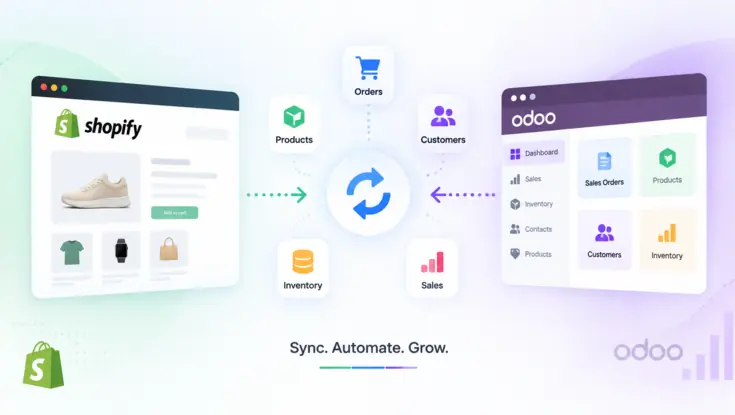
Shopify and Odoo integration synchronizing orders, products, customers, inventory, and sales data between both platforms.
Real-time connector that syncs Shopify products, orders, customers, inventory and payments with Odoo ERP.
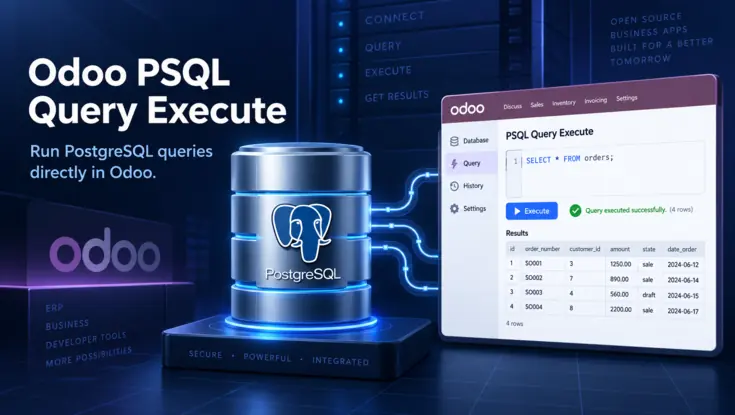
Odoo PSQL Query Execute interface connected to a PostgreSQL database for running queries and viewing results directly in Odoo.
Run PostgreSQL SELECT queries inside Odoo 17 to 19, view formatted result tables and export them to Excel.
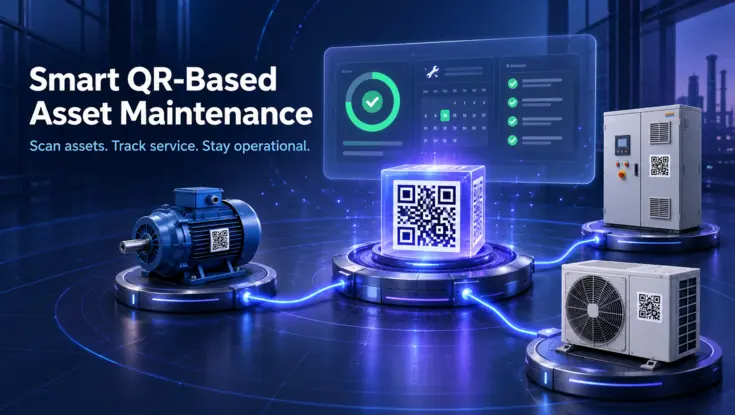
Smart QR-based asset maintenance system connecting industrial equipment to a digital service tracking and maintenance dashboard.
QR code asset tracking inside Odoo for maintenance teams: scan equipment, update service logs and track full history.
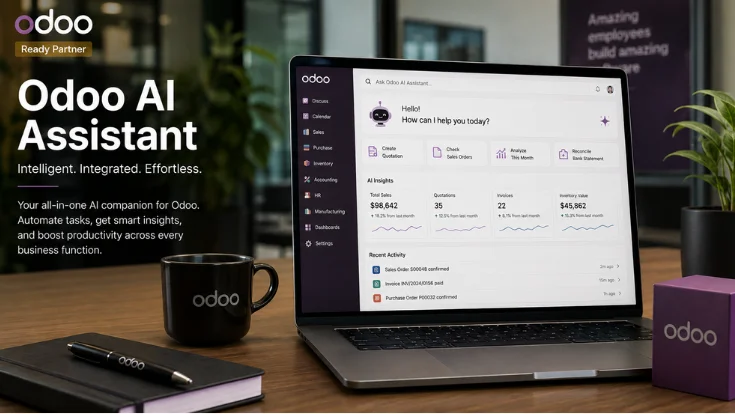
odoo AI assistant
Answers plain English questions on CRM, sales, HR, inventory and accounting data from inside Odoo.
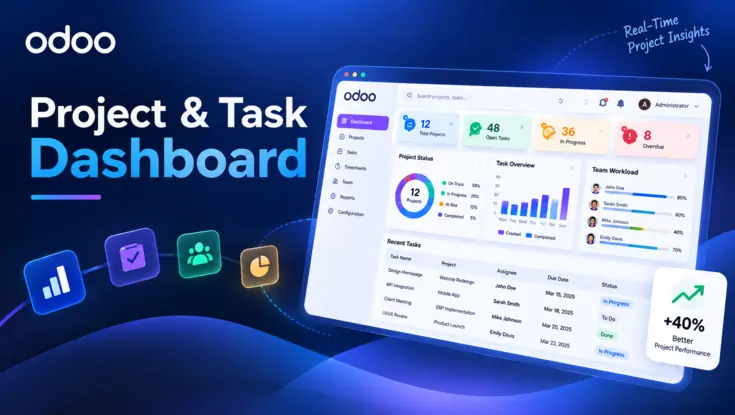
Odoo project and task dashboard showing project status, open tasks, overdue work, team workload, and real-time performance insights.
Real-time dashboard that tracks project progress, team workload and overdue tasks across every Odoo project.
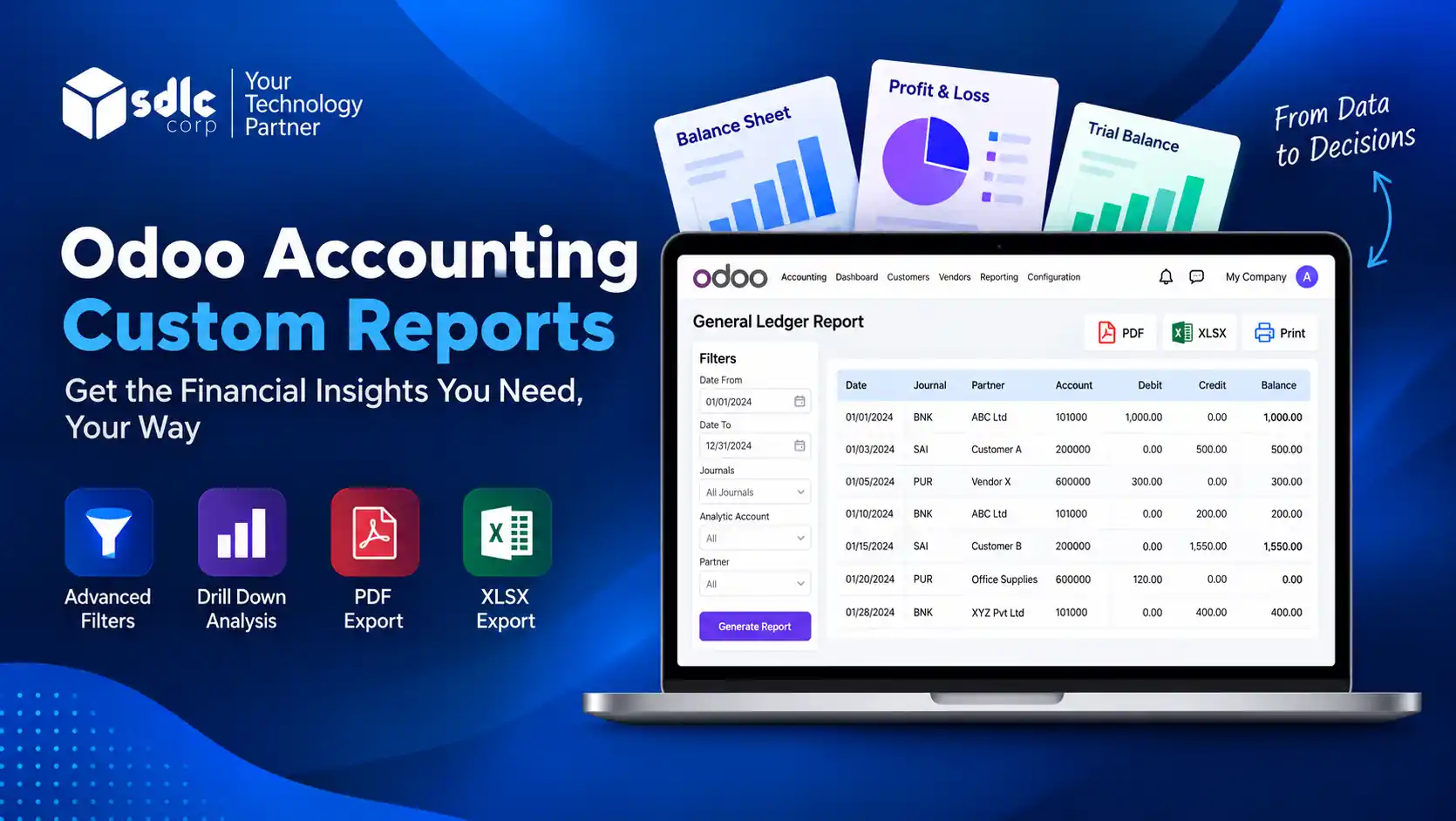
Odoo Accounting Custom Reports dashboard with General Ledger, PDF and XLSX export, advanced filters, and financial reporting features
Eight custom accounting reports for Odoo finance teams, with multi-parameter filters, drill-down and PDF or XLSX export.
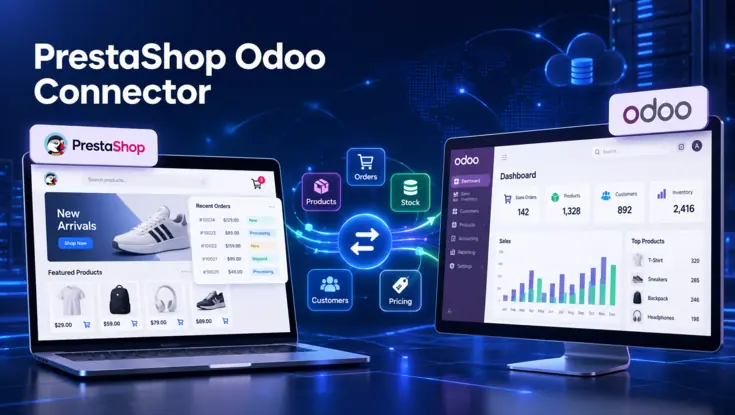
PrestaShop Odoo connector synchronizing orders, products, stock, customers, and pricing data between both platforms.
Two-way connector that keeps products, orders, customers and inventory aligned between PrestaShop stores and Odoo ERP.
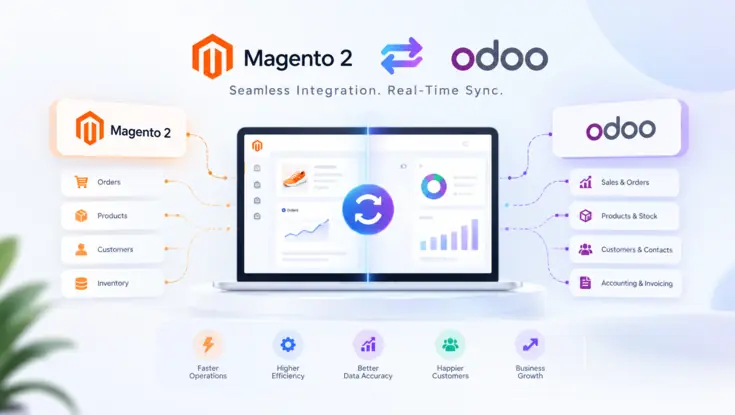
Magento 2 and Odoo integration showing real-time synchronization of orders, products, customers, inventory, sales, and accounting data.
Connector that syncs products, customers, orders, stock, invoices and shipments between Magento 2 and Odoo.
Odoo hotel management system featuring bookings, rooms, guests, billing, housekeeping, reports, and operations beside a modern hotel.
Odoo modules that run hotel reservations, room status, front desk, billing and housekeeping for multi property teams.
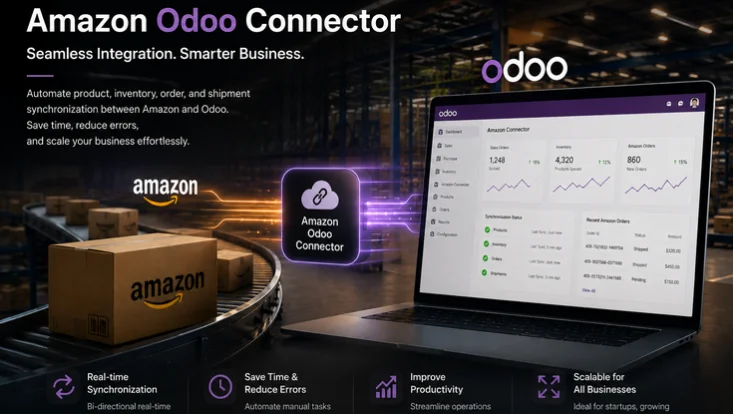
amezon odoo connector
Connects Amazon Seller Central with Odoo so sellers manage orders, stock, invoices and payments in one ERP system.
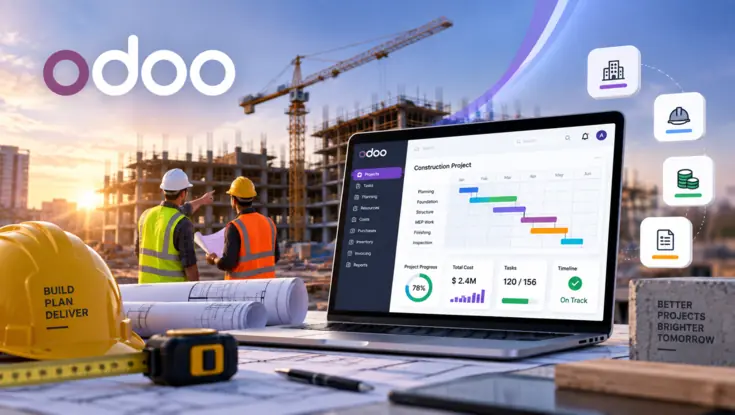
Odoo construction project management dashboard displayed on a laptop at an active building site with engineers, blueprints, and safety equipment.
Construction ERP in Odoo for contractors and developers, covering BOQ, budgets, work orders and RA billing.
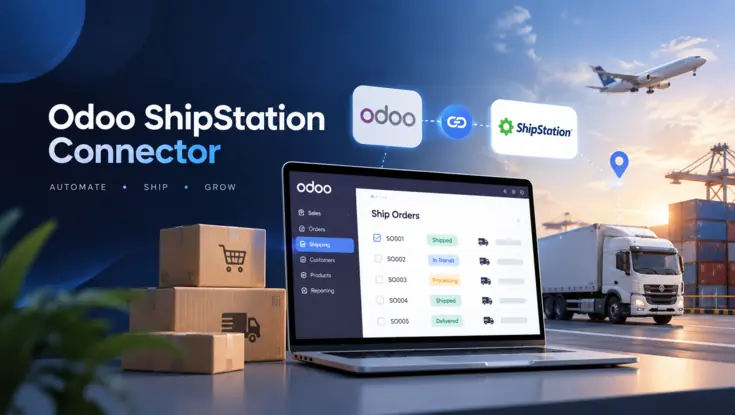
Odoo ShipStation connector automating order shipping, tracking, and delivery management across air, road, and freight operations.
Connects Odoo with ShipStation to sync orders, generate shipping labels in bulk and return tracking to Odoo.
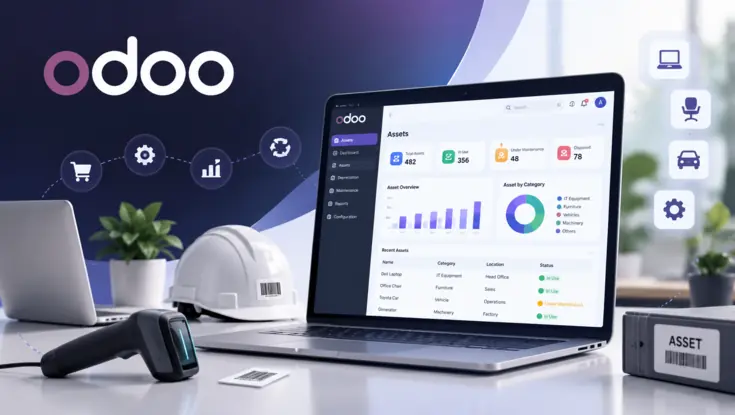
Odoo asset management dashboard displayed on a laptop with barcode scanner, safety helmet, and business asset icons
Tracks fixed assets in Odoo from purchase to disposal, with automated depreciation, maintenance and audit-ready reports.
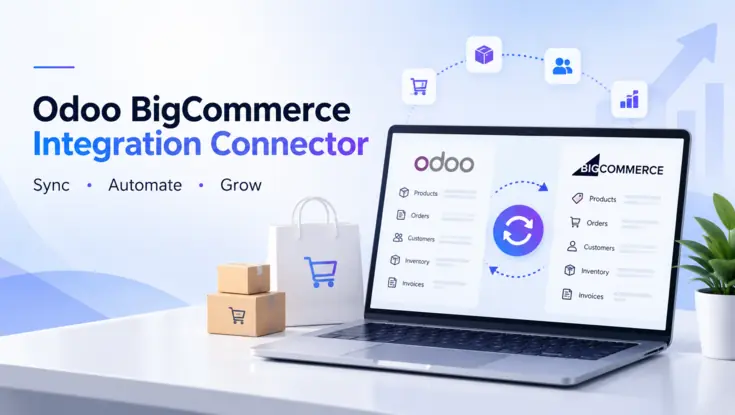
Odoo BigCommerce integration connector synchronizing products, orders, customers, inventory, and invoices between both platforms.
Connects BigCommerce stores with Odoo to sync products, customers, orders, inventory and shipment updates.
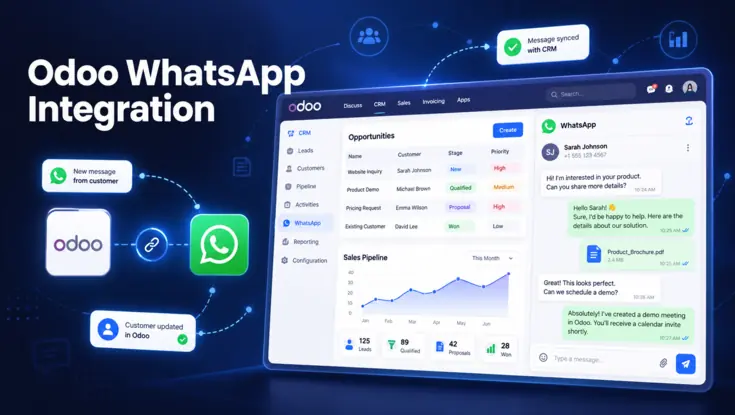
Odoo WhatsApp integration dashboard syncing customer messages, CRM opportunities, contacts, documents, and sales pipeline updates.
Odoo module for sending WhatsApp messages and PDFs from sales orders, invoices and support records, with tracking.
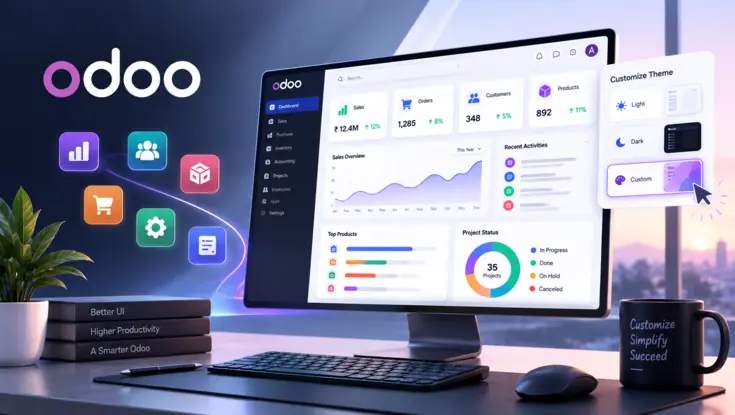
Customizable Odoo dashboard with light, dark, and custom themes displaying sales, orders, customers, products, and project analytics.
Backend theme for Odoo 16 to 19 Community and Enterprise, with dark mode, layout modes and no-code UI settings.
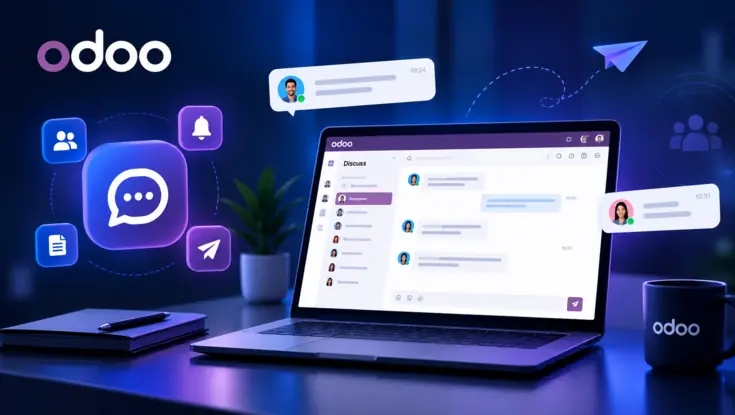
Odoo Discuss messaging interface on a laptop showing real-time team conversations, notifications, contacts, and document sharing.
Odoo 18 module that moves the chatter panel beside or below form views, so teams see more of each record at once.
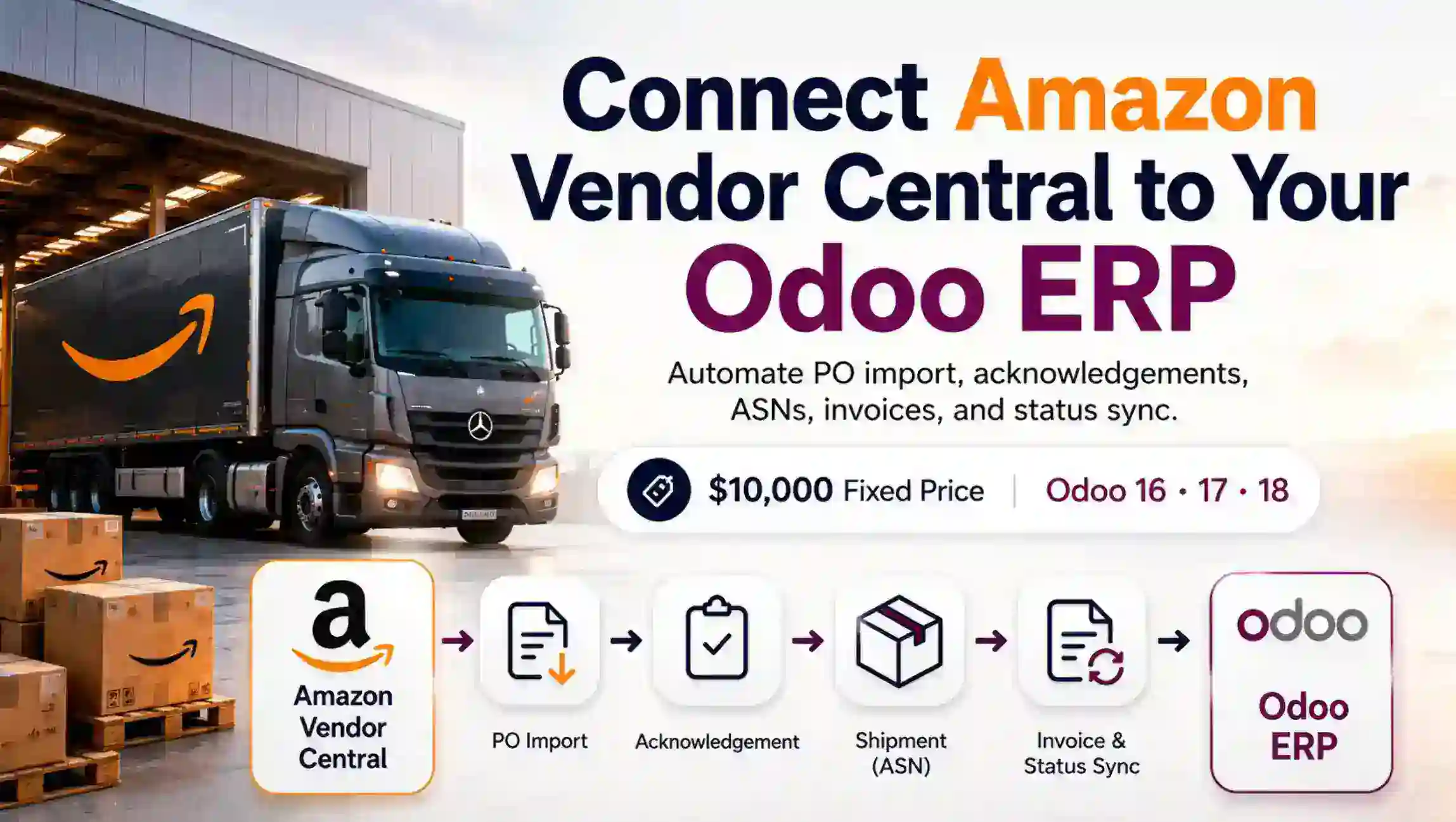
Amazon Vendor Central Odoo Connector
Automates the Amazon Vendor Central order cycle in Odoo, from purchase order import to ASN and invoice submission.
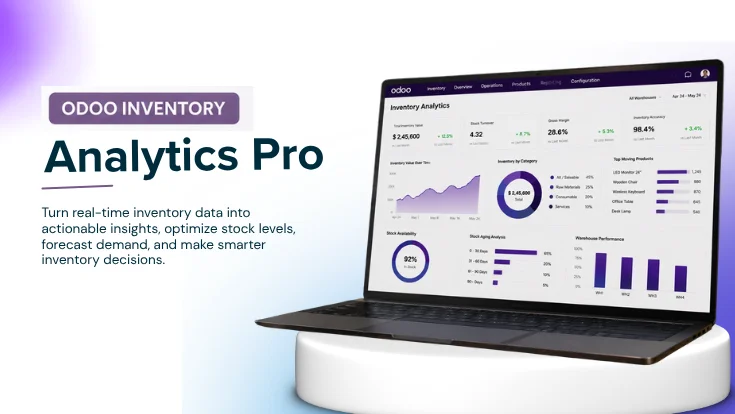
odoo inventry analytics pro
Odoo 19 module that scores inventory health, runs ten stock reports, and creates draft purchase orders for stock teams.
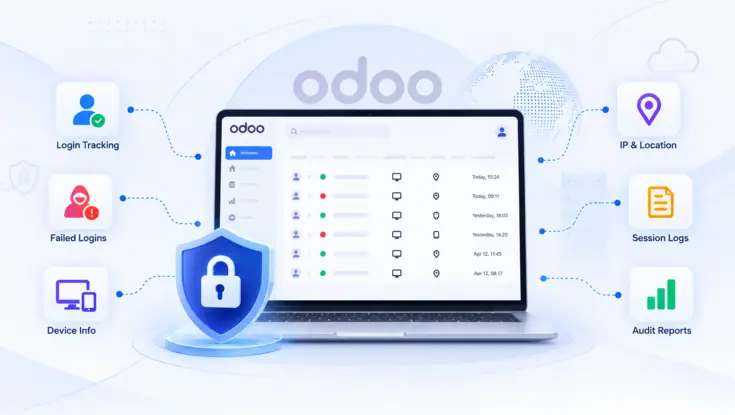
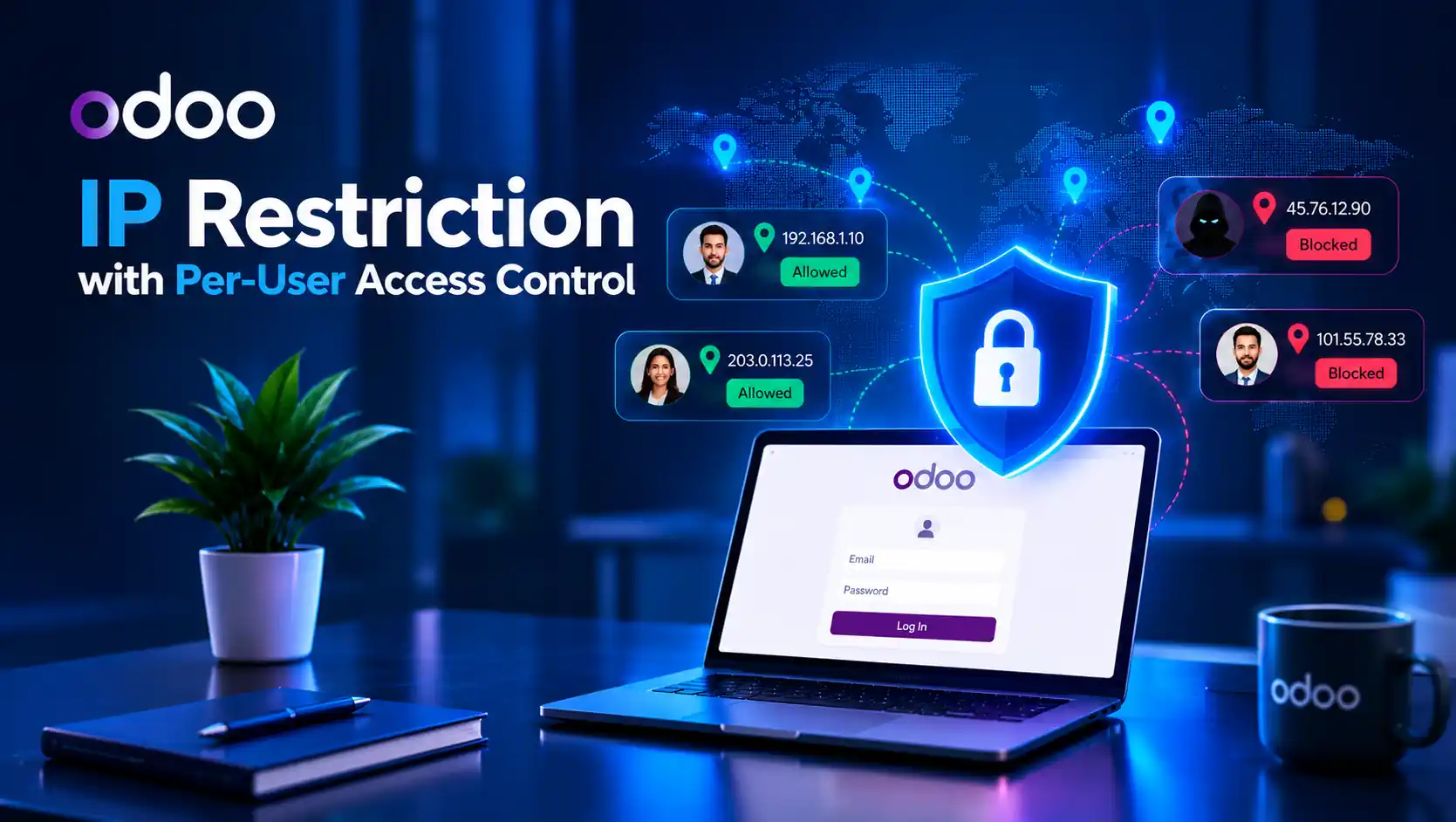
Odoo IP Restriction with Per-User Access Control dashboard showing IP whitelisting, secure login, blocked IP monitoring, and location-based access security.
Per-user IP whitelisting for Odoo 18 and 19, blocking logins, API, RPC and mobile requests from unapproved networks.
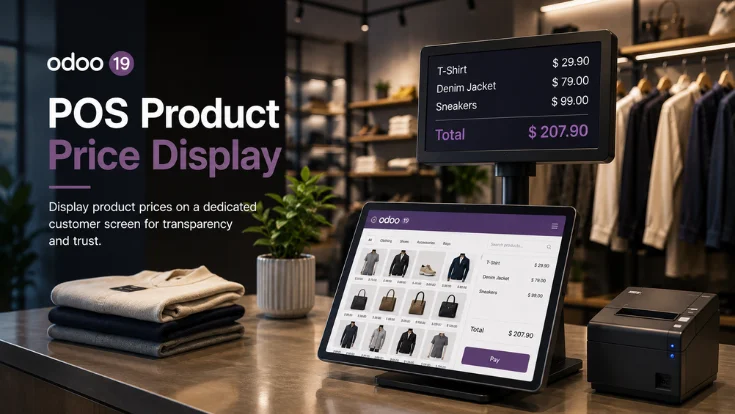
Odoo 19 POS Product
Odoo 19 POS module showing selling and discount prices on product cards so cashiers confirm rates before checkout.
Official Odoo Partner

Your Team Is Doing Odoo Work a Module Could Do

Manual order entry, spreadsheet reconciliation, copy paste between systems. Every hour of it is payroll spent on something a module handles in the background. Show us the process and we will tell you what it costs to automate.

Get My Automation Estimate
Case Studies

Projects that
delivered results.

See how SDLC Corp solves business challenges with tailored solutions and results that move key metrics.

Book Consultation Now
01 / 03 Case Study
Shopify To Odoo Connector

Real-time Shopify to Odoo Data Synchronization

Connect Shopify with Odoo to automate products, orders, and inventory—ensuring accurate data flow and reduced manual work.
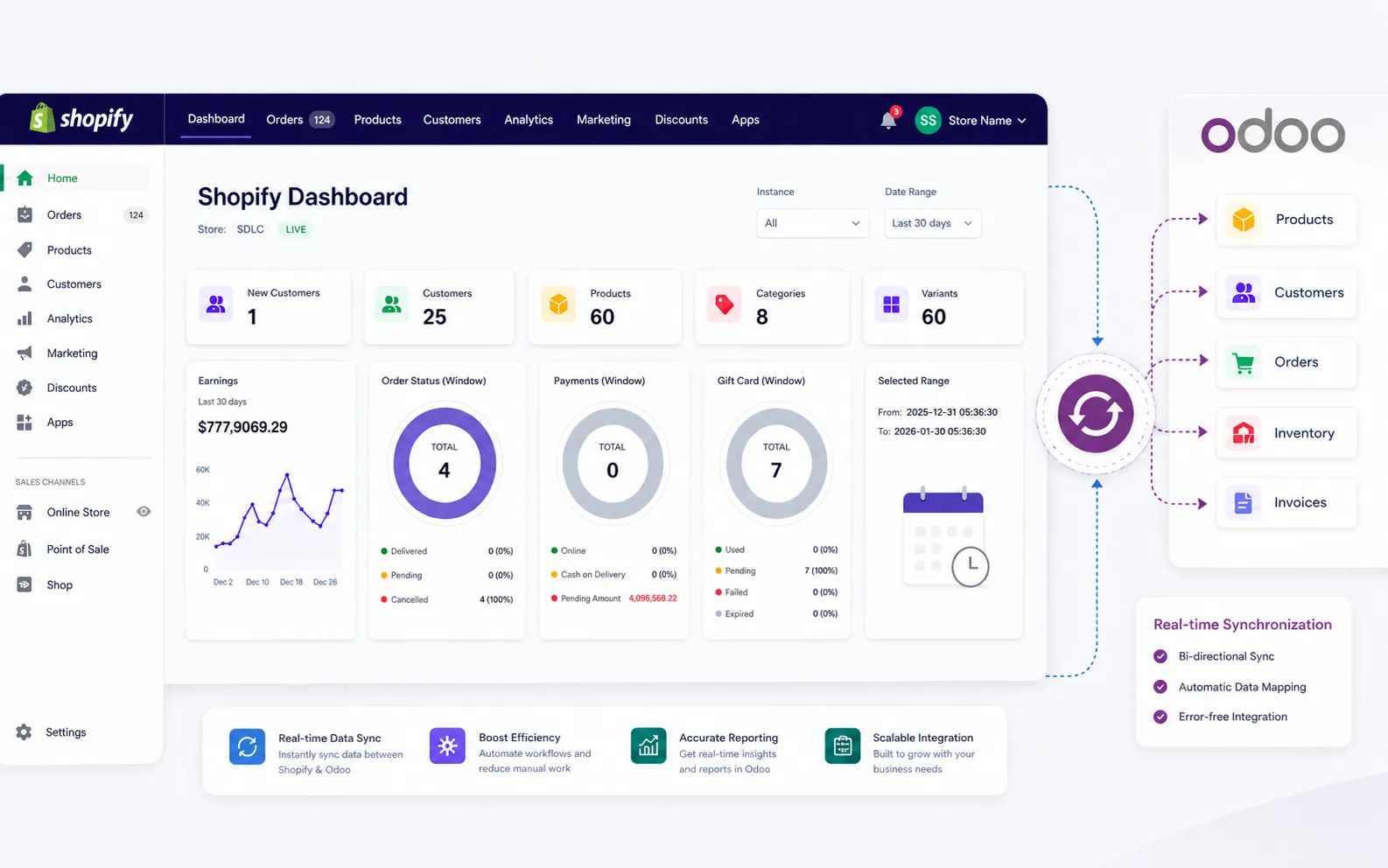
  • Product, order, and customer data sync
  • Automated inventory updates across systems
  • Centralized control from Odoo dashboard
Real-time Shopify to Odoo Data Synchronization
62%
Faster Processing Time
78%
Less Manual Work
35%
Improved Data Accuracy
02 / 03 Case Study
Magento 2 Odoo Connector

Real-time Magento to Odoo Data Synchronization

Connect Magento with Odoo to automate products, orders, customers, stock, and invoices reducing manual updates and improving store operations.
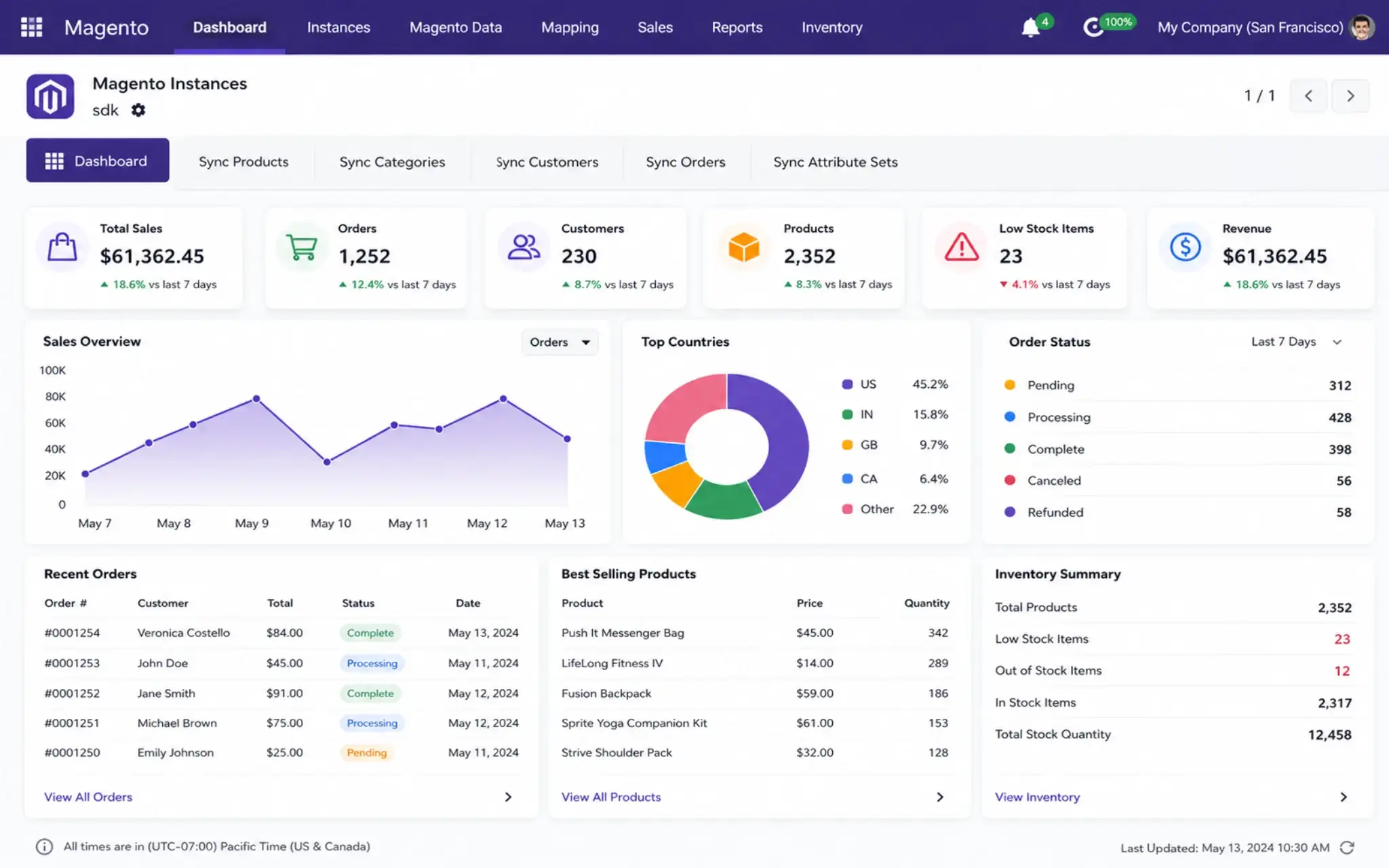
  • Product, order, and customer data sync
  • Automated inventory updates across systems
  • Centralized control for sales, orders, and accounting in Odoo
Real-time Magento to Odoo Data Synchronization
68%
Faster Processing Time
82%
Less Manual Work
40%
Improved Data Accuracy
03 / 03 Case Study
PrestaShop to Odoo Connector

Real-time PrestaShop to Odoo Data Synchronization

Connect PrestaShop with Odoo to sync products, orders, customers, and inventory in real time so your store and backend stay aligned without manual work.
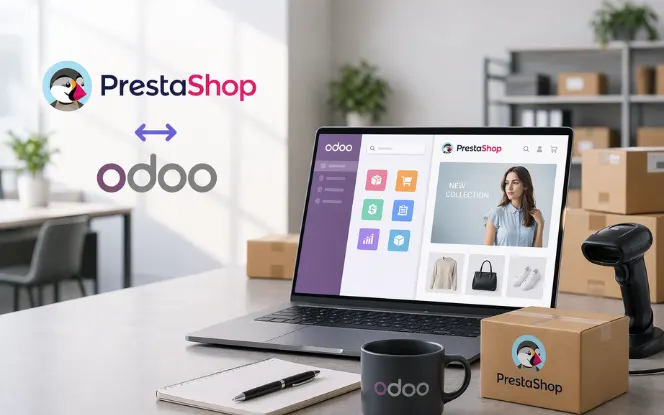
  • Product, order, and customer data synchronization
  • Automated inventory updates across PrestaShop and Odoo
  • Centralized order, sales, and accounting management in Odoo
Real-time PrestaShop to Odoo Data Synchronization
62%
Faster Processing Time
78%
Less Manual Work
35%
Improved Data Accuracy
Products Feature

Built for the
Real World

Every SDLC Corp product is engineered with the same core principles security, scalability, and developer-first design across every domain.

Architecture

Scalable Architecture

Products use microservices architecture that scales from startup to enterprise workloads.

Security

Security

SOC 2 compliant with encryption, role-based access, and threat monitoring.

Integration

Integration

Connect to 200+ tools via our REST & GraphQL API with pre-built connectors.

Docs

Documentation

Developer docs, API references, and integration guides for each product.

Updates

Updates

Feature releases and security patches deployed without downtime.

Support

Support

24/7 support with dedicated managers, SLA guarantees, and priority resolution.

Performance

High Performance

Optimized services, caching, and delivery patterns keep products fast under real-world load.

Observability

Monitoring & Insights

Operational monitoring, logs, and product analytics provide continuous visibility into system health.

Compliance

Enterprise Readiness

Governance, access controls, auditability, and deployment standards support enterprise environments.

Odoo FAQ

Odoo Products Questions

Practical answers about our Odoo connectors, dashboards, and add on modules, covering version compatibility, installation, data sync, customization, pricing, and support before you open an individual product.

General Odoo Products

What kind of Odoo products are listed in this category?

This category lists ready to install Odoo modules, including connectors that link Odoo with your store or marketplace, dashboards for sales, project, and HR reporting, and add on tools that extend standard Odoo screens with extra fields, automation, and controls.

Are these Odoo apps ready to install or do they need development?

Every module here is already built, tested, and ready to install on a supported Odoo instance. Development is only needed if you want fields, workflows, or reports changed beyond the settings the module already provides.

Do I need an existing Odoo setup before buying a product?

These modules run inside Odoo, so an active Odoo database is required. If you do not have one yet, our team can set up Odoo, install the base apps your module depends on, and then deploy the product on top of it.

How do I choose the right Odoo product for my business?

Start with the problem you want solved, whether that is channel sync, reporting visibility, or a missing workflow in standard Odoo. Each product card states its use case, and our team can confirm the right fit after a short call.

Connectors and Integration

What do the Odoo connectors in this category actually sync?

Connectors typically sync products, stock levels, pricing, orders, customers, and order status between Odoo and your sales channel, so both systems reflect the same records without manual re entry.

Is the sync automatic and does it run both ways?

Sync runs on a schedule and can also be triggered manually. Most fields are supported in both directions, and you can decide which side is treated as the source of truth for each data type during configuration.

What happens to my existing Odoo data during setup?

Installation adds new features rather than replacing your records. Mapping is done first so existing products and customers link to the correct channel entries, and we recommend testing on a staging database before going live.

Can these products connect with tools outside Odoo?

Yes. Alongside the built in channel connectors, modules can exchange data with payment gateways, shipping providers, accounting tools, and internal systems through REST APIs and Odoo webhooks.

Dashboards and Reporting

What do the Odoo dashboard products cover?

Dashboard modules turn data you already store in Odoo into visual summaries for areas such as sales performance, project progress, employee records, inventory movement, and invoicing, all viewable inside the Odoo backend.

Can I build my own views, filters, and reports?

Yes. Charts and tables can be filtered by date range, team, company, or category, and layouts can be adjusted so each role sees the figures relevant to them. Custom KPIs can be added on request.

Do dashboards work with data already in my database?

Yes. Dashboards read directly from your existing Odoo models, so historical records appear as soon as the module is installed. No separate data import or duplicate database is required.

Versions, Hosting and Installation

Which Odoo versions are supported?

Products are maintained for the currently supported Odoo releases, and each product page lists the versions it has been tested on. If you run an older release, our team will confirm compatibility or suggest an upgrade path first.

Do these modules work on Odoo Community and Enterprise?

Most modules run on both editions. A few depend on features that exist only in Enterprise, and that requirement is stated on the product page so you know before purchase.

Can I install these on Odoo Online, Odoo.sh, or my own server?

Odoo.sh and self hosted instances support custom modules directly, so installation is straightforward. Odoo Online restricts third party code, so our team reviews your hosting during onboarding and recommends the workable option.

How long does installation and setup usually take?

A standard module install and basic configuration is typically completed within a day. Connector setups take longer because product mapping, credentials, and a test sync cycle need to be validated before go live.

Customization, Pricing and Support

How is pricing determined for these Odoo products?

Pricing depends on the module, the number of databases or users involved, and any customization you request. You receive a clear quote covering licence, setup, and optional support before work begins.

Can an Odoo module be customized to match my workflow?

Yes. Fields, approval steps, user access rules, report formats, and screen layouts can be adjusted so the module follows your process instead of forcing your team to change how they work.

Will a product still work after I upgrade Odoo?

Modules are updated for new supported Odoo releases, and migration is handled as part of the upgrade so your configuration and data carry over. We recommend testing the upgrade on a staging database first.

What support do you provide after installation?

Support covers installation help, bug fixes, version updates, and user onboarding, with priority response and a dedicated point of contact available for enterprise customers.

Can I see a live demo before deciding?

Yes. You can book a walkthrough where we demonstrate the module inside a working Odoo instance, answer version and pricing questions, and outline the fastest route to running it in your own environment.

Let’s Talk About Your Product

Get expert guidance on scope, architecture, timelines, and delivery approach so you can move forward with confidence.

What happens next?